7
User guide
Use camera and video, and play music
Take and send photos and video clips
>
Press on the right side of your mobile
> Press to select camera or video.
> Press on the right side of your mobile to
take a photo or to start and stop video recording.
> Select Send (left soft key) and follow menu.
You can control light, brightness, quality, file size
and duration. In
Camera or Video camera mode
select Settings (left soft key).
Add a photo to your contact
You can associate a photo with a contact stored on
the mobile and not on your USIM card.
> Highlight the contact > More > Edit contact > scroll
left to and at Picture > Add > Camera album.
Then select your preferred image. > Save
Viewing photos or video clips
> > My Stuff (7) > Camera album.
Then
select your preferred file.
Play music
>
Press top left side of your mobile
Voice calling and video calling
Make calls
>
Enter the number.
> Press Call for voice calls.
> Press More then .
> To end a call press End call.
Receive calls
>
To answer a call press Answer.
> To end a call press End call.
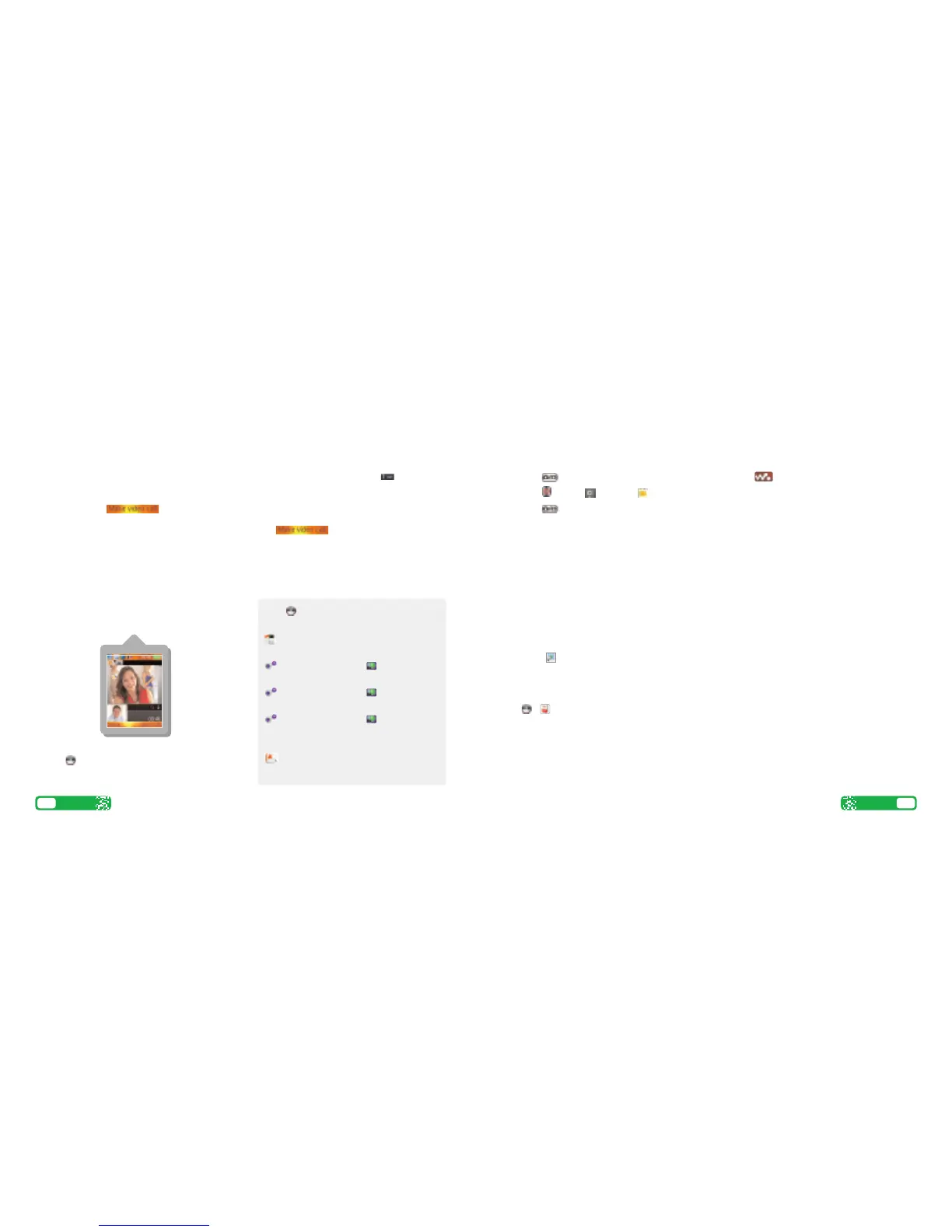
> During a video call, you’ll see a large picture of the
other person and a small picture of how you look to
them in the bottom left of the screen.
> To stop the other person from seeing you:
press and scroll to Stop camera.
Setting up Voicemail and Videomail
>
To set up Voicemail: press and hold
Follow the voice prompts to choose a PIN and
record your greeting.
> To set up Videomail, enter 123 and press More
then .
Follow the voice prompts to record your video
greeting. The caller will see your video greeting
when you can’t answer a video call.
6
User guide
From you can...
View missed, received, dialled calls
Calls (
*
)
Activate call waiting
Settings (#) > Calls tab > Manage calls
Divert calls
Settings (#) > Calls tab > Divert calls
Send or withhold number
Settings (#) > Calls tab > Show/hide
my no.
View own number
Contacts (8) > More / Options > My
business card
▲
▲













 To Next Page