GB
22
x
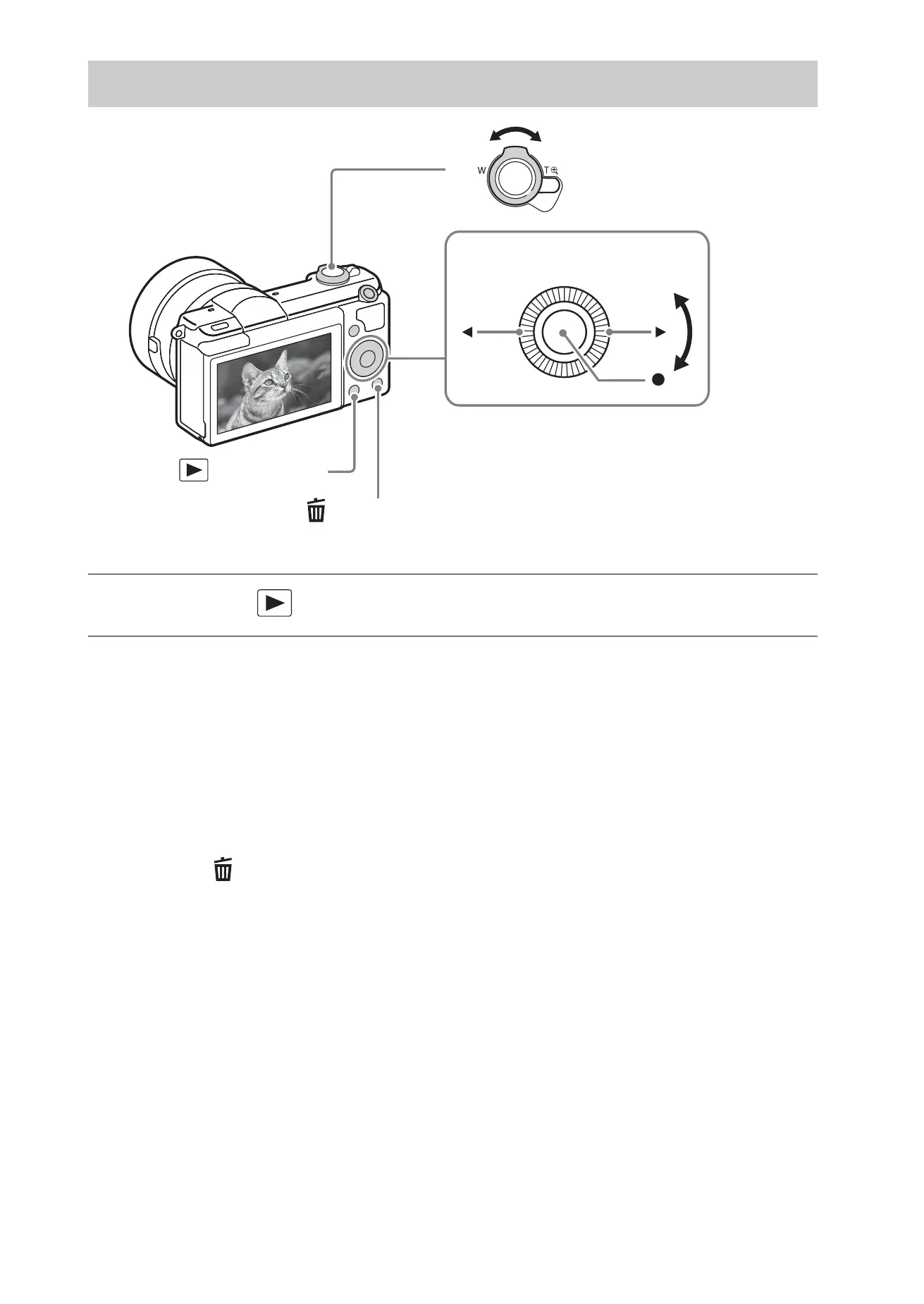
Selecting next/previous image
Select an image by pressing B (next)/b (previous) on the control wheel or by
turning the control wheel. Press z in the center of the control wheel to view
movies.
x
Deleting an image
1 Press the (Delete) button.
2 Select [Delete] with v on the control wheel, then press z.
x
Returning to shooting images
Press the shutter button halfway down.
Viewing images
1
Press the (Playback) button.
(Delete)
Control wheel
(Playback)
W: zoom out
T: zoom in
Select images:
B (next)/b (previous) or turn the
control wheel
Set: z



 To Next Page