ILCE-7C
5-021-708-41(1)
GB
9
C:\Users\gotanda\Desktop\5021708411_GB_Book_Thailand\01GB-ILCE7CCEC\01GB.indd
DTP data saved: 2020/06/26 10:35
PDF file created: 2020/06/26 10:36
GB
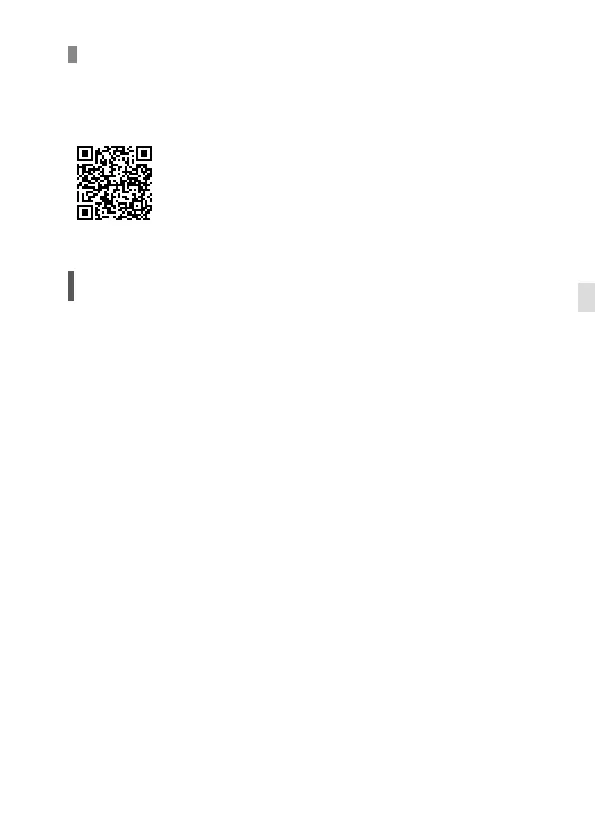
Editing movies on a smartphone
You can edit recorded movies by installing the Movie Edit add-on to your
smartphone.
For details on installation and use, refer to the following URL:
https://www.sony.net/mead/
Managing and editing images
on a computer
By connecting the camera to a computer using a USB cable or inserting the
camera’s memory card into the computer, you can import recorded images
to the computer.
You can perform remote shooting from a computer, and adjust or develop
RAW images recorded with the camera by using the software suite
Imaging Edge Desktop.
For details on the computer software, refer to the following URL.
https://www.sony.net/disoft/



 To Next Page