ILCE-7SM3
5-060-467-41(1)
EN
28
\\Win-473\camera\CX85000(OT)UUD_IM\Multi\04_Compose\5060467411_14lang\5060467411ILCE7SM3CEC\01EN-ILCE7SM3CEC\040SHT.indd
DTP data saved: 2023/12/27 17:47
PDF file created: 2024/01/19 12:00
Using the shooting functions
Focusing
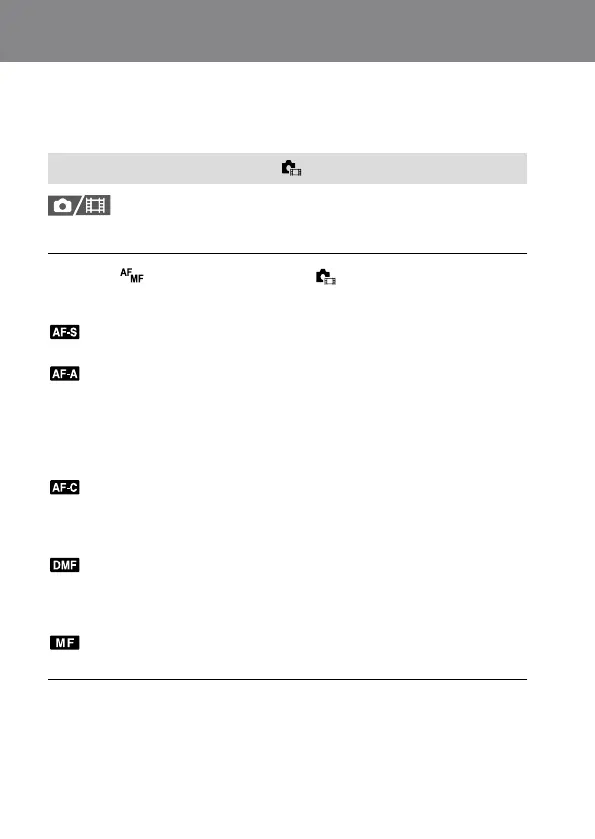
Selecting the focus method ( Focus Mode)
Selects the focus method to suit the movement of the subject.
MENU (Focus) [AF/MF] [ Focus Mode] desired
setting.
(Single-shot AF): The product locks the focus once focusing is
complete. Use this when the subject is motionless.
(Automatic AF): [Single-shot AF] and [Continuous AF] are switched
according to the movement of the subject. When the shutter button is
pressed halfway down, the product locks the focus when it determines
that the subject is motionless, or continues to focus when the subject
is in motion. During continuous shooting, the product automatically
shoots with [Continuous AF] from the second shot.
(Continuous AF): The product continues to focus while the shutter
button is pressed and held halfway down. Use this when the subject is
in motion. In [Continuous AF] mode, there is no beep when the camera
focuses.
(Direct manual focus): You can make fine adjustments manually
after performing auto focusing, letting you focus on a subject more
quickly than when using [Manual Focus] from the beginning. This is
convenient in situations such as macro shooting.
(Manual Focus): Adjusts the focus manually. If you cannot focus on
the intended subject using auto focus, use [Manual Focus].



 To Next Page