ILCE-7SM3
5-060-467-41(1)
EN
29
\\Win-473\camera\CX85000(OT)UUD_IM\Multi\04_Compose\5060467411_14lang\5060467411ILCE7SM3CEC\01EN-ILCE7SM3CEC\040SHT.indd
DTP data saved: 2023/12/27 17:47
PDF file created: 2024/01/19 12:00
EN
EN
29
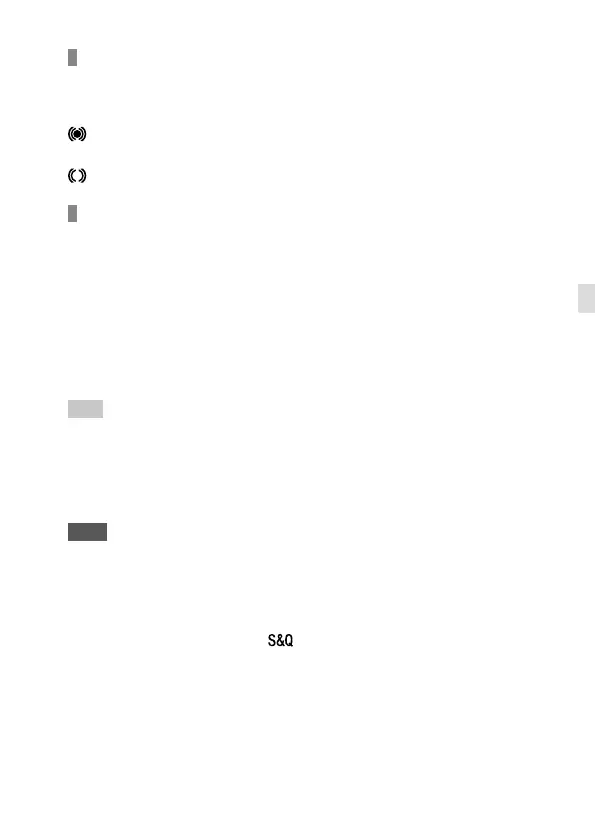
Focus indicator
(lit): The subject is in focus and the focus is locked.
(flashing): The subject is not in focus.
(lit): The subject is in focus. The focus will be adjusted continuously
according to the movements of the subject.
(lit): Focusing is in progress.
Subjects on which it is difficult to focus using auto focus
• Dark and distant subjects
• Subjects with poor contrast
• Subjects seen through glass
• Fast-moving subjects
• Reflective light or shiny surfaces
• Flashing light
• Back-lit subjects
• Continuously repetitive patterns, such as the facades of buildings
• Subjects in the focusing area with different focal distances
Hint
• In [Continuous AF] mode, you can lock the focus by pressing and holding the
button that has been assigned the [Focus Hold] function.
• When you set the focus to infinity in the [Manual Focus] mode or the [DMF]
mode, make sure that the focus is on a sufficiently distant subject by checking
the monitor or the viewfinder.
Note
• [Automatic AF] is available only when you are using a lens that supports
phase detection AF (page 33).
• When [Continuous AF] or [Automatic AF] is set, the angle of view may change
little by little while focusing. This does not affect the actual recorded images.
• Only [Continuous AF] and [Manual Focus] are available when shooting movies
or when the mode dial is set to
(S&Q Motion).



 To Next Page