ILCE-7SM3
5-060-467-41(1)
EN
30
\\Win-473\camera\CX85000(OT)UUD_IM\Multi\04_Compose\5060467411_14lang\5060467411ILCE7SM3CEC\01EN-ILCE7SM3CEC\040SHT.indd
DTP data saved: 2023/12/27 17:47
PDF file created: 2024/01/19 12:00
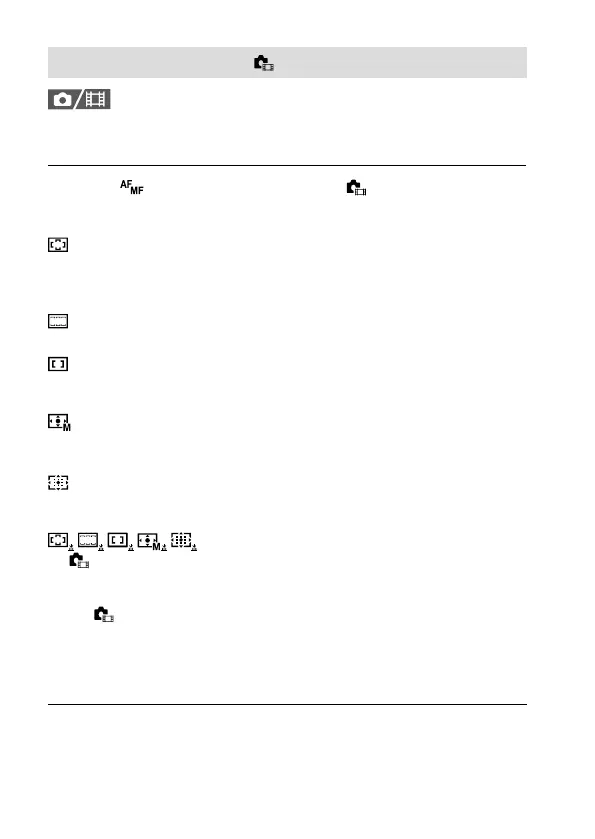
Selecting the focus area ( Focus Area)
Set the type of focusing frame when shooting with the auto focus.
Select the mode according to the subject.
MENU (Focus) [Focus Area] [ Focus Area]
desired setting.
Wide: Focuses on a subject covering the whole range of the screen
automatically. When you press the shutter button halfway down in the
still image shooting mode, a green frame is displayed around the area
that is in focus.
Zone: Select a zone on the monitor on which to focus, and the product
will automatically select a focus area.
Center Fix: Focuses automatically on a subject in the center of
the image. Use together with the focus-lock function to create the
composition you want.
Spot: L / Spot: M / Spot: S: Allows you to move the focusing frame to
a desired point on the screen and focus on an extremely small subject
in a narrow area.
Expand Spot: If the product cannot focus on a single selected point,
it uses focus points around the [Spot] as a secondary priority area for
focusing.
Tracking: This setting is available only when the
[
Focus Mode] is set to [Continuous AF]. When the shutter button
is pressed and held halfway down, the product tracks the subject
within the selected autofocus area. Point the cursor at [Tracking] on
the [
Focus Area] setting screen, and then select the desired area to
start tracking using the left/right sides of the control wheel. You can
also move the tracking start area to the desired point by designating
the area as a [Tracking: Zone], [Tracking: Spot L]/[Tracking: Spot M]/
[Tracking: Spot S] or [Tracking: Expand Spot].



 To Next Page