Interchangeable Lens Digital Camera
ILCE-7/ILCE-7R
Shooting still images
Shoots still images.
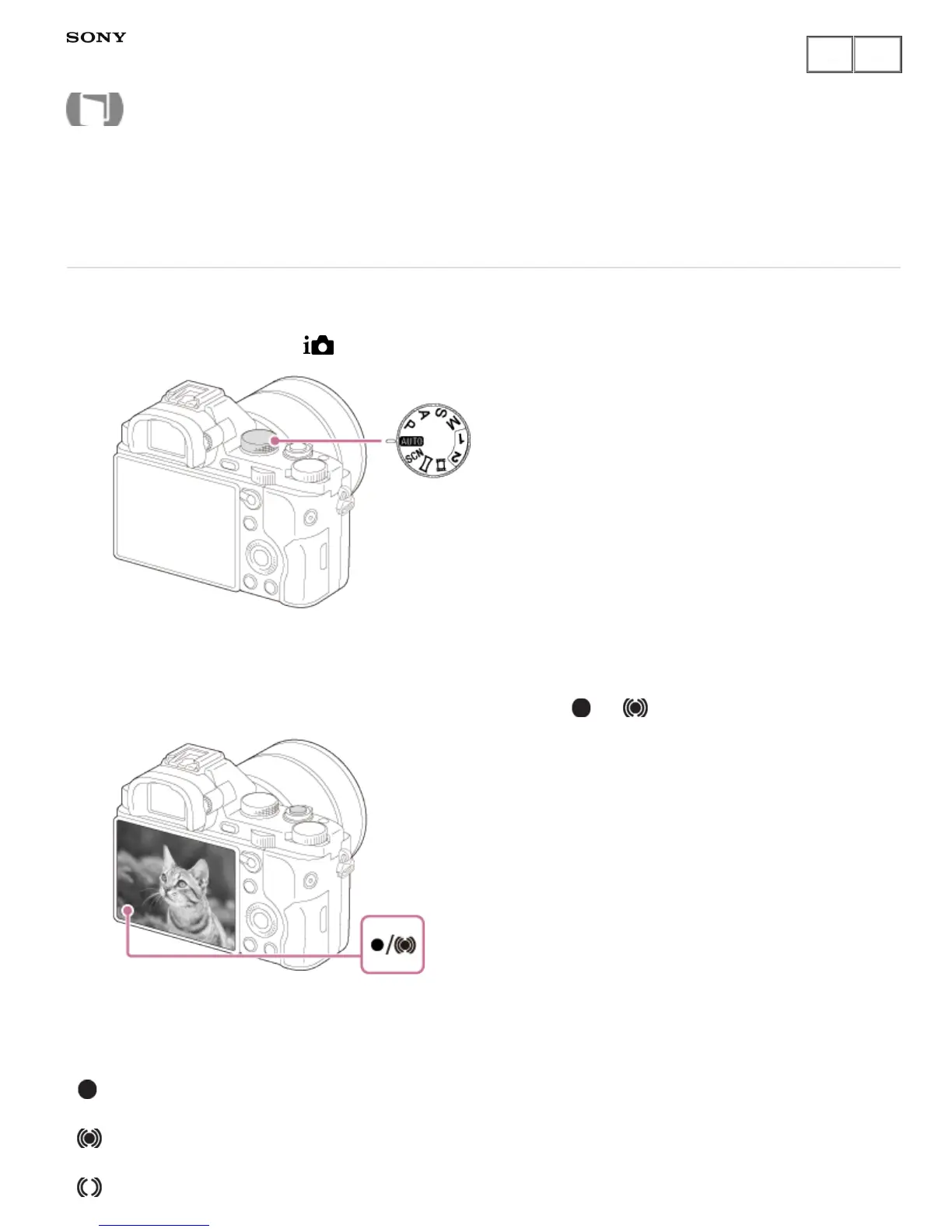
1. Set the shooting mode to (Intelligent Auto).
2. Adjust the monitor angle, and hold the camera. Or look through the viewfinder and hold the camera.
3. Press the shutter button halfway down to focus.
When the image is in focus, a beep sounds and the indicator ( or ) lights.
4. Press the shutter button fully down.
Focus indicator
lights:
Image is in the focus.
lights:
Image is in the focus. The focused position will change to suit the motion of the subject.
lights:
Help Guide
How to Use











 To Next Page