Interchangeable Lens Digital Camera
ILCE-7/ILCE-7R
About Scene Recognition
Scene Recognition operates in [Intelligent Auto] mode and [Superior Auto] mode.
This function allows the product to automatically recognize the shooting conditions and shoot the image.
Scene Recognition:
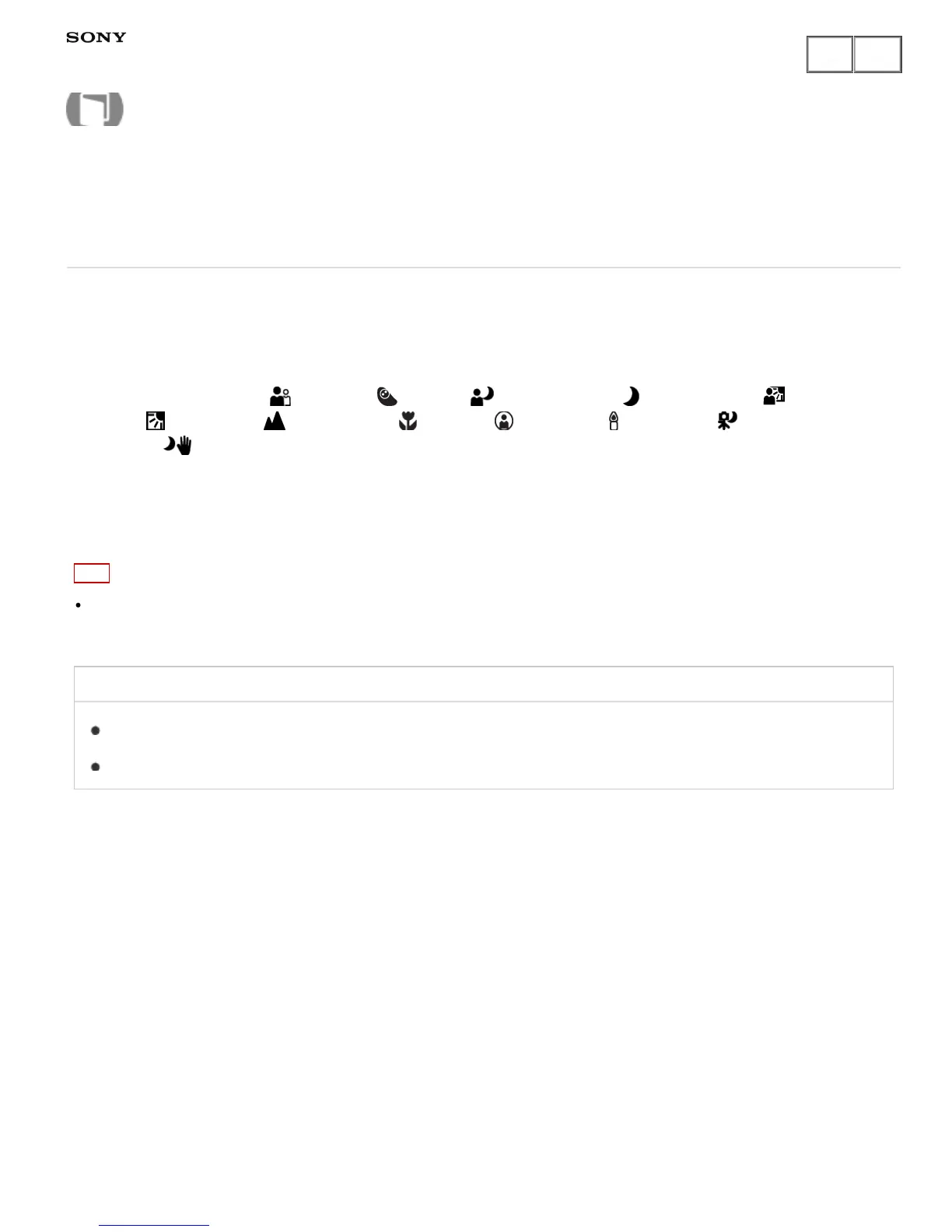
Icons and guides such as (Portrait), (Infant), (Night Portrait), (Night Scene), (Backlight
Portrait), (Backlight), (Landscape), (Macro), (Spotlight), (Low Light), (Night Scene using
a tripod) or (Hand-held Twilight) are displayed.
Image processing:
Cont. Shooting, Slow Sync., Auto HDR, Daylight Sync., Slow Shutter, Hand-held Twilight
Note
When [Smile/Face Detect.] is set to [Off], the [Portrait], [Backlight Portrait], [Night Portrait] and [Infant] scenes
are not recognized.
Related Topic
Intelligent Auto
Superior Auto
Notes on use
4-484-060-11(1)
Copyright 2013 Sony Corporation
Help Guide
How to Use











 To Next Page