Interchangeable Lens Digital Camera
ILCE-7/ILCE-7R
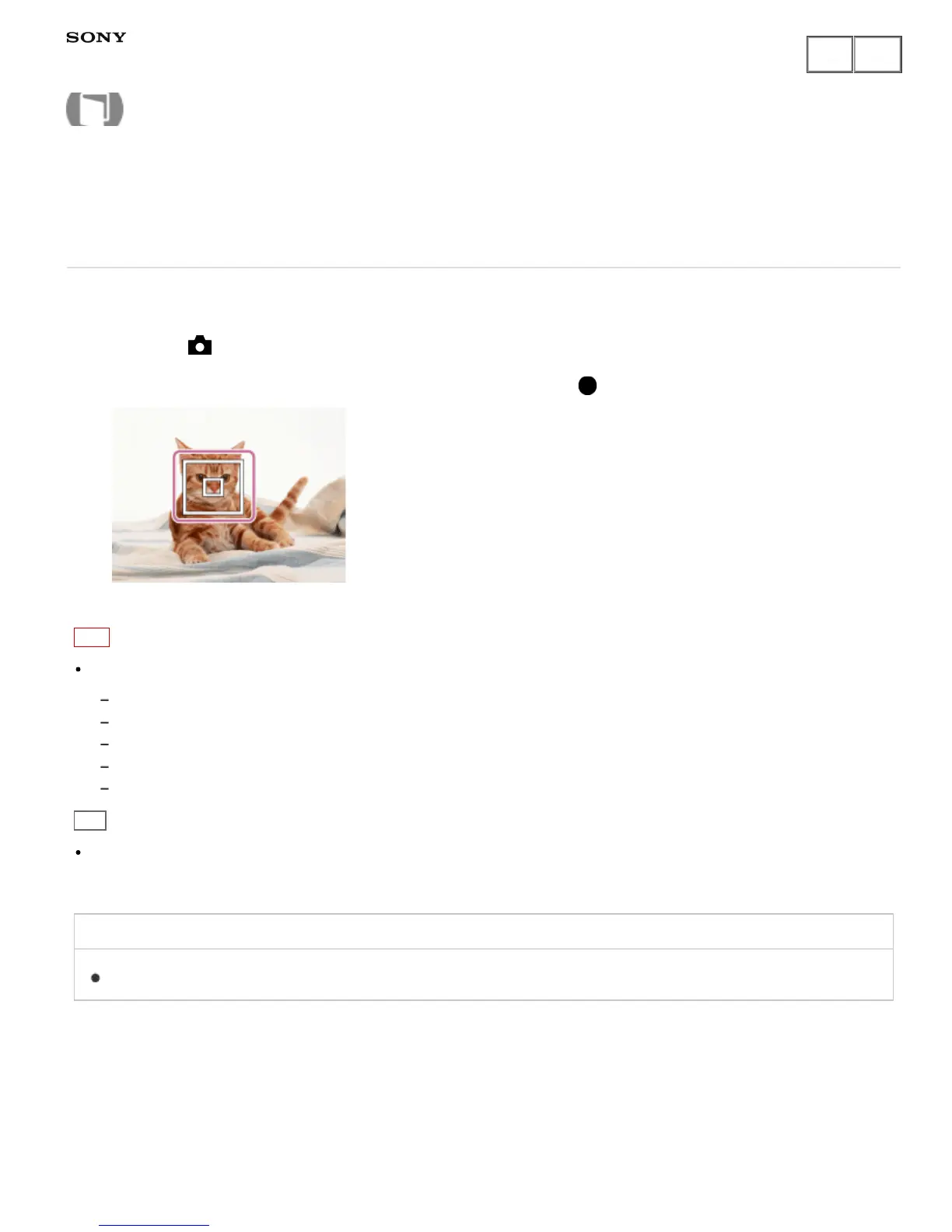
Lock-on AF (On)
Maintains the focus on a moving subject automatically.
1. MENU → (Camera Settings) → [Lock-on AF] → [On].
2. Align the target frame and the subject to be tracked, and press in the center.
Note
The [Lock-on AF] function may not operate well in the following situations:
The subject is moving too quickly.
The subject is too small, or too large.
The contrast between the subject and the background is poor.
It is dark.
The ambient light changes.
Hint
If you lose track of the subject, this product can detect the subject and resume the Lock-on AF function when
the subject reappears on the screen.
Related Topic
Lock-on AF
Notes on use
4-484-060-11(1)
Copyright 2013 Sony Corporation
Help Guide
How to Use











 To Next Page