Interchangeable Lens Digital Camera
ILCE-7/ILCE-7R
AF/MF control
You can easily switch the focusing mode from auto to manual and vice versa while shooting without changing
your holding position.
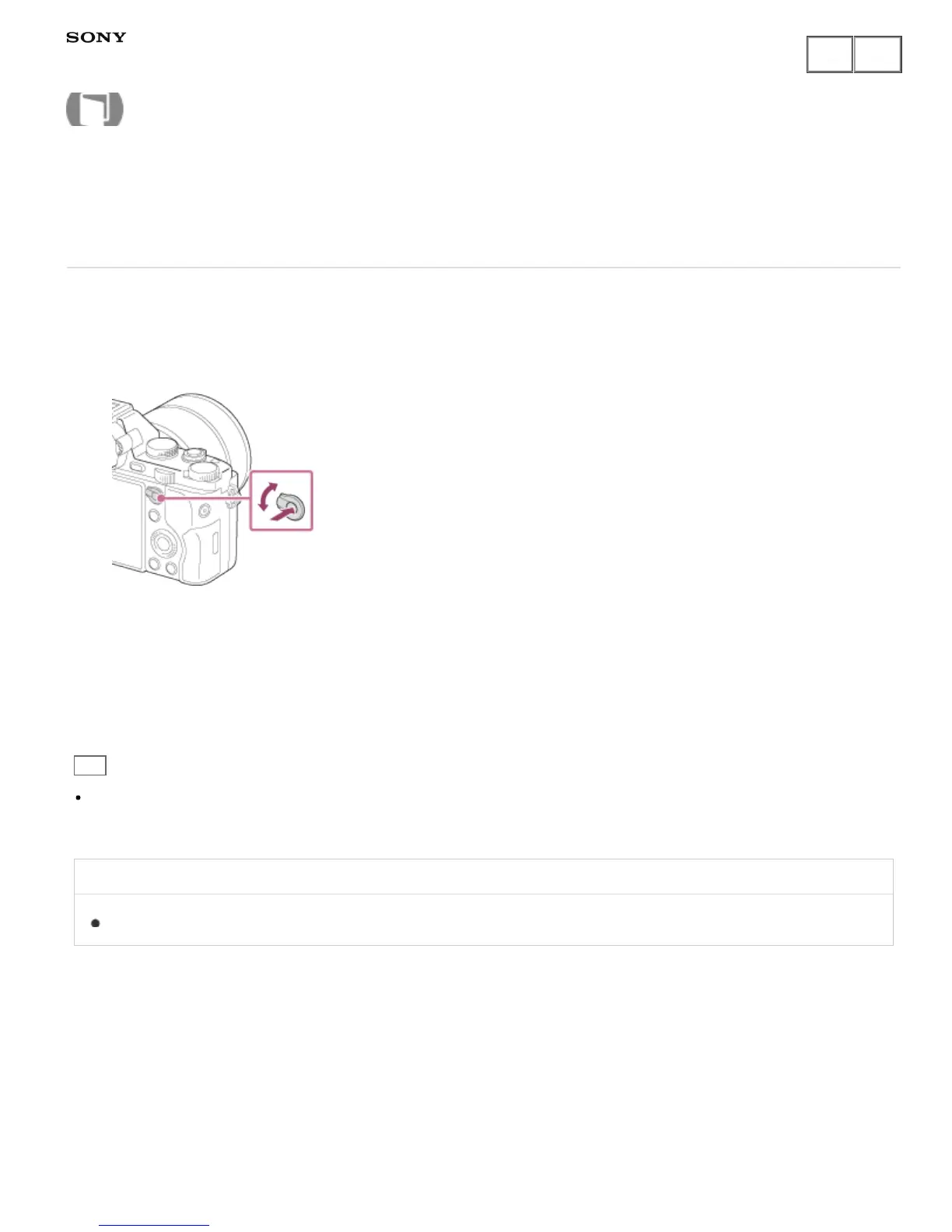
1. Switch the AF/MF/AEL switch lever to the AF/MF position, then press the AF/MF button.
During auto focus:
Temporarily switches the focusing mode to manual. Adjust the focus while the AF/MF button is being held
down.
During manual focus:
Temporarily switches the focusing mode to auto while the AF/MF button is held down, and locks the focus.
Hint
If you select [AF/MF Ctrl Toggle] in [AF/MF Button] under [Custom Key Settings], the focusing mode remains
switched even if you remove your finger from the button.
Related Topic
Function of the AF/MF button
Notes on use
4-484-060-11(1)
Copyright 2013 Sony Corporation
Help Guide
How to Use











 To Next Page