Interchangeable Lens Digital Camera
ILCE-7/ILCE-7R
Connecting the product to a computer
1. Insert a sufficiently charged battery pack into the product.
2. Turn on the product and the computer.
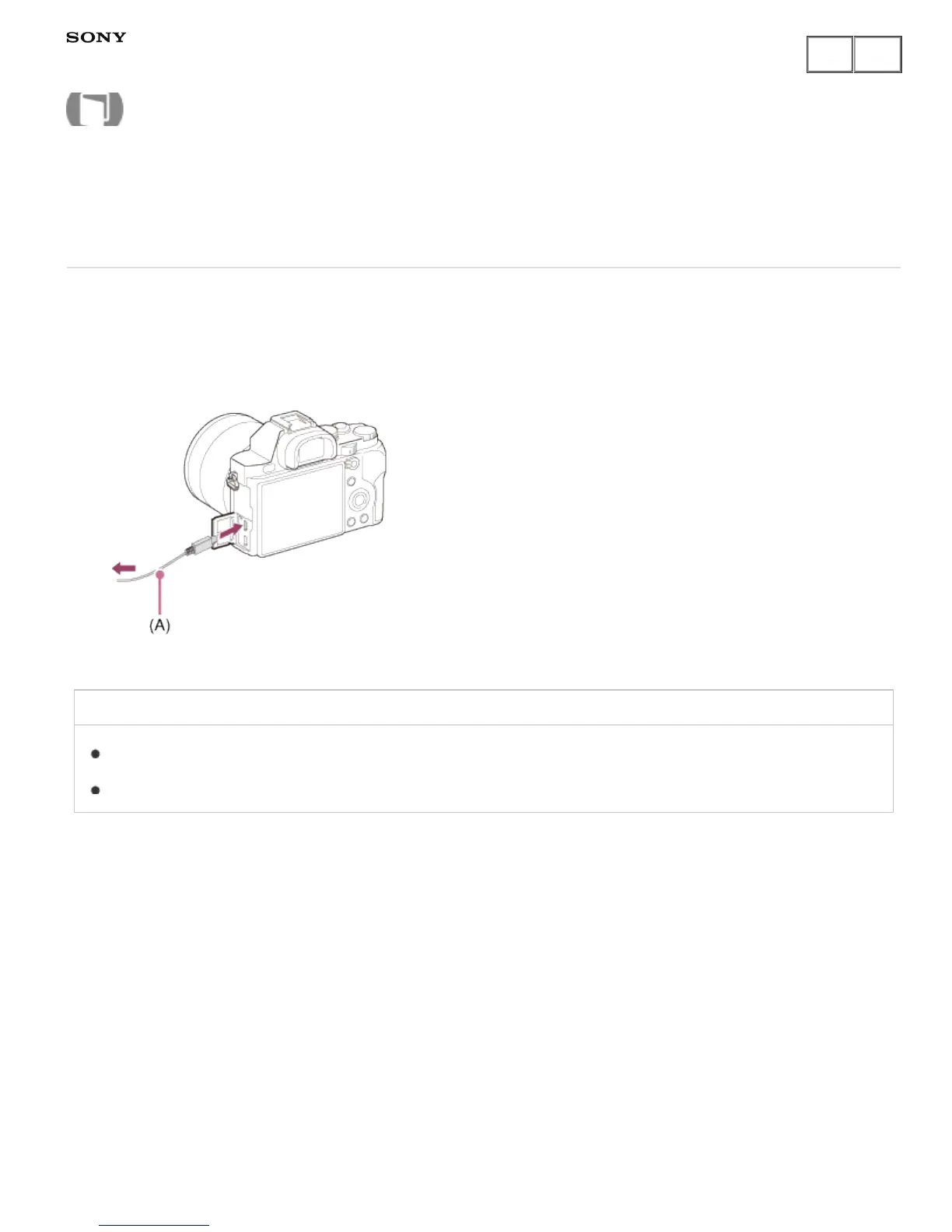
3. Connect the product and your computer using the micro USB cable (A) (supplied).
Related Topic
USB Connection
USB LUN Setting
Notes on use
4-484-060-11(1)
Copyright 2013 Sony Corporation
Help Guide
How to Use











 To Next Page