182
Cleaning the image sensor
If another cleaning is needed after using the cleaning mode, clean the image
sensor using a blower following the steps below.
4 Select [Enter] with v, and press the center of the control
button.
The image sensor vibrates for a short time, and eliminates dust from the
sensor.
5 Turn off the camera.
Cleaning the image sensor using a blower
1 Perform the cleaning operation described in steps 1 to 4 of
“Cleaning the image sensor automatically using the cleaning
mode of the camera.”
2 Detach the lens (page 25).
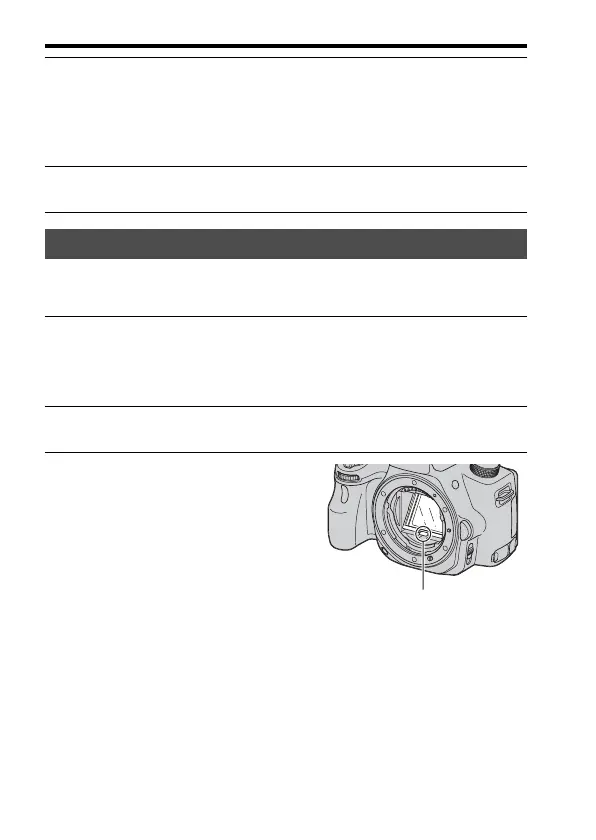
3 Push the V mark on the mirror
lock lever with a finger to lift up
the mirror.
• Be careful not to touch the surface of
the mirror.
Mirror lock lever














 To Next Page