32
Shooting still images
5
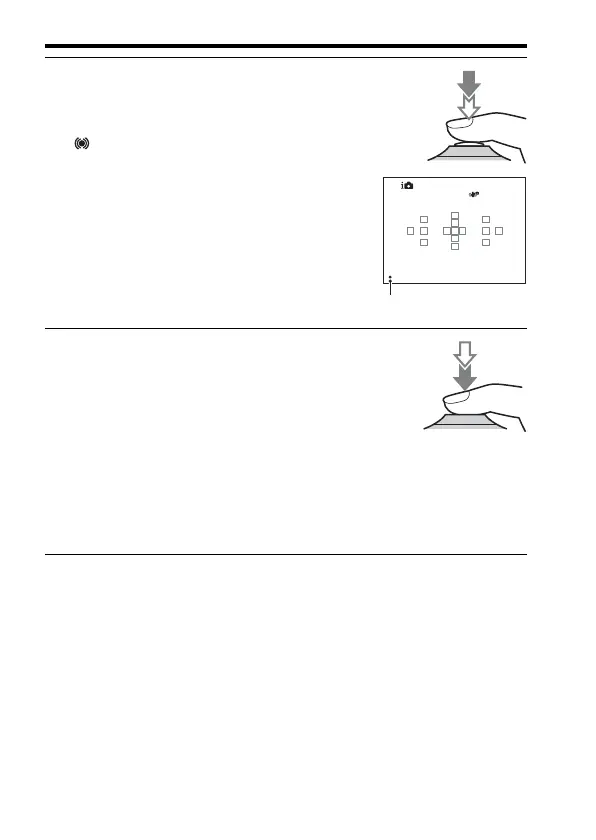
Press the shutter button
halfway down to focus.
When the focus is confirmed, z or
(Focus indicator) lights up
(page 107).
Focus indicator
6
Press the shutter button fully
down to shoot.
• When the camera detects and
shoots a face with [Auto Port.
Framing] set to [Auto], the
captured image is automatically
trimmed into a suitable
composition. Both the original and
the trimmed images are saved
(page 118).














 To Next Page