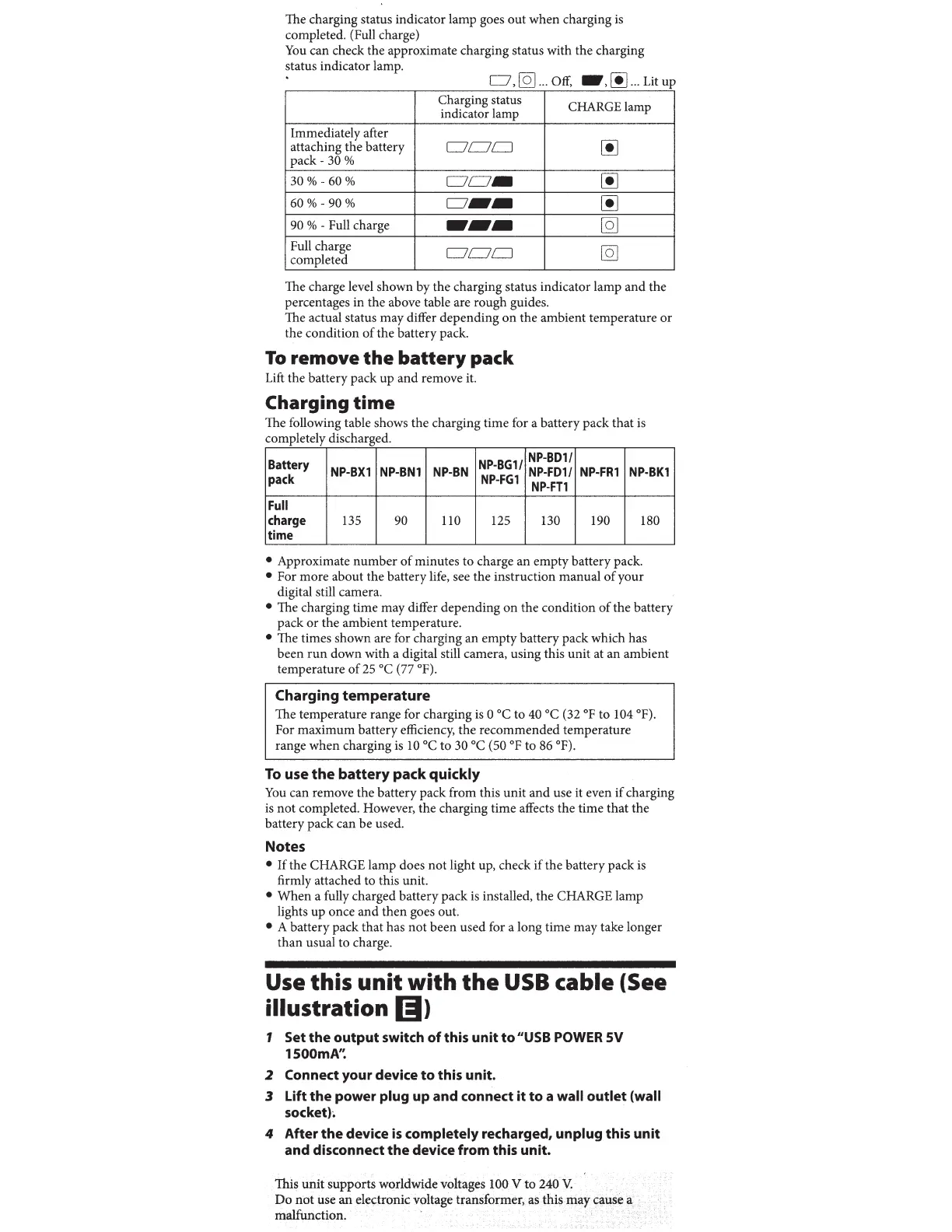
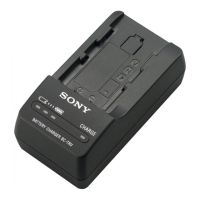
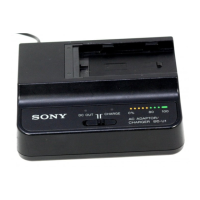
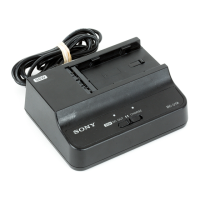
The charging status indicator lamp goes out when charging
is
completed. (Full charge)
You
can check the approximate charging status with the charging
status indicator lamp.
o,[Q]
...
off,
•.00
...
utup
Charging status
CHARGE lamp
indicator lamp
Immediately after
00
attaching the battery
Dc:70
pack-
30%
30%-60%
Dc:7-
00
60%-90%
o
...
00
90
% - Full charge
....
[Q]
Full charge
Dc:70
[Q]
completed
The charge level shown by the charging status indicator lamp and the
percentages in the above table are rough guides.
The actual status may differ depending
on
the ambient temperature or
the condition
of
the battery pack.
To
remove
the
battery
pack
Lift the battery pack up and remove it.
Charging
time
The following table shows the charging time for a battery pack that
is
completely discharged.
Battery
NP-BG1/
NP-801/
NP-BX1
NP-BN1
NP-BN
NP-FD1/
NP-FR1
NP-BK1
pack
NP-FG1
NP-FT1
Full
charge
135
90
110 125
130 190
180
time
• Approximate number
of
minutes to charge an empty battery pack.
• For more about the battery life, see the instruction manual
of
your
digital still camera.
• The charging time may differ depending
on
the condition
of
the battery
pack or the ambient temperature.
• The times shown are for charging an empty battery pack which has
been
run
down with a digital still camera, using this unit at an ambient
temperature
of
25
oc
(77 °F).
Charging
temperature
The temperature range for charging is 0
octo
40
oc
(32
op
to 104 °F).
For maximum battery efficiency, the recommended temperature
range when charging
is
10
octo
30
oc
(50
op
to
86
°F).
To
use
the
battery
pack
quickly
You
can remove the battery pack from this unit and use it even
if
charging
is
not completed. However, the charging time affects the time that the
battery pack can be used.
Notes
• If the CHARGE lamp does not light up, check
if
the battery pack
is
firmly attached to this unit.
•
When
a fully charged battery pack
is
installed, the CHARGE lamp
lights up once and then goes out.
• A battery pack that has not been used for a long time may take longer
than usual to charge.
Use this
unit
with
the
USB
cable (See
illustration
(I)
1 Set the output switch
of
this unit
to
"USB
POWER
SV
1500mA'~
2 Connect your device
to
this unit.
3 Lift
the
power plug up and connect it to a wall outlet (wall
socketh
4 After
the
device
is
completely recharged, unplug this unit
and disconnect
the
device from this unit.



 To Next Page