18
BDP-S1200/BX120/S3200/BX320/S5200/BX520
4-476-203-11(1)
master page=left
C:\Users\fle1\Desktop\SD130007\DATA\4476203111\
030STU.fm
4 Turn on the TV and set the input
selector on your TV. This will
show the signal from the player
on your TV screen.
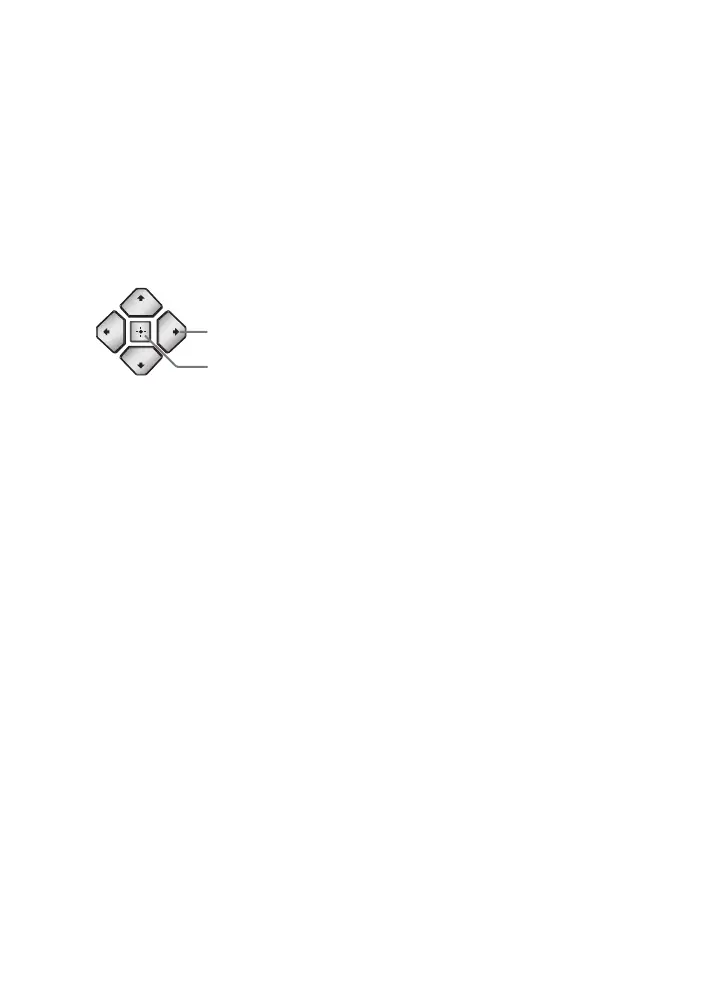
5 Perform [Easy Initial Settings].
Follow the on-screen instructions to
make the basic settings using
</M/m/, and ENTER on the
remote.
b
When [Easy Initial Settings] is complete,
select [Easy Network Settings] to use the
network functions of the player.
ENTER
</M/m/,



 To Next Page