33
Playback
Playback
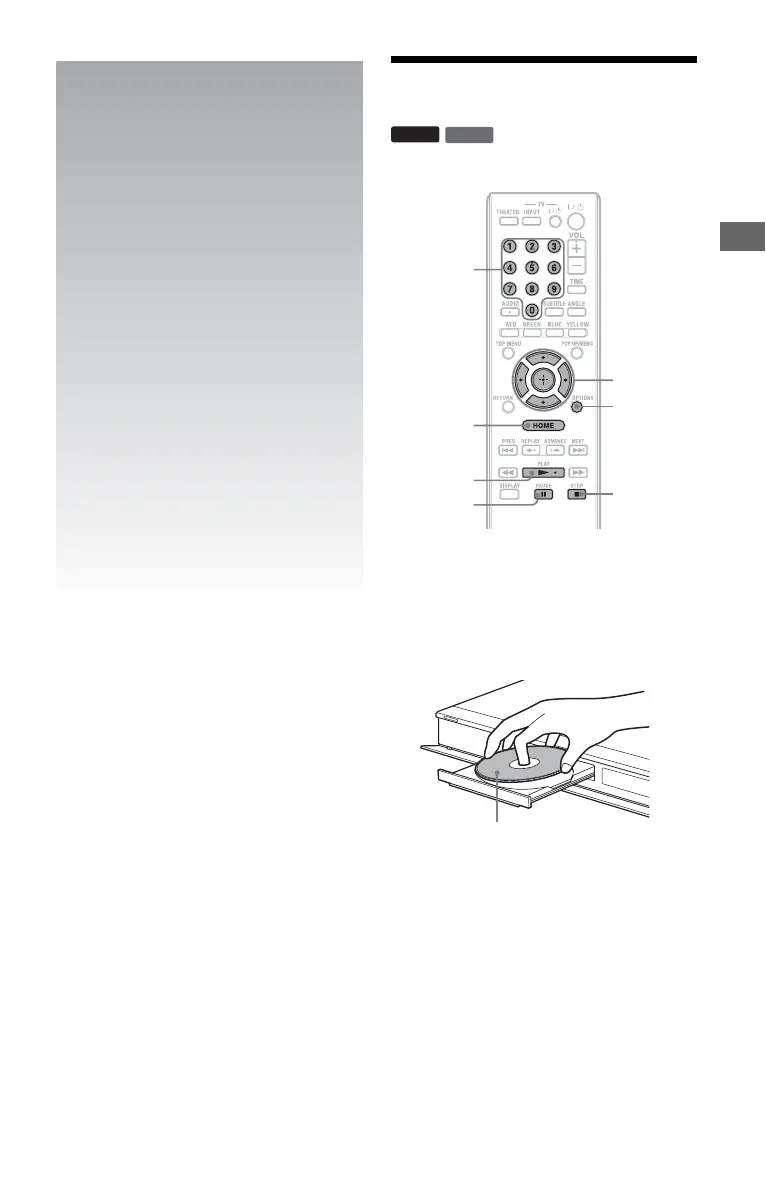
Playing BDs/DVDs
1 Switch the input selector on your TV so
that the signal from the player
appears on your TV screen.
2 Press Z on the player, and place a
disc on the disc tray.
3 Press Z on the player to close the disc
tray.
• When you insert a commercially
available BD-ROM or DVD VIDEO,
playback automatically starts
depending on the disc.
DVD
BD
x STOP
OPTIONS
X PAUSE
N PLAY
</M/m/,,
ENTER
HOME
Number
buttons
Playing side facing down
,continued













 To Next Page