16
Playback
Playing a Disc
For playable discs, see “Playable discs”
(page 33).
1 Switch the input selector on your TV so
that the signal from the player
appears on your TV screen.
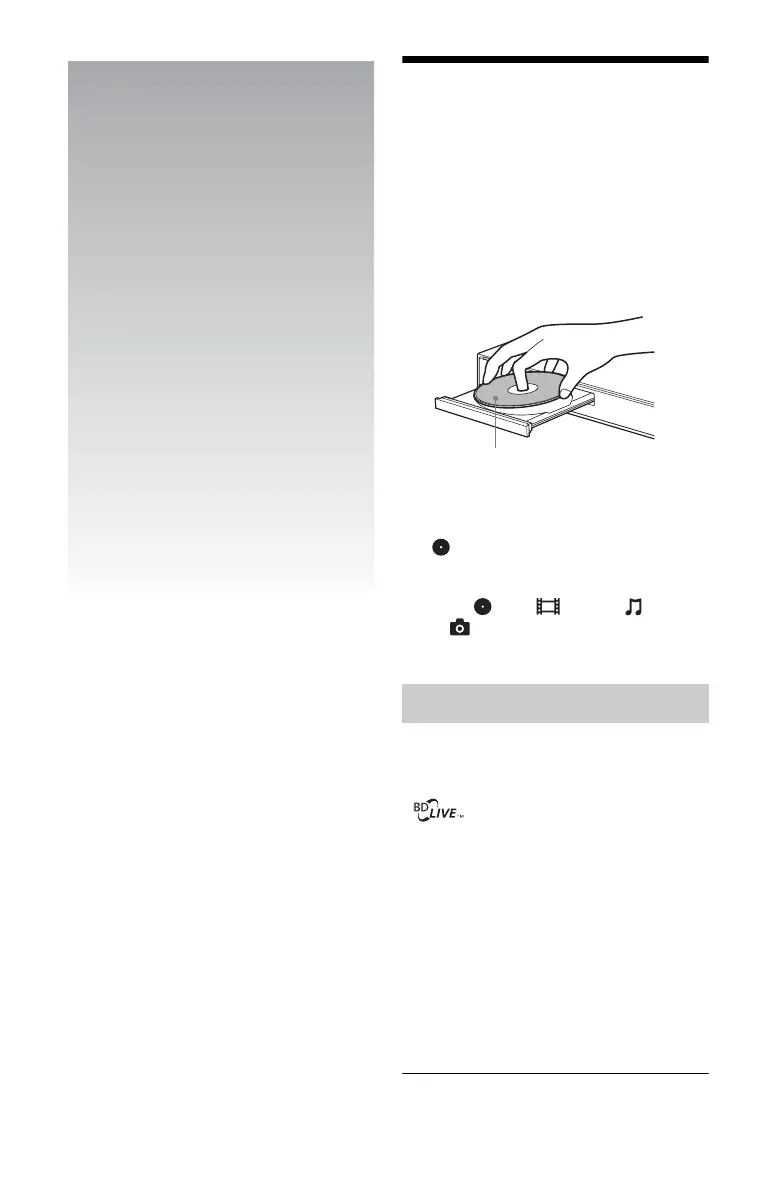
2 Press Z OPEN/CLOSE, and place a
disc on the disc tray.
3 Press Z OPEN/CLOSE to close the
disc tray.
appears on the home menu and
playback starts.
If playback does not start automatically,
select in the (Video), (Music),
or (Photo) category, and press
ENTER.
Some BD-ROMs with the “BD-LIVE” logo*
have bonus content and other data that can be
downloaded for enjoyment.
*
1 Prepare for BONUSVIEW/BD-LIVE.
• Connect the player to a network
(page 15).
• Set “BD Internet Connection” to
“Allow” (page 25).
2 Insert a BD-ROM with BONUSVIEW/
BD-LIVE.
The operation method differs depending
on the disc. Refer to the instruction
manual supplied with the disc.
Enjoying BONUSVIEW/BD-LIVE
Playing side facing down



 To Next Page