28
GB
[Music] only
[Photo] only
When the sound does not match the pictures on
the TV screen, you can adjust the delay between
the picture and sound.
The setting method differs depending on the
function.
When playing via other than the
“FM” or “TV” function
1 Press OPTIONS.
The option menu appears on the TV screen.
2 Press X/x to select [A/V SYNC], then
press .
3 Press C/c to adjust the delay between
the picture and sound.
You can adjust from 0 ms to 300 ms in 25
ms increments.
4 Press .
The setting is made.
When playing via the “TV”
function
1 Press OPTIONS.
The option menu appears in the front panel
display.
2 Press X/x repeatedly until “A/V SYNC”
appears in the front panel display, then
press or c.
3 Press X/x to adjust the delay between
the picture and sound.
You can adjust from 0 ms to 300 ms in 25
ms increments.
4 Press .
The setting is made.
5 Press OPTIONS.
The option menu in the front panel display
turns off.
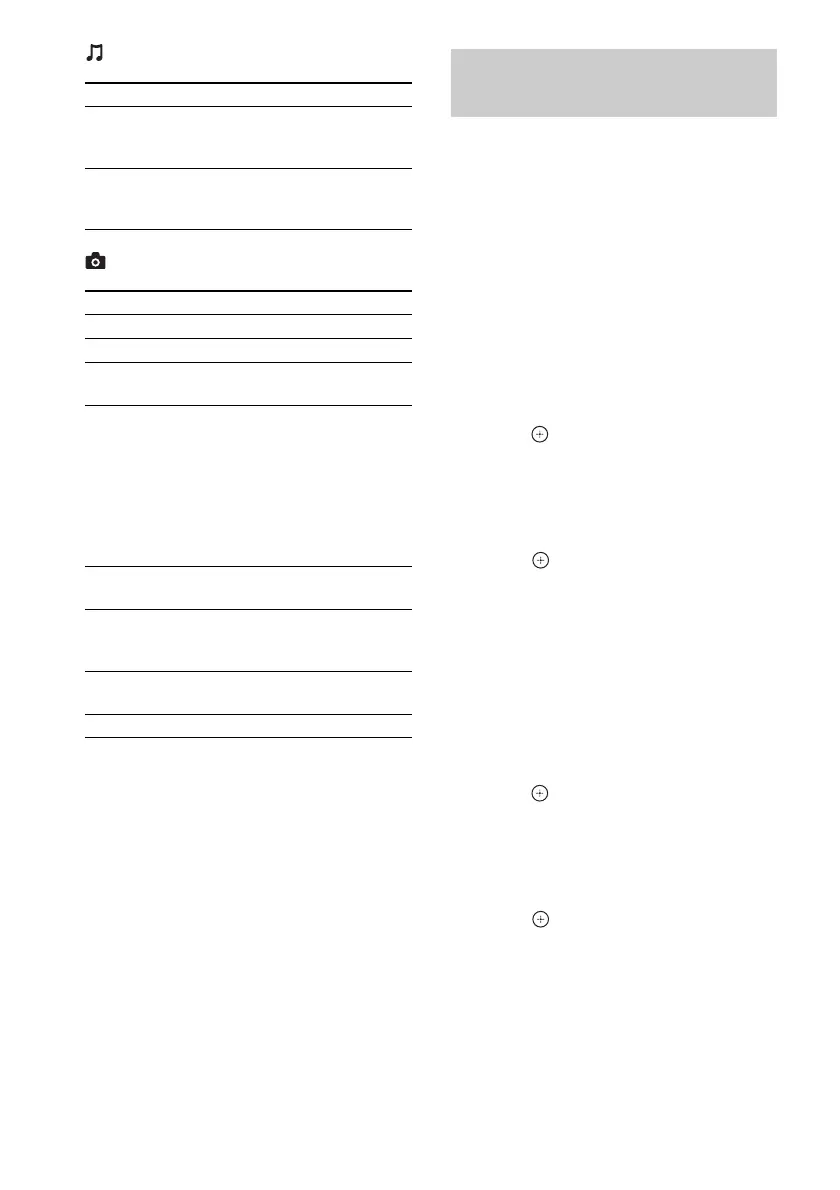
Item Details
[Add Slideshow
BGM]
Registers music files in the
USB memory as slideshow
background music (BGM).
[Music Search] Displays information on the
audio CD (CD-DA) based on
Gracenote technology.
Item Details
[Slideshow] Starts a slideshow.
[Slideshow Speed] Changes the slideshow speed.
[Slideshow Effect] Sets the effect when playing a
slideshow.
[Slideshow BGM] • [Off]: Turns off the
function.
• [My Music from USB]: Sets
the music files registered in
[Add Slideshow BGM].
• [Play from Music CD]: Sets
the tracks on CD-DAs
(music CDs).
[Switch Display] Switches between [Grid
View] and [List View].
[Rotate Left] Rotates the photo
counterclockwise by
90 degrees.
[Rotate Right] Rotates the photo clockwise
by 90 degrees.
[View Image] Displays the selected picture.
Adjusting the delay between
the picture and sound
(A/V SYNC)



 To Next Page