EasyManua.ls Logo

Sony Bravia KDL-42W650A - User Manual

Sony Bravia KDL-42W650A
72 pages
Print Icon
To Next Page IconTo Next Page
Loading...
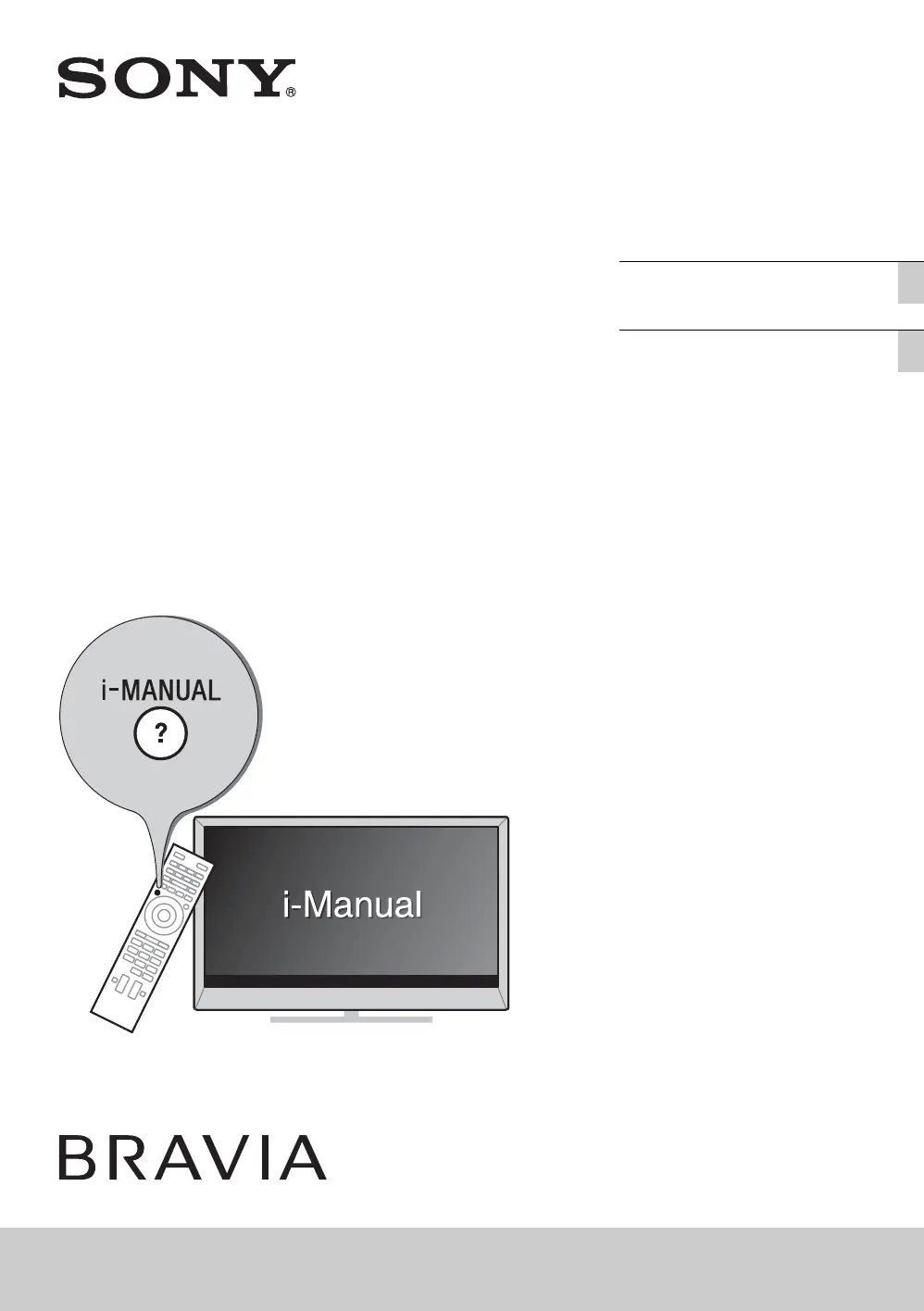
D:\SONY TV\SY130227_F5 (Rev-3)\Group F5 (Rev-3)\4452883131\4452883131_GB\GB01COV.fm
KDL-W670A/W650A/W600A
4-452-883-13(1)
LCD TV
Operating Instructions GB
操作手冊
CT
KDL-42W670A / 42W650A / 32W670A / 32W650A / 32W600A / 24W600A

Other manuals for Sony Bravia KDL-42W650A

Questions and Answers

  • L
    Lance CaseAug 13, 2025
    What to do if there is no picture and sound on my Sony LCD TV?
    • L
      Laura HortonAug 13, 2025
      Check the antenna or cable connection to your Sony LCD TV. Also, ensure the TV is connected to AC power and press the power button on the TV or remote.
  • A
    Alicia WatkinsAug 16, 2025
    What to do if my Sony Bravia KDL-42W650A LCD TV has frozen audio or video?
    • V
      Victor HillAug 16, 2025
      Perform a simple reset of your Sony LCD TV by unplugging the AC power cord for two minutes, then plug it back in.
  • H
    heathersmithAug 20, 2025
    Why is the illumination LED flashing red on my Sony Bravia KDL-42W650A LCD TV?
    • J
      Jerry WilliamsAug 20, 2025
      Turn off your Sony LCD TV by pressing the power button on the TV. Disconnect the AC power cord (mains lead), and inform your dealer or Sony service center of how the indicator flashes (number of flashes).
  • J
    Jeanette MartinezAug 25, 2025
    What to do if I can't find Cable TV services on my Sony Bravia KDL-42W650A?
    • E
      Eric WallaceAug 25, 2025
      Check the cable connection or tuning configuration on your Sony LCD TV. You can also attempt the “Digital Auto Tuning” by selecting “Antenna” instead of “Cable.”
  • M
    Martin BrooksAug 27, 2025
    Why some programmes cannot be tuned on my Sony LCD TV?
    • D
      Daniel MorrisAug 27, 2025
      The satellite cable might be short-circuited or there might be connection problems of the cable. Check the cable connection and then turn the TV off with the Mains power On/Off switch, and turn it on again. Also, the frequency that you entered is out of range. Consult the received satellite broadcasting company.
  • S
    Samantha BakerSep 1, 2025
    What to do if my Sony Bravia KDL-42W650A LCD TV remote does not function?
    • J
      Jose WatsonSep 1, 2025
      First, replace the batteries in your Sony LCD TV remote. If that doesn't work, your TV may be in SYNC mode. Press the SYNC MENU button, select “TV Control,” and then choose “Home (Menu)” or “Options” to control the TV.
  • Z
    zcurrySep 4, 2025
    What to do if I forgot the Parental Lock password on my Sony Bravia KDL-42W650A LCD TV?
    • M
      Mallory WilliamsSep 4, 2025
      Enter 9999 as the PIN code on your Sony LCD TV. This PIN code is always accepted.
  • M
    Michelle ClarkSep 8, 2025
    How to turn off the illumination LED on my Sony Bravia KDL-42W650A?
    • A
      Albert RobinsonSep 8, 2025
      If you do not wish to light up the illumination LED on your Sony LCD TV, you can turn it off. Press HOME, then select “Settings” then “System Settings” then “General Set-up” then “Illumination LED” then “Off”. You can also press OPTION then “LED” then “Off.”

Summary

Installing the Table-Top Stand

Attaching the Table-Top Stand

Instructions for attaching the stand to the TV.

Connections

Safety and Connectivity

Preventing TV Toppling Over

Safety instructions to prevent the TV from falling.

Network Connectivity

Connecting the TV to the Internet

Guide to connecting the TV to the internet.

Initial Setup

Performing the Initial TV Set-up

Guide to the initial setup process for the TV.

Watching TV

Home Menu Operations

Watching Internet Video

Using the i-Manual

Troubleshooting

Common TV Problems and Solutions

Solutions for common TV problems and LED indicator status.

Specifications

System and Connectivity Specifications

Detailed technical specifications of the TV.

Audio and Input;Output Specifications

Details on audio output and input/output jacks.

Wall-Mount Bracket Installation

Installing the TV on the Wall

Steps to attach the TV to the mounted bracket.

Safety Information

General Safety, Transport, and Ventilation

Safety warnings for installation, use, transport, and ventilation.

AC Power Cord Safety Guidelines

Guidelines for AC power cord handling.

Sony Bravia KDL-42W650A Specifications

General IconGeneral
On/off switch-
Product colorBlack
VESA mountingNo
Display diagonal42 \
Native aspect ratio16:9
Supported video modes1080i, 1080p, 480i, 480p, 576i, 576p, 720p
Contrast ratio (dynamic)1000000:1
Display diagonal (metric)107 cm
Screen format adjustments14:9, 16:9, Zoom
Motion interpolation technologyMotionflow 200 Hz
Annual energy consumption69 kWh
Tuner typeAnalog & digital
Digital signal format systemDVB-C, DVB-T
Audio systemNICAM/A2
Audio decodersDolby Digital, Dolby Digital Plus, Dolby Pulse
RMS rated power16 W
Number of speakers2
Equalizer bands quantity6
DVI-D ports quantity0
USB 2.0 ports quantity1
Browser supportedOpera
Smart modesCinema, Game, Sports, Standard, Vivid
Lifestyle appsSkype
Audio formats supportedLPCM, MP3, WMA
Image formats supportedJPG, MPO
Video formats supported3GP, AVCHD, AVI, M-JPEG, MKV, MOV, MP4, MPEG1, MPEG2, WEBM, WMV, XVID
Power consumption (standby)0.45 W
Power consumption (typical)50 W
Package depth153 mm
Package width1052 mm
Package height666 mm
Cables includedAC
Weight and Dimensions IconWeight and Dimensions
Depth (with stand)197 mm
Height (with stand)595 mm
Weight (with stand)11000 g
Depth (without stand)69 mm
Width (without stand)954 mm
Height (without stand)568 mm
Weight (without stand)9900 g

Related product manuals