EasyManua.ls Logo

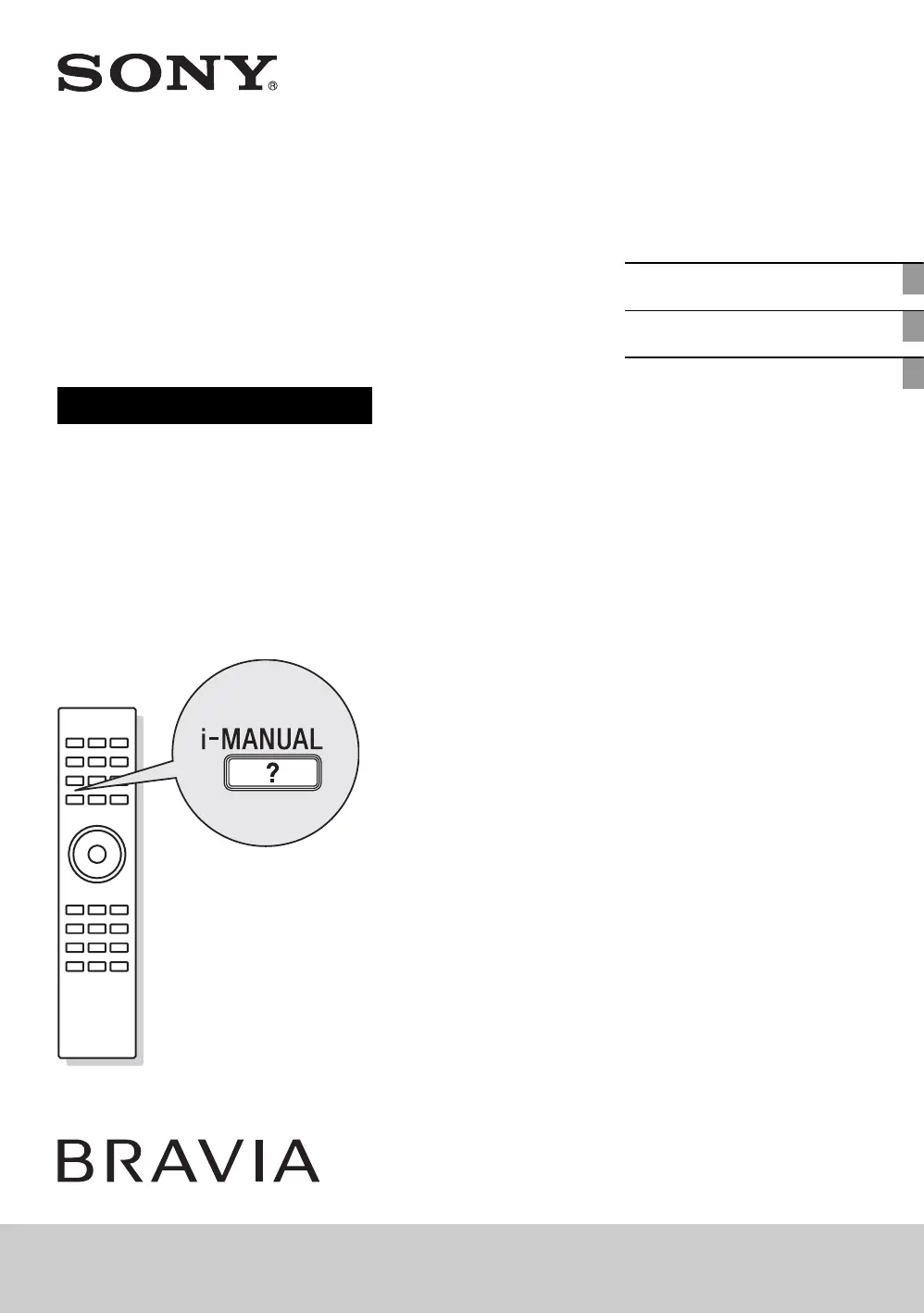
Sony Bravia KDL-55HX800 - User Manual

Sony Bravia KDL-55HX800
20 pages
Print Icon
To Next Page IconTo Next Page
Loading...
4-187-886-11(1)
LCD
Digital Colour TV
Operating Instructions
Setting Up
Watching TV
Additional Information
KDL-55HX800 / 52HX900 / 46HX900 / 46HX800 / 40HX800

Other manuals for Sony Bravia KDL-55HX800

Questions and Answers

  • G
    Gregory GrayJul 26, 2025
    What to do if my Sony Bravia KDL-55HX800 LCD TV remote does not function?
    • H
      Holly BryanJul 26, 2025
      If your Sony LCD TV remote isn't working, first, try replacing the batteries. If that doesn't solve the issue, your TV might be in SYNC mode. Press the SYNC MENU button, choose “TV Control,” and then select “Home (Menu)” or “Options” to control the TV.
  • E
    Erin RogersAug 1, 2025
    Why does my Sony Bravia KDL-55HX800 LCD TV turn off automatically?
    • B
      Brandy MunozAug 1, 2025
      Your Sony LCD TV might be turning off automatically because the Sleep Timer is activated, or the “Duration” setting of “On Timer” is set. Also check if the “Idle TV Standby” feature is enabled.
  • C
    Charles ColemanAug 7, 2025
    Why is there no picture and sound on my Sony LCD TV?
    • M
      Michael MillerAug 7, 2025
      If your Sony LCD TV screen is dark and there is no sound, check the antenna or cable connection. Ensure the TV is connected to AC power and press the power button on the TV itself. If the standby indicator lights up red, press the power button.
  • M
    Melissa NelsonAug 13, 2025
    What to do if I forgot the parental lock password on my Sony Bravia KDL-55HX800 LCD TV?
    • A
      Amanda FullerAug 13, 2025
      If you've forgotten the Parental Lock password on your Sony LCD TV, enter 9999 as the PIN code. This PIN code is always accepted.
  • C
    Charles Gray DVMAug 18, 2025
    Why do the surrounds of my Sony Bravia KDL-55HX800 LCD TV become warm?
    • W
      William SnyderAug 19, 2025
      When a Sony LCD TV is used for a long time, the surrounds become warm. This is normal, and you might feel the heat when you touch the area.

Summary

Setting Up

Checking the accessories

Lists all items included with the TV package.

Inserting batteries into the remote

Instructions for powering the remote control with batteries.

Attaching the Table-Top Stand

Steps to secure the TV to its included stand.

Adjusting the viewing angle of the TV

How to tilt the TV screen for optimal viewing angles.

Connecting an antenna (aerial);cable;VCR

Guide for connecting external broadcast or video sources.

Preventing the TV from toppling over

Essential safety steps to secure the TV against tipping.

Bundling the cables

Method for organizing and managing connected cables neatly.

Performing the initial set-up

Guided process for first-time TV configuration and channel tuning.

Detaching the Table-Top Stand from the TV

Procedure for safely removing the TV from its table stand.

Watching TV

To watch programmes

Basic steps for turning on the TV and selecting channels.

To utilise the TVs features

Overview of using the HOME and OPTIONS buttons for TV functions.

To use i-Manual

Accessing the TV's built-in digital instruction manual for detailed help.

Additional Information

Troubleshooting

Solutions for common TV operational issues and error conditions.

Specifications

Technical details, input/output jacks, and system compatibility.

Installing the Accessories (Wall-Mount Bracket)

Instructions for mounting the TV to a wall using compatible brackets.

Safety Information

Crucial guidelines for safe installation, usage, and handling to prevent hazards.

Precautions

Important warnings and advice for viewing, cleaning, and general care.

Sony Bravia KDL-55HX800 Specifications

Display IconDisplay
screen size54.6"
display resolutionFull HD 1080 (1920x1080)
viewing angle (right/left)178(89/89)
viewing angle (up/down)178(89/89)
aspect ratio16:9
Power IconPower
power consumption (in standby)0.12W
power requirements (voltage)AC 120V for UL, cUL
power requirements (frequency)60Hz for UL, cUL
power consumption (in operation) max.167W
power consumption (in download acquisition mode)14W
Audio IconAudio
audio power output20W (10W x 2)
speakers (total)2
speaker configuration2
Inputs and Outputs IconInputs and Outputs
component video (Y/Pb/Pr ) input(s)2 (1 Rear / 1 Rear (Composite input common use))
composite video input(s)2 ( 1 Rear (Component input common use)/ 1 Side)
digital audio output(s)Optical Digital Output - 1 (Rear)
rf connection input(s)1 (Rear)
analog audio input(s) (total)4 (1 Side / 3 Rear)
audio out1 (Rear)
hdmi™ connection(s) (total)4(2 Side/2 Rear)
pc in (d-sub) + audio in (stereo mini)1 (Rear)
usb 2.01 (Side)
ac power input1 (Rear)
ethernet connection(s)1 (Rear)
Weights and Measurements IconWeights and Measurements
weight with pedestal59.3 lbs. (26.9kg)
weight without pedestal49.8 lbs. (22.6kg)
dimensions with pedestal50 3/8 x 31 1/2 x 13 7/8" (1278 x 797 x 350mm)
dimensions without pedestal50 3/8 x 30 1/8 x 2 7/8" (1278 x 765 x 73mm)
packaging dimensions60 x 33 1/4 x 9 3/8" (1533 x 842 x 237mm)

Related product manuals