EasyManua.ls Logo

Sony Bravia XR-55A80J - User Manual

Sony Bravia XR-55A80J
204 pages
Print Icon
To Next Page IconTo Next Page
Loading...
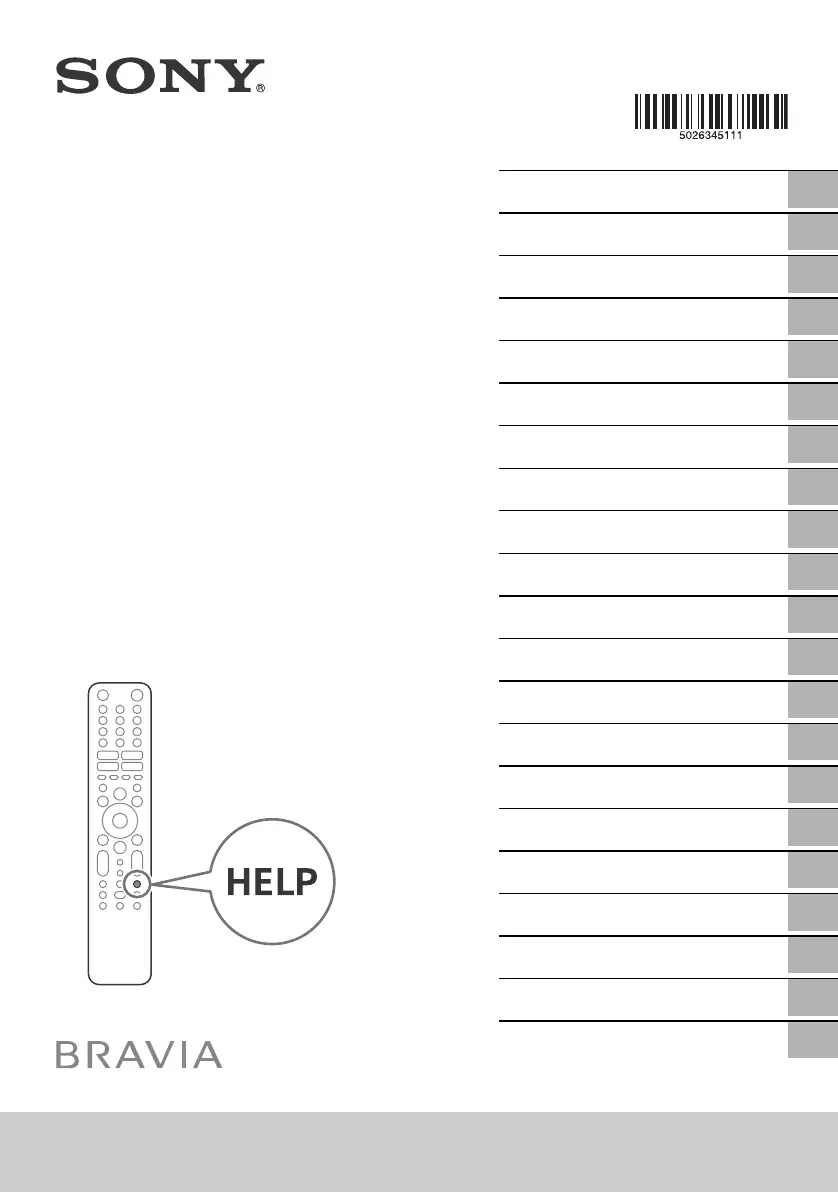
XR-77A8xJ / 65A8xJ / 55A8xJ
5-026-345-11(1)
XR-77A8xJ / 65A8xJ / 55A8xJ
D:\SONY TV\SY21_AT_CEP_RG_111\AT CEP GB\5026345111_01GB.fm master page: Cover
5-026-345-11(1)
Television
GB
FR
ES
NL
DE
PT
IT
SE
DK
FI
NO
PL
CZ
SK
HU
RO
BG
GR
TR
RU
UA
Reference Guide
Guide de référence
Guía de referencia
Referentiegids
Referenzanleitung
Guia de referência
Guida di riferimento
Referensmaterial
Referencevejledning
Viiteopas
Referanseveiledning
Przewodnik
Referenční příručka
Referenčná príručka
Felhasználói útmutató
Ghid de referinţă
Информация за продукта
Οδηγός αναφοράς
Başvuru Kılavuzu
Справочник
Довідковий посібник

Table of Contents

Questions and Answers

  • L
    Linda YorkAug 15, 2025
    What to do if my Sony TV screen is black?
    • M
      montoyalindaAug 15, 2025
      If your Sony TV screen is black, try the following: * Restart your TV by pressing the power button on the remote control for about five seconds. The TV will restart. If this doesn't work, try unplugging the TV from the mains, then press and release the power button on the TV. Wait two minutes, then plug the TV back in. * Alternatively, press the power button on the TV itself for about 40 seconds until the TV turns off.
  • J
    James ThomasAug 18, 2025
    What to do if my Sony Bravia XR-55A80J does not respond?
    • M
      Matthew KnoxAug 18, 2025
      If your Sony TV is unresponsive, try these steps: 1. Restart your TV by pressing the power button on the remote for about five seconds. 2. If that doesn't work, unplug the TV from the mains, press the power button on the TV and release it. Wait two minutes, then plug the TV back in. 3. As another option, press the power button on the TV for about 40 seconds until it shuts down.
  • J
    Jamie MillsAug 21, 2025
    What to do if my Sony TV picture is frozen?
    • D
      Danny VazquezAug 21, 2025
      If your Sony TV picture is frozen, try these steps: * Restart your TV by pressing the power button on the remote control for about five seconds. * If that doesn't work, try unplugging the mains lead, then press the power button on the TV and release it. Wait two minutes, and plug the mains lead back in.
  • W
    wardtimothyAug 25, 2025
    What to do if Sony Bravia XR-55A80J remote control does not function?
    • K
      Kiara CabreraAug 25, 2025
      If your Sony TV remote control isn't working, replace the batteries.
  • L
    Logan TrujilloAug 27, 2025
    Why does my Sony TV screen become darker while watching?
    • E
      Erica SantiagoAug 27, 2025
      If the image on your Sony TV screen becomes darker while you're watching, and the image or part of it remains still, the screen brightness will gradually reduce to prevent image retention. This is a normal function, not a malfunction.
  • C
    casey01Aug 30, 2025
    What to do if network is lost on Sony Bravia XR-55A80J?
    • J
      Jacob BaileyAug 30, 2025
      If your Sony TV loses network connectivity, connect your TV to the Internet and perform a software update.
  • S
    simmonsmikeSep 2, 2025
    What does it mean if a white line appears on the screen of my Sony TV?
    • E
      Elizabeth SolisSep 2, 2025
      If a white line appears on the screen of your Sony TV, it may be displayed during the Panel refresh. This is not a malfunction.
  • J
    Jeffrey WatsonSep 5, 2025
    What does the message [Panel refresh did not finish…] mean on my Sony Bravia XR-55A80J?
    • J
      Jay HarrisSep 5, 2025
      The message [Panel refresh did not finish…] is displayed when the TV is turned on, the mains lead is unplugged, or the room temperature falls outside of the range between 10 ºC and 40 ºC during the Panel refresh. Please avoid these three conditions.
  • S
    Sara RobinsonSep 8, 2025
    How to reset parental lock password on Sony Bravia XR-55A80J TV?
    • K
      Keith FletcherSep 8, 2025
      If you've forgotten the parental lock password on your Sony TV, enter 9999 for the PIN, and then enter your new PIN.
  • L
    Lindsey JohnsonSep 12, 2025
    How to reduce image retention on Sony Bravia XR-55A80J TV?
    • M
      Michael WolfeSep 12, 2025
      To reduce image retention on your Sony TV, it's recommended to turn off the TV normally by pressing the power button on the remote control or the TV.

Summary

About Manuals

Reference Guide and Safety Documentation

Details safety, remote control, troubleshooting, and installation.

Safety Information

Installation and Setup Safety

Instructions for safe TV installation and setup to prevent risks of fire, shock, or injury.

TV Installation Guidelines

Guidance on positioning the TV securely on a stable surface to prevent falls.

Protecting the TV Screen

OLED Screen Damage Prevention

Precautions to prevent screen damage and image retention on OLED TVs.

Reducing Image Retention Risk

Recommendations to minimize image retention by avoiding static images.

Remote Control Functions

Google Assistant and Voice Search

Using the microphone button for Google Assistant or voice search commands.

Quick Settings and Help Access

Accessing quick settings for adjustments and the on-screen help menu.

Wall Mounting Installation

Troubleshooting and Support

General Troubleshooting Steps

Steps for common issues like no picture/sound, freezing, or network loss.

Technical Specifications

Input;Output Jacks and HDMI

List and specifications of available input/output ports, including HDMI.

Product Details and Compliance

Sony Bravia XR-55A80J Specifications

General IconGeneral
Screen Typeoled
Colorblack
Wall Mount300mm x 300mm
Tunerdigital
Screen Size54.6 inches, 55 inches
Resolution4k (2160p)
Refresh Rate120hz
Closed Captioningyes
Motion Enhancementmotionflow xr 240
HDRyes
HDR Formathdr 10, hybrid log-gamma (hlg), dolby vision
Built-In Speakerstrue, acoustic surface
Surround Sounddts digital surround
HDMI Ports4
HDMI 2.1 Ports2
HDMI ARC Portsyes
USB Ports2
USB 2.0 Ports2
Ethernetyes
RF Antennayes
Bluetoothtrue, 4.2
Networkbuilt-in wi-fi, ethernet
Digital Optical Audio Outputs1
Component Video Inputs0
Composite Video Inputs1
DVI0
SmartTVgoogle tv
Streaming Servicesparamount+, disney+, hbo max, hulu, netflix, prime video, showtime, starz, sling tv, youtube, peacock
Smart Applicationsamazon alexa, google assistant
Voice Assistantamazon alexa, google assistant
Remote Controlvoice control
3Dno
Power Consumption179 kilowatt hours
Depth with Stand13 inches
Height with Stand29 inches
Width with Stand48.37 inches
Net Weight with Stand41.9 pounds
Depth without Stand2.12 inches
Height without Stand28.12 inches
Net Weight without Stand39.3 pounds

Related product manuals