67
Customizing Your Camcorder Выполнение индивидуальных установок на видеокамере
Changing the menu settings
Notes on DEMO MODE
•You cannot select DEMO MODE when a cassette is inserted in your camcorder.
•DEMO MODE is set to STBY (Standby) at the factory and the demonstration starts about 10 minutes
after you have set the POWER switch to CAMERA without a cassette inserted.
To cancel the demonstration, insert a cassette, set the POWER switch to other than CAMERA, or set
DEMO MODE to OFF.
•When NIGHTSHOT is set to ON, the “NIGHTSHOT” indicator appears in the viewfinder and you
cannot select DEMO MODE in the menu settings.
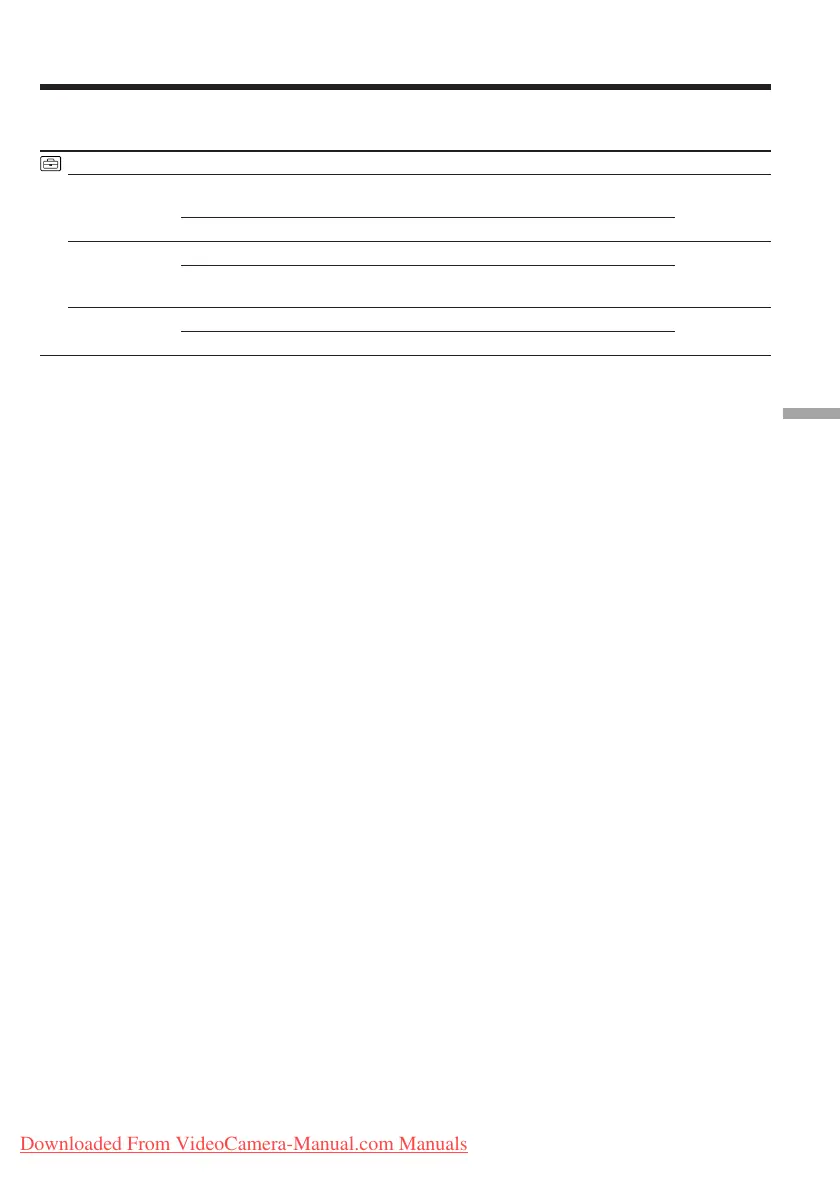
Icon/item
CLOCK SET
AUTO DATE
LTR SIZE
DEMO MODE
Mode
——
z ON
OFF
z NORMAL
2×
z ON
OFF
Meaning
To reset the date or time (p. 21)
To record the date for 10 seconds after recording
has started
To cancel the auto date function
To display selected menu items in normal size
To display selected menu items at twice the normal
size
To make the demonstration appear
To cancel the demonstration mode
POWER
switch
CAMERA
CAMERA
PLAYER
CAMERA
CAMERA
Downloaded From VideoCamera-Manual.com Manuals








 To Next Page