4
• The illustrations used on this manual are based on
the model DCR-TRV280.
• The screens shown in this manual are from a
Windows XP computer. The screens may vary
depending on the OS.
Notes on using the camcorder
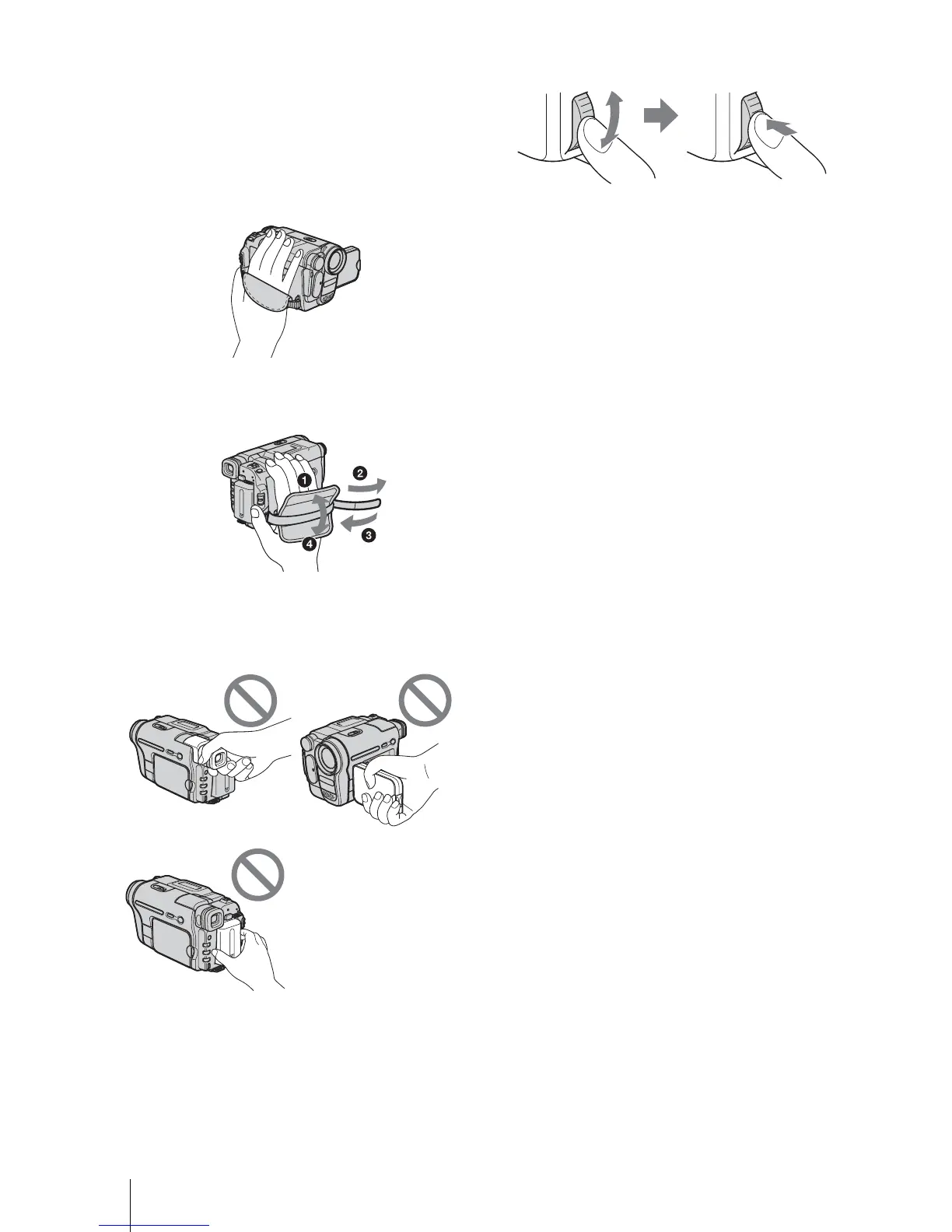
• Hold your camcorder correctly.
• To ensure a good grip, fasten the grip belt as shown
in the following illustration.
• Be careful not to press buttons on the LCD frame
accidentally when you open or close the LCD panel,
or when you adjust the angle of the LCD panel.
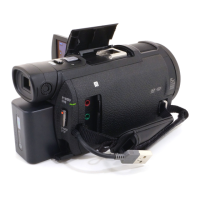
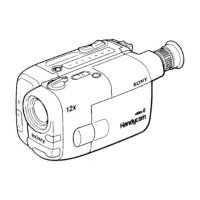
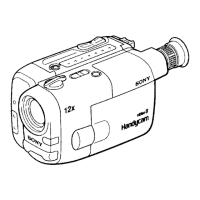
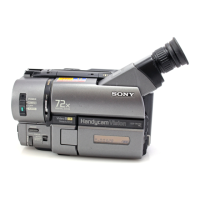
• Do not hold the camcorder by the following parts.
• Turn the SEL/PUSH EXEC dial to select desired
item, then press the dial to decide.
Viewfinder
LCD panel
Battery pack



 To Next Page