To Operation on the player (Operation on the remote is in parentheses)
Play
Play from the first
track
From stop, press and hold on the jog lever until playback starts.
(From stop, press and hold until playback starts.)
Stop
Pause/Resume play
after pausing
Press on the jog lever.
(Press .)
Stop playback
Press (stop).
(Press (stop).)
Search
Find the beginning
of the current
track
1)
Press once.
(Press once.)
Find the beginning
of previous tracks
1)
Press repeatedly.
(Press repeatedly.)
Find the beginning
of the next track
1)
Press once.
(Press once.)
Find the beginning
of succeeding
tracks
1)
Press repeatedly.
(Press repeatedly.)
Go backwards
quickly
1)
Press and hold .
(Press and hold .)
Go forward
quickly
1)
Press and hold .
(Press and hold .)
Jump to succeeding
groups
2)
Press (group) + repeatedly.
(Press (group) + repeatedly.)
Jump to previous
groups
2)
Press (group) – repeatedly.
(Press (group) – repeatedly.)
1) You can operate during both play and pause.
2) You can operate during play of a CD other than audio CDs.
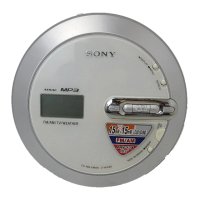
+ / – buttons
/ buttons
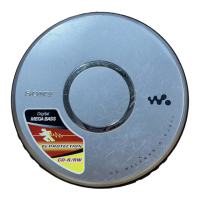
Jog lever
button
16
D-NF430/NF431.GB.2-663-956-11(1)





 To Next Page