18
Searching for and
playing tracks
Playing tracks in various
modes
You can listen to tracks repeatedly (repeat
play) or in random order (shuffle play).
Available play modes differ depending on
the selected sound source.
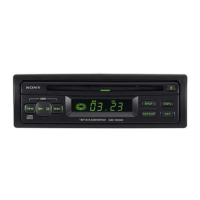
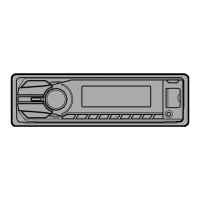
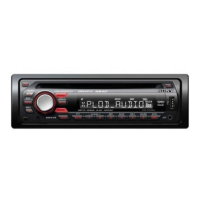
1 During playback, press (REP) or
(SHUF) repeatedly until the
desired play mode appears.
Playback in the selected play mode may
take time to start.
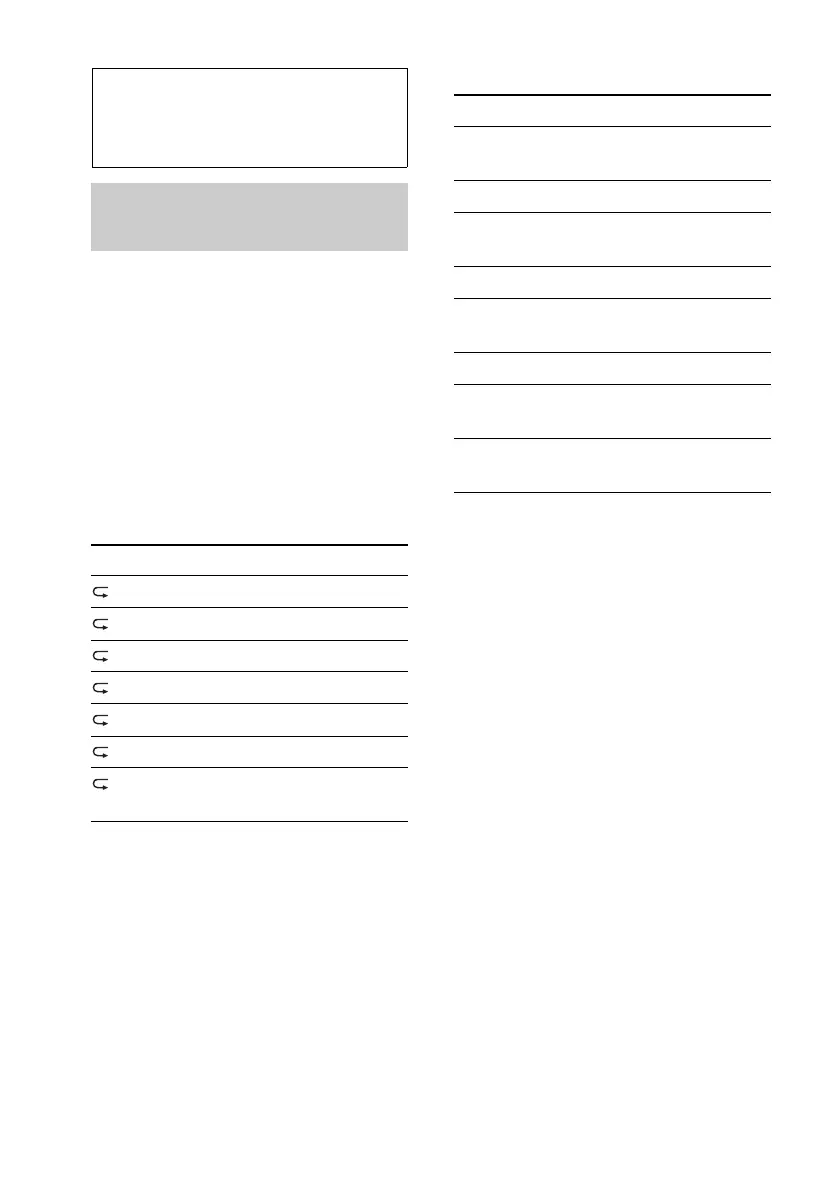
Repeat play
Shuffle play
*1 iPod only
*2 CD only
*3 USB and iPod only
Select To play
TRACK track repeatedly.
ALBUM album repeatedly.
PODCAST*
1
podcast repeatedly.
ARTIST*
1
artist repeatedly.
PLAYLIST*
1
playlist repeatedly.
GENRE*
1
genre repeatedly.
OFF track in normal order
(Normal play).
Select To play
SHUF ALBUM album in random
order.
SHUF DISC*
2
disc in random order.
SHUF PODCAST*
1
podcast in random
order.
SHUF ARTIST*
1
artist in random order.
SHUF PLAYLIST*
1
playlist in random
order.
SHUF GENRE*
1
genre in random order.
SHUF DEVICE*
3
device in random
order.
SHUF OFF track in normal order
(Normal play).






 To Next Page