7
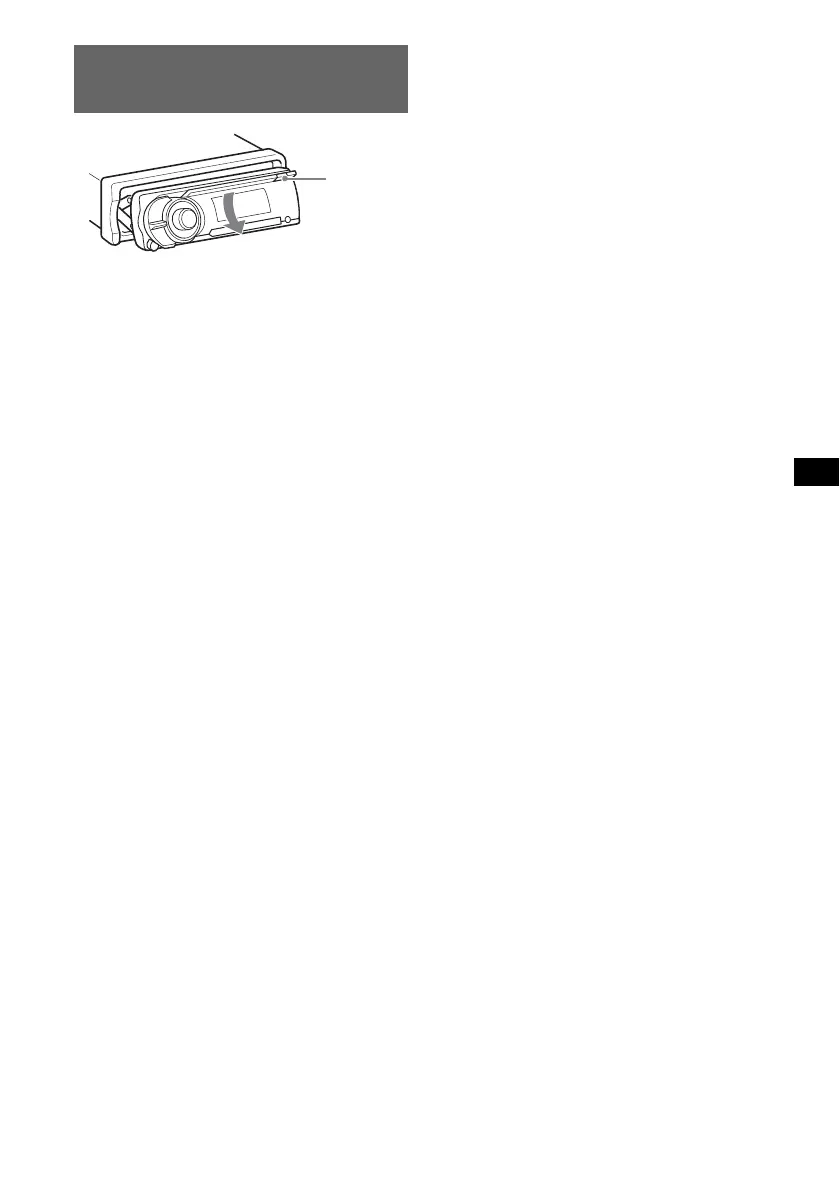
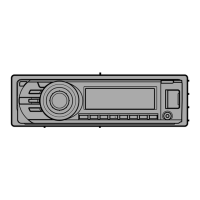
Adjusting the angle of the front
panel
1 Press and hold (ANGLE) repeatedly
until the front panel is angled
accordingly.
The front panel can be set to 3 positions.
To return the front panel to its default position,
press and hold (ANGLE) repeatedly until the
front panel is returned to its default position.
Tips
• After the front panel slides down (to insert the disc),
it returns to the position you set again automatically.
• The front panel angle you set is stored in the unit.
When turning the ignition off, the angle returns to its
default position, then turning the ignition on, the front
panel is angled you set.
(ANGLE)



 To Next Page