17
Erasing the station name
1 Press (SOURCE) repeatedly to select
the radio.
2 Press (MODE) repeatedly to select the
band.
3 Press (LIST) for 2 seconds.
4 Press (DSPL) for 2 seconds.
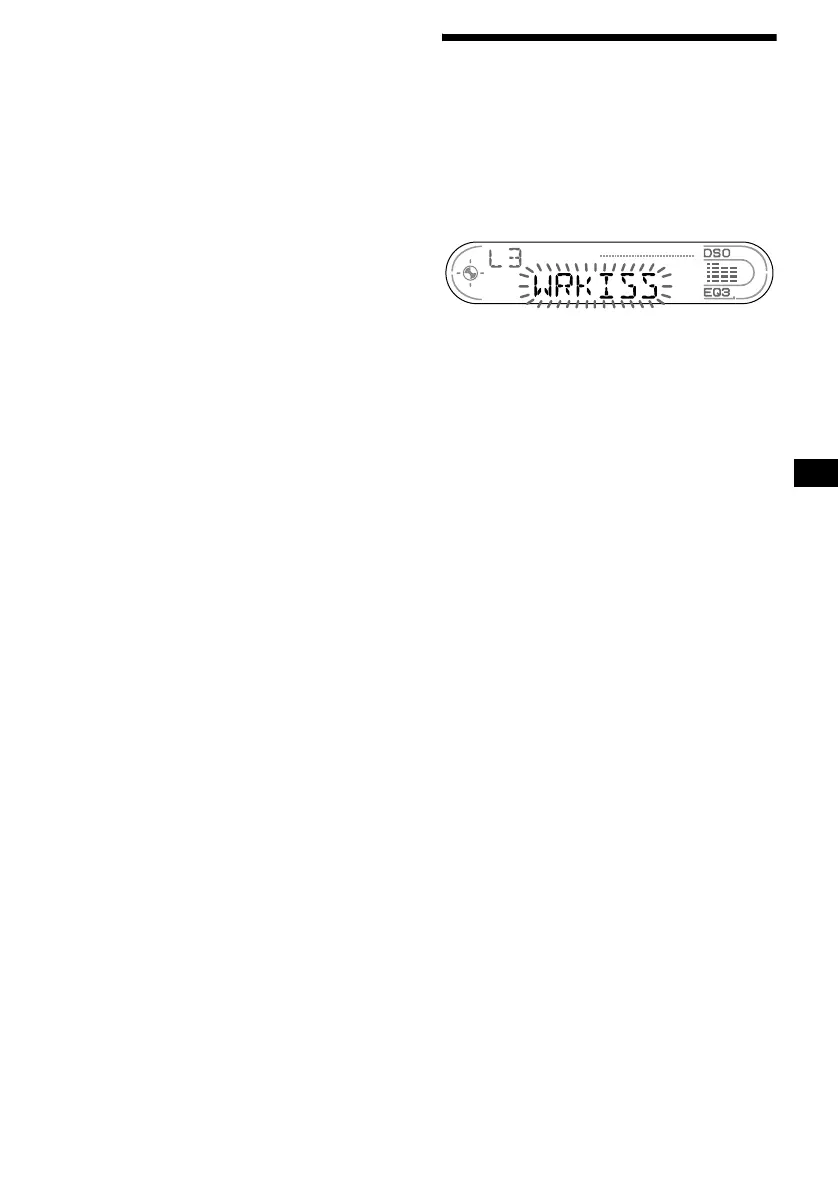
The stored names will appear.
5 Press the volume +/– button
repeatedly to select the disc name you
want to erase.
6 Press (SEL) for 2 seconds.
The name is erased.
Repeat steps 5 and 6 if you want to erase
other names.
7 Press (LIST) for 2 seconds.
The unit returns to normal play mode.
Note
If you have already erased all of the station names,
“NO DATA” appears in step 6.
Tuning in a station through a
list
— List-up
1 During radio reception, press (LIST)
momentarily.
The frequency or the name assigned to the
current station appears in the display.
2 Press (LIST) repeatedly until you find
the desired station.
3 Press ( SEEK) (+) or (SEEK) (–) to tune
in the desired station.



 To Next Page