17
Adding tracks to the programme
1 During playback, press (MENU), then
press either side of (PRST) repeatedly
until “PGM-SET” appears.
2 Press (ENTER).
When adding a track to the end of a
programme, skip step 3.
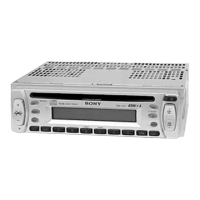
3 Press either side of (PRST) repeatedly to
select the programme number where
you want to insert a new track.
4 Press (SEEK/AMS) to select the new track.
5 Press (ENTER).
The selected track is inserted at that
programme number, and the succeeding
tracks are renumbered.
To continue inserting tracks, repeat steps 3
to 5.
6 Press (MENU) twice.
Note
Once all 20 slots have been filled, “**FULL**”
appears in the display, and you cannot insert more
tracks.
Erasing tracks in a programme
1 During playback, press (MENU), then
press either side of (PRST) repeatedly
until “PGM-SET” appears.
2 Press (ENTER).
3 Press either side of (PRST) repeatedly to
select the programme with the track
number you want to erase.
4 Press (ENTER) for 2 seconds.
The selected track is erased, and the
succeeding tracks are renumbered.
5 Press (MENU) twice.
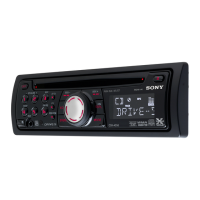
Programme No.
MODE
DSPL
PTY
ENTER
1 2 3 4 56
-
SEEK/AMS
REP SHUF PGM PAUSE
Playing the stored programme
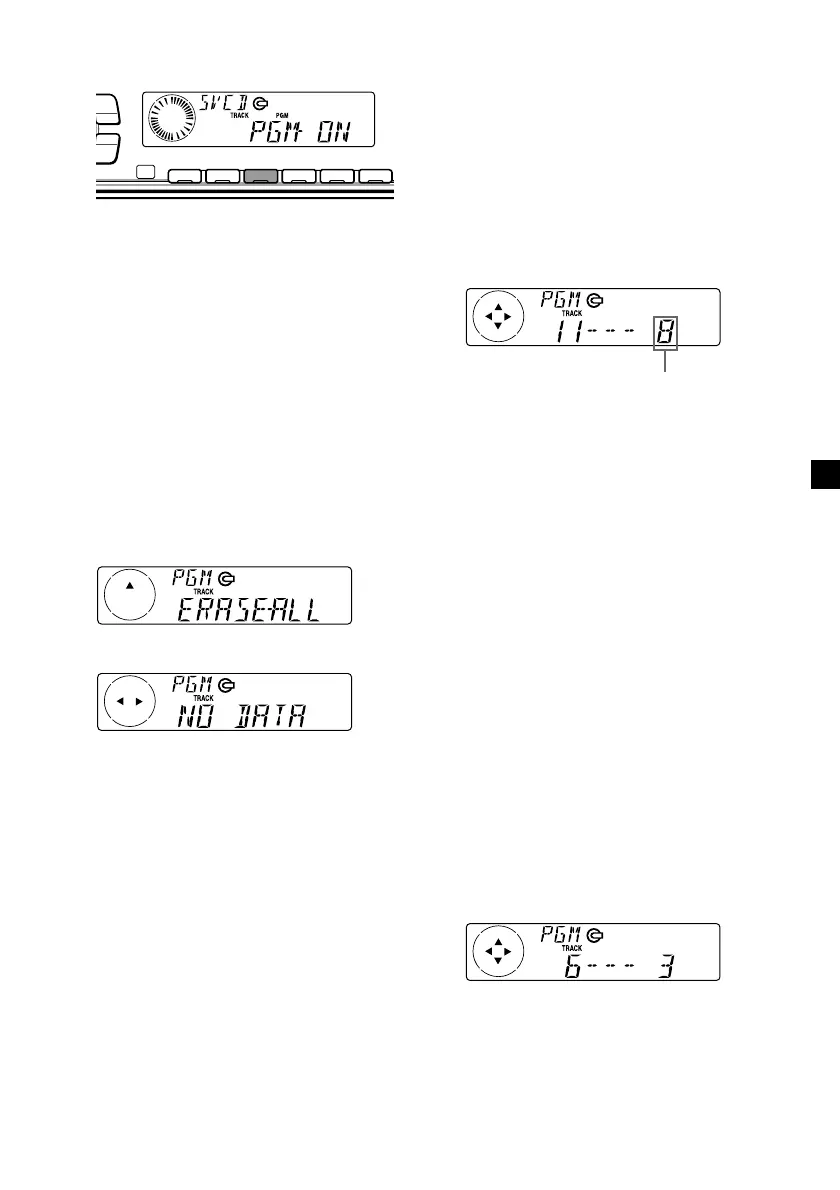
During playback, press (3) (PGM).
Programme Play starts.
To return to normal play mode, select
“PGM -OFF.”
Note
“NO DATA” appears in the display if no track is
stored in the programme.
Erasing an entire programme
1 During playback, press (MENU), then
press either side of (PRST) repeatedly
until “PGM-SET” appears.
2 Press (ENTER).
3 Press the (–) side of (PRST) repeatedly
until “ERASE-ALL” appears.
4 Press (ENTER) for 2 seconds.
The entire programme is erased.
5 Press (MENU) twice.


 To Next Page