12
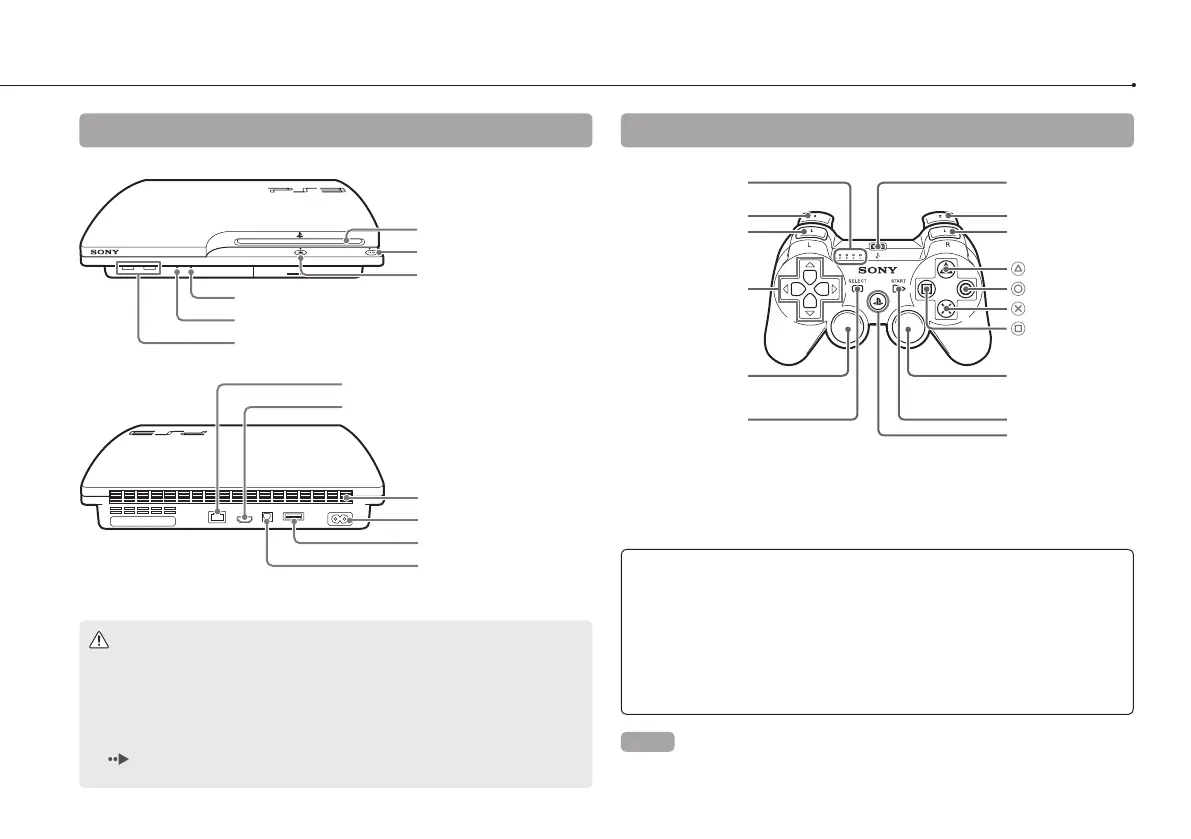
Part names
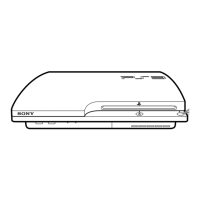
System front / rear
Disc slot
Power button
Eject button
WLAN access indicator
HDD access indicator
USB connectors
Vent
AC IN connector
AV MULTI OUT connector
DIGITAL OUT (OPTICAL)
connector
LAN connector
HDMI OUT connector
DUALSHOCK
®
3 Wireless Controller
SELECT button
USB connector
L2 button
L1 button
Directional
buttons
Left stick/
L3 button*
R2 button
R1 button
button
button
button
button
Right stick/
R3 button*
Port indicators
START button
PS button
* The L3 and R3 buttons function when the sticks are pressed.
Caution
Do not use the system in a closed cabinet or other locations where heat
may build up. Doing so may cause the system to overheat and may lead
to fire, injury or malfunction.
If the system’s internal temperature becomes elevated, the power indicator
will flash alternately in red and green. In this case, turn off the system
( page 21) and leave it unused for a while. After the system cools
down, move it to a location with good ventilation, and then resume use.
Notices
Do not place the system in an area subject to excessive dust or cigarette
smoke. Dust build-up or cigarette smoke residue on the internal
components (such as the lens) may cause the system to malfunction.
Do not move or change the position of the system while the power
indicator is lit solid green or flashing green. The vibration that occurs as a
result of moving the system may cause data loss or corruption, or
damage to the system.
Hint
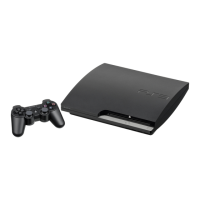
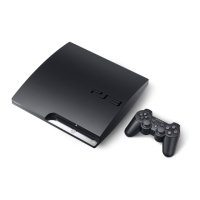
When placing the system in a vertical position, use the vertical stand (sold
separately).



 To Next Page