EasyManua.ls Logo

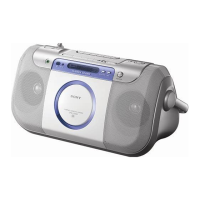
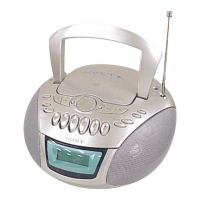
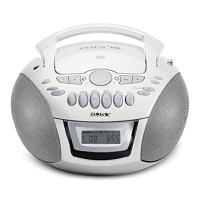
Sony CFD-E100WHITE - General Information; Location of Controls

Sony CFD-E100WHITE
66 pages
Print Icon
To Next Page IconTo Next Page
To Previous Page IconTo Previous Page
Loading...
6
CFD-E100/E100L
SECTION 2
GENERAL
This section is extracted from
instruction manual.
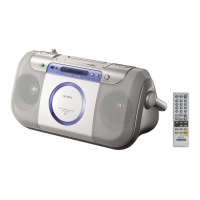
Remote Control
Location of controls
To turn on/off the power
CFD-E100L: Press OPERATE.
CFD-E100: Press POWER.
*The button has a tactile dot.
OPERATE
(POWER)
FUNCTION
u
x
BAND
PRESET +, –
.,>
VOL +*, –
MEGA BASS
PUSH CLOSE
VOLUME +*, –
DISPLAY
ENTER/MEMORY
MODE
i
x
SLEEP
OPR/BATT
Loading a CD
With the labeled side up
Inserting a cassette
RADIO•BAND
AUTO PRESET
Display
Remote sensor
TUNE +, –
PRESET +, –
.,>
u*
With the side you want
to play facing out
Z OPEN
*
OPERATE
(POWER)
Total track number
Programmed track
Playing order
D
Total playing time
Display
E

Related product manuals