56
GB
…
?
IF NO REPLY
?
ALL CALLS
/
IF NOT REACHABLE
Setting a divert
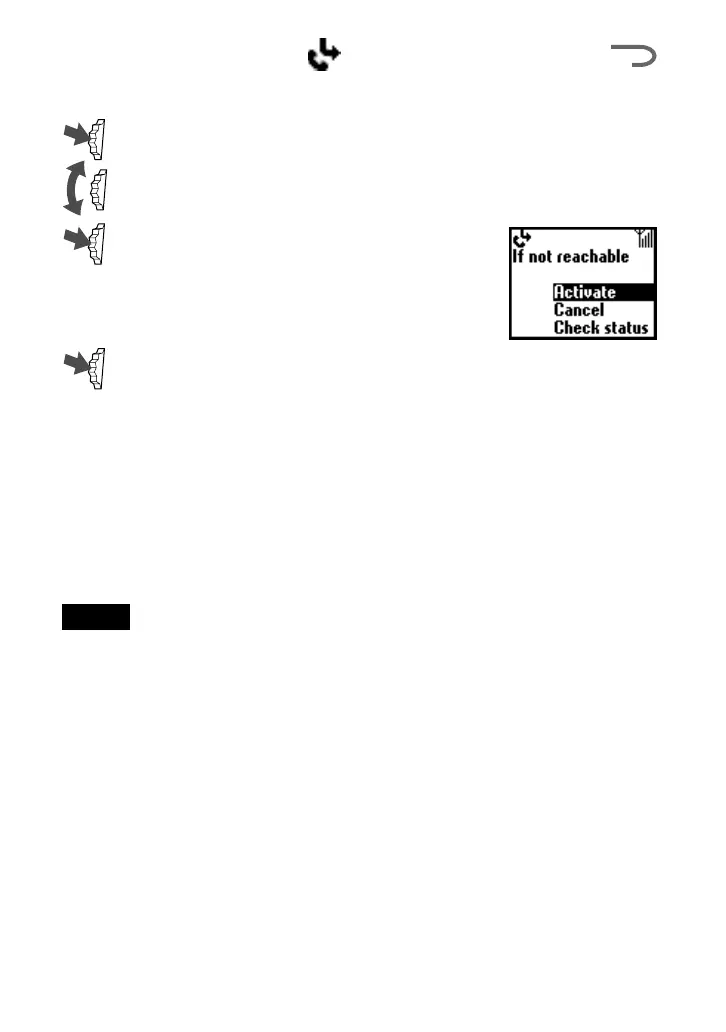
1 Select the Divert menu from the Main menu.
2 Select a Divert option using the Jog Dial (e.g. If not reachable).
3 Select Activate to set the chosen divert
condition.
4 Select Voice mail to divert calls to your Voice mail or Other
number to choose a number from the Phonebook. You can also
enter the number manually using the keys.
5 Wait for confirmation from the network.
In step 3, you also have the option to cancel or check status. Select
“Cancel” to cancel the divert; then wait for the network response. Select
the option “Check status” to check the divert settings. Wait for the
network response and then you can view the current status on the display.
Note
If the returned response is “Failed”, the network was unable to set, clear or check
the selected Divert.



 To Next Page