EasyManua.ls Logo

Sony CMD-J7 - User Manual

Sony CMD-J7
64 pages
Print Icon
To Next Page IconTo Next Page
Loading...
3-233-649-12(1)
© 2001 Sony Corporation
GB
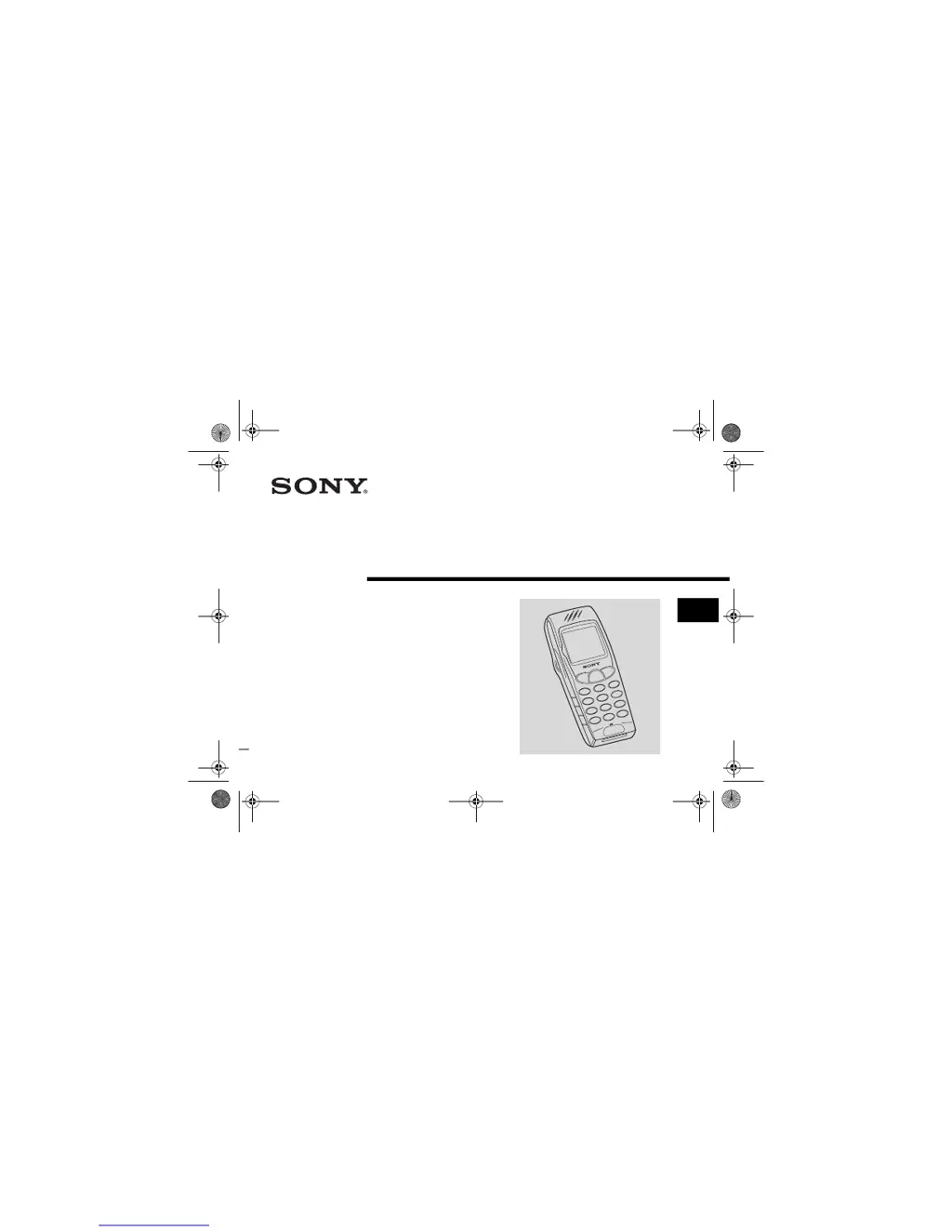
Mobile Telephone
CMD-J7/J70
Operating Instructions
The instructions in this manual are for the
two models CMD-J7, CMD-J70. The
CMD-J7 is the model used for illustration
purposes.
Otherwise, the model name is indicated in
the illustrations. Any differences in
operation are clearly indicated in the text,
for example “CMD-J7 only”.
CMD-J7
01GB01COV-AE4.book Page 1 Wednesday, July 11, 2001 12:12 PM

Questions and Answers

  • E
    erikariveraAug 9, 2025
    What to do if battery charging indicator does not appear on Sony Cell Phone?
    • V
      Victor ShafferAug 9, 2025
      If the battery charging indicator does not appear on your Sony Cell Phone, it may be because the battery is overdischarged. Charge the battery for a full charging cycle (up to approximately 3 hours) for the indicator to appear.
  • S
    Sandra AtkinsonAug 14, 2025
    Why is my Sony CMD-J7 unable to switch on?
    • S
      Stacy SolomonAug 14, 2025
      Your Sony Cell Phone might not switch on due to an empty or defective battery. Try charging the battery. If the problem persists, the battery may need replacement, which is normal after several years of use.
  • K
    kelliegarciaAug 19, 2025
    What to do if my Sony CMD-J7 Cell Phone loses network?
    • M
      Michael KnappSep 12, 2025
      If your Sony Cell Phone loses network, it is likely due to a weak signal. The phone will automatically attempt to reconnect or connect to another operator. You can try switching the phone off and on to speed up this process.
  • R
    Richard WalkerAug 25, 2025
    What to do if call is not possible on Sony Cell Phone?
    • V
      Veronica CabreraAug 25, 2025
      If a call is not possible on your Sony Cell Phone, it could be due to several reasons: a dialing error (ensure you're using the full national area code, and international access code when abroad), all calls being barred (check and clear with the password), another SIM being inserted (check for new restrictions), or call barring being set (check outgoing call barring settings).
  • B
    Brandon DelgadoAug 29, 2025
    How to fix Sony CMD-J7 not able to receive calls?
    • M
      Mitchell WeberAug 29, 2025
      If you are not able to receive calls on your Sony Cell Phone, check your incoming call barring settings. Also, check your call divert settings.
  • M
    Mr. Eric BrownSep 3, 2025
    Why is it difficult to hear the other party on my Sony Cell Phone?
    • P
      Paul CurrySep 3, 2025
      To improve the sound quality on your Sony Cell Phone, adjust the earpiece volume and reduce any background noise around you.

Sony CMD-J7 Specifications

General IconGeneral
ModelCMD-J7
Release Year2000
Network TechnologyGSM
2G bandsGSM 900 / 1800
GPRSNo
EDGENo
StatusDiscontinued
SIMMini-SIM
Display TypeMonochrome graphic
Call records10 dialed, 10 received, 10 missed calls
LoudspeakerNo
3.5mm jackNo
MessagingSMS
ClockYes
AlarmYes
GamesYes
JavaNo
Internal memoryNo
Alert typesVibration
Talk timeUp to 3 h

Related product manuals