28 GB
Menu Operations
option on option off
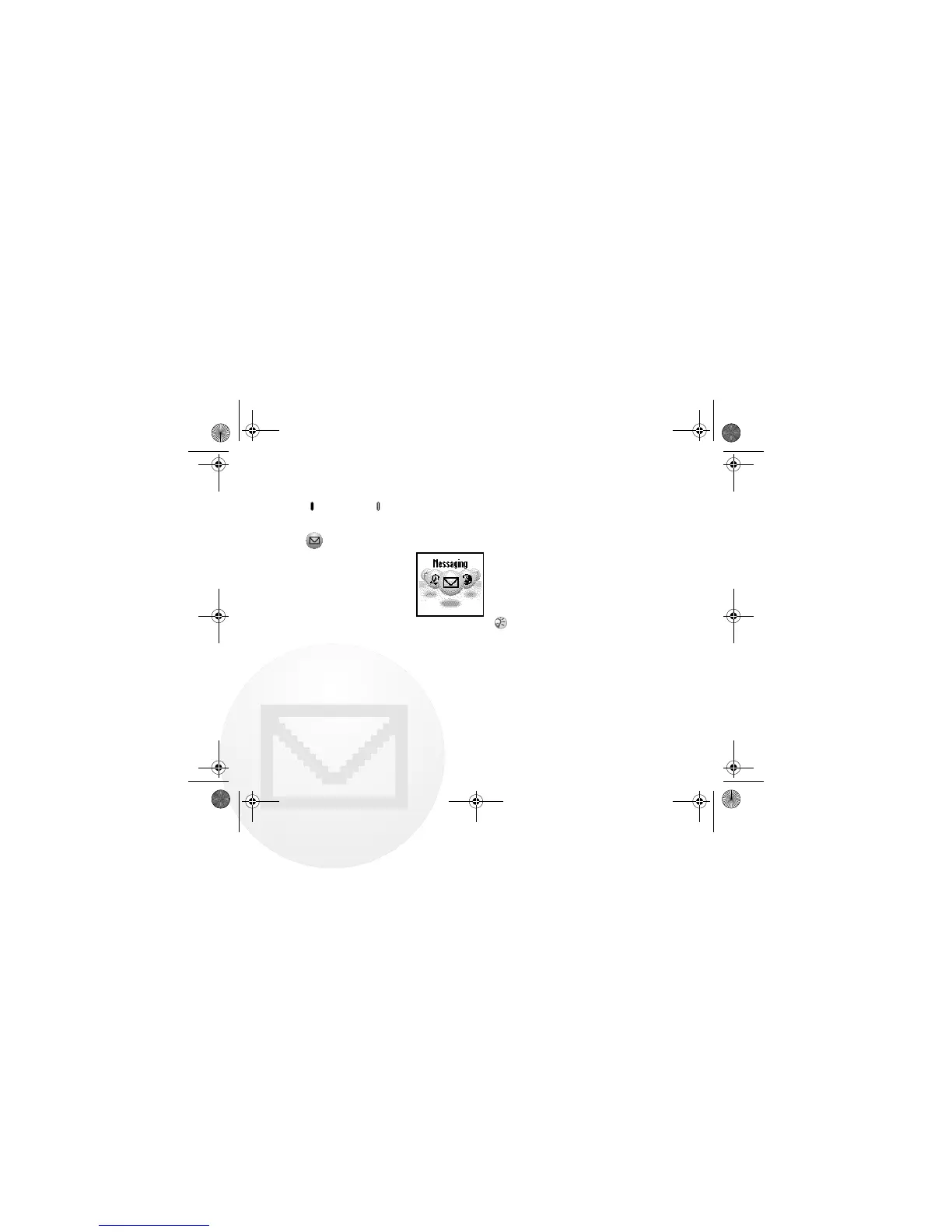
Messaging
This feature offers
correspondence options to
read, write and send short
messages (SMS).
Read Message
When a new message
arrives, you will hear a beep which sounds
different from the single beep of the ringer
and see “ in standby mode.
1 } “ Messaging } Read } Inbox
(} Outbox to read sent messages.)
2 Scroll through the list of messages to
select the message you want to read and
press the Jog Dial to confirm. The
message appears on the display.
3 Press the Jog Dial for options to Delete,
Reply, Fo r wa rd or Call Back the number
in the text.
• The capacity for storing incoming and outgoing
messages depends on your SIM card.
• The message memory is full when “ blinks in
the display.
• Memory Full appears if you try to save a message
when the memory is already full. Delete old
messages in order to free memory space for new
messages.
• Select Delete All to clear all messages.
01GB01COV-AE4.book Page 28 Wednesday, July 11, 2001 12:12 PM



 To Next Page