CD
9
GB
Programing the CD tracks
— Program Play
You can make a program of up to 32 tracks in
the order you want them to be played.
1 Press CD, then place a CD.
2 Press PLAY MODE (PLAY MODE/RDS/
DIR on the remote) repeatedly until
“PROGRAM” appears in the display.
3 Turn ./ > clockwise or
counterclockwise (or press . or >
on the remote) until the desired track
appears in the display.
4 Press ENTER.
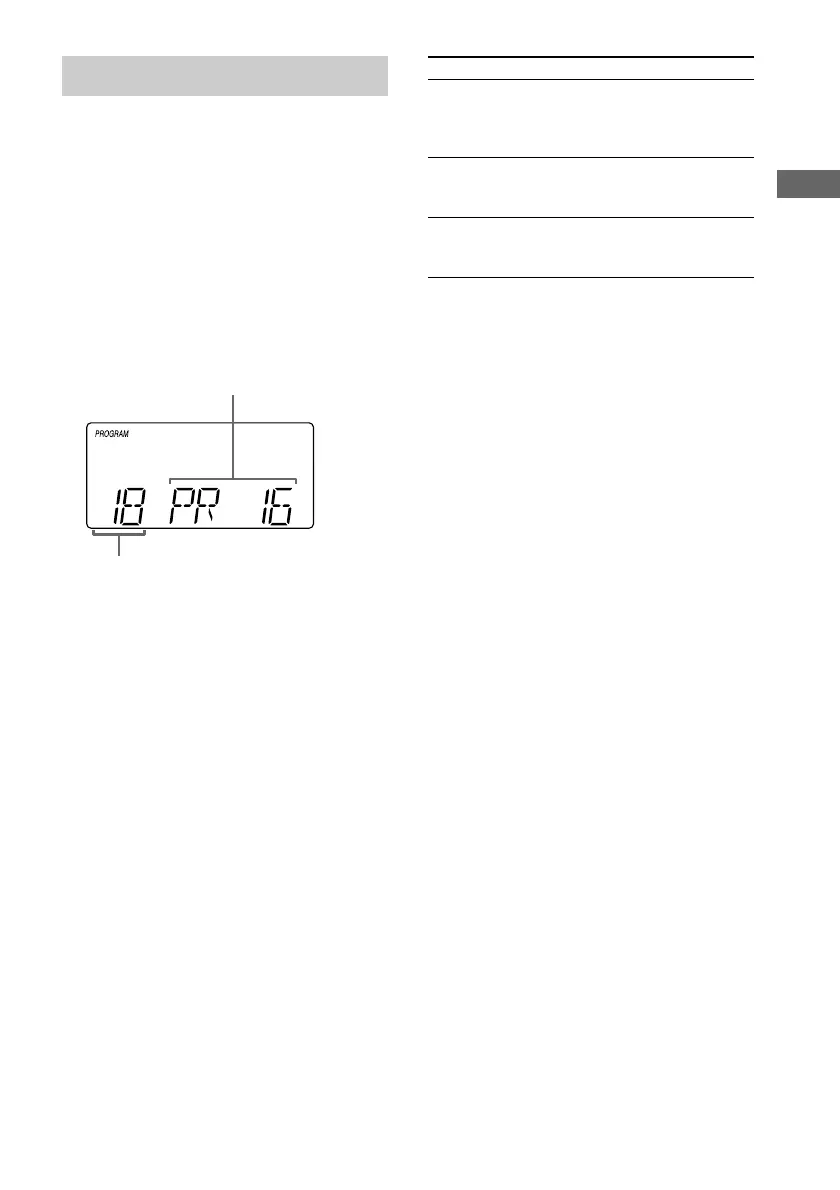
The track is programed. The program step
number appears.
5 To program additional tracks, repeat
steps 3 to 4.
6 Press nN (CMT-EP505) or N (nN
on the remote, CMT-EP404).
Program Play starts.
Preset number
Selected track number
(including selected track)
Do this
Press PLAY MODE (PLAY
MODE/RDS/DIR on the remote)
until “PROGRAM” disappears
from the display.
Do steps 3 and 4 with Program Play
stopped.
Press x once, when Program Play
is in stop mode, or twice during
Program Play.
To
Cancel Program
Play
Add a track to
the end of the
program
Erase the entire
program
Tip
The program you made remains in the system’s
memory even after it has been played back. Press CD,
then press nN (CMT-EP505) or N (nN on
the remote, CMT-EP404) to play the same program
again.










 To Next Page