filename[Z:\#Camera#\DSCW1\3091535111DSCW1U2\010cov.fm]
masterpage:Right
model name1[DSC-W1/W12]
[3-091-535-11(1)]
3-091-535-11(1)
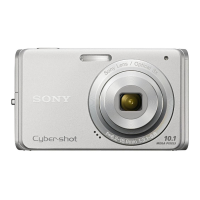
Digital Still Camera
Operating Instructions
Before operating the unit, please read this manual thoroughly, and
retain it for future reference.
Owner’s Record
The model and serial numbers are located on the bottom. Record the
serial number in the space provided below. Refer to these numbers
whenever you call upon your Sony dealer regarding this product.
Model No. DSC-W1/W12
Serial No.
DSC-W1/W12
© 2004 Sony Corporation
Getting started_________________________
Shooting still images___________________
Viewing still images____________________
Deleting still images ___________________
Before advanced operations______________
Advanced still image shooting ____________
Advanced still image viewing _____________
Still image editing _______________________
Still image printing ______________________
(PictBridge printer)
Enjoying movies ________________________
Enjoying images on your computer
__________
Troubleshooting ________________________
Additional information____________________
Index __________________________________

 Need help?
 General





 To Next Page