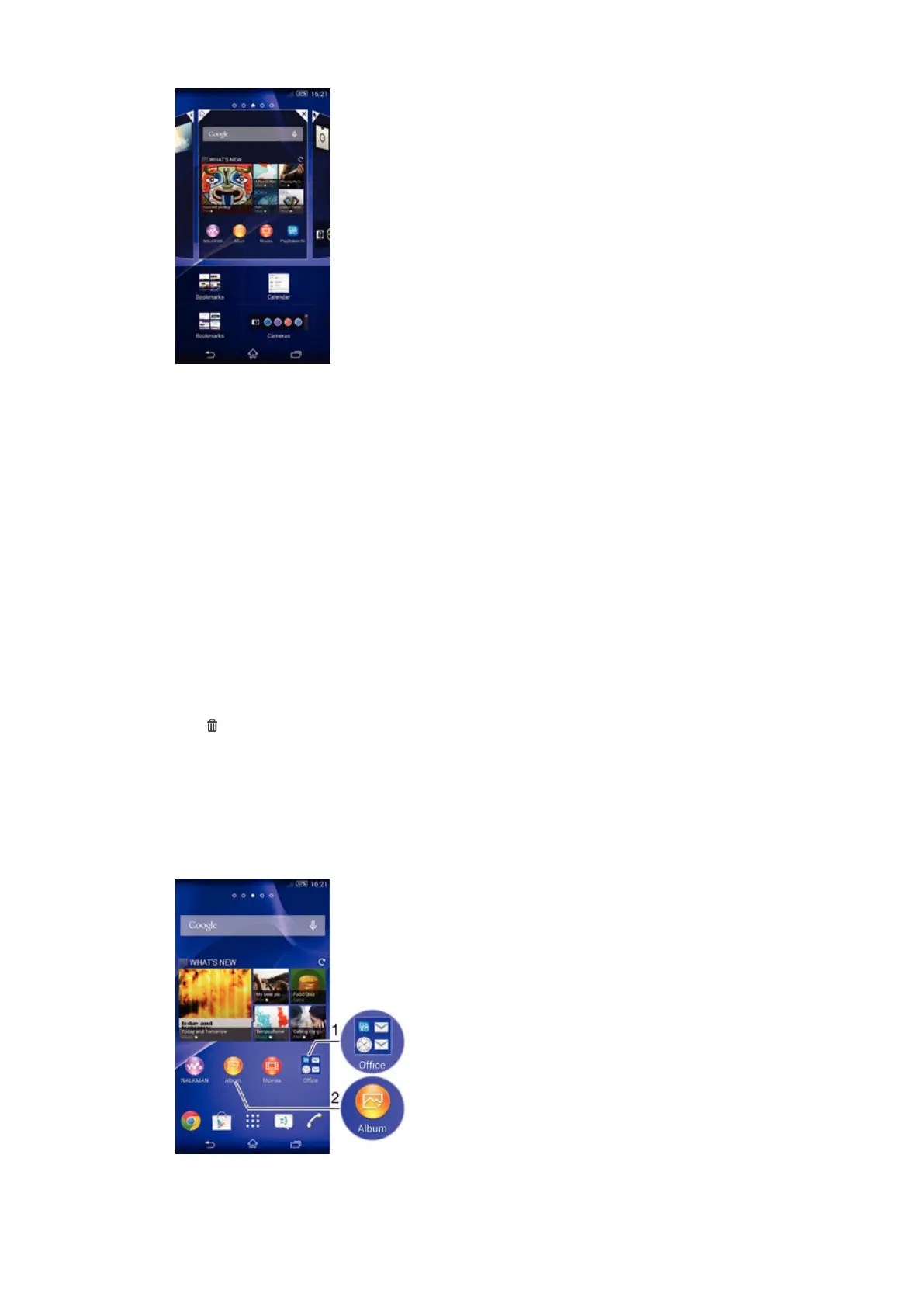
To add a widget to the Home screen
1
Touch and hold an empty area on your Home screen until the device vibrates,
then tap Widgets.
2
Find and tap the widget that you want to add.
To resize a widget
1
Touch and hold a widget until it magnifies and the device vibrates, then release
the widget. If the widget can be resized, for example, the Calendar widget,
then a highlighted frame and resizing dots appear.
2
Drag the dots inward or outward to shrink or expand the widget.
3
To confirm the new size of the widget, tap anywhere on the Home screen.
To move a widget
•
Touch and hold the widget until it magnifies and the device vibrates, then drag
it to the new location.
To delete a widget
•
Touch and hold the widget until it magnifies and the device vibrates, then drag
it to
.
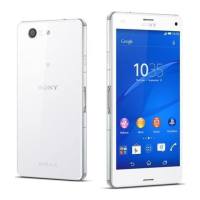
Shortcuts and folders
Use shortcuts and folders to manage your applications and keep your Home screen
tidy.
Shortcuts and folders overview
17
This is an Internet version of this publication. © Print only for private use.










 To Next Page