Advanced Settings and Adjustments
71
GB
Note
• While the Auto Calibration function works:
– do not turn off the power.
– do not press any button.
– do not change the volume.
– do not change the function.
– do not change the disc.
– do not insert or eject a disc.
– do not disconnect the calibration mic.
• The measurement for [SUBWOOFER] is always
[YES] since the system does not perform subwoofer
calibration.
By using the Setup Display, you can make
various adjustments to items such as picture and
sound.
For an overall list of Setup Display items, see
page 98.
Displayed items vary depending on the country
model.
Note
• Playback settings stored in the disc take priority over
the Setup Display settings and not all the functions
described may work.
1 Press FUNCTION repeatedly until
“DVD” appears in the front panel
display.
2 Press DISPLAY when the system is
in stop mode.
The Control Menu display appears.
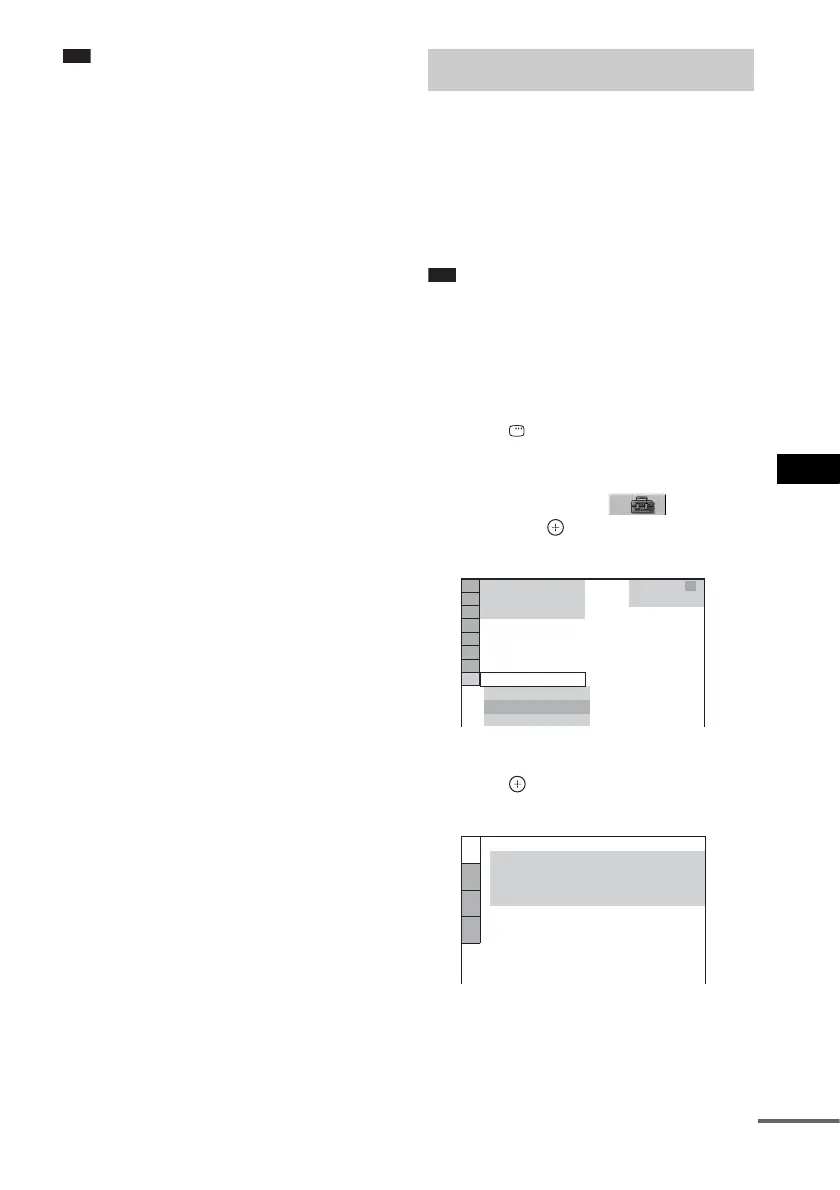
3 Press X/x to select [SETUP],
then press .
The options for [SETUP] appear.
4 Press X/x to select [CUSTOM], then
press .
The Setup Display appears.
Using the Setup Display
1 2
(
2 7
)
QUICK
QUICK
RESET
DVD VIDEO
BNR
T
0 : 0 0 : 0 2
1 8
(
3 4
)
CUSTOM
LANGUAGE SETUP
MENU:
AUDIO:
SUBTITLE:
ORIGINAL
AUDIO FOLLOW
OSD:
ENGLISH
ENGLISH
cont
nue


 To Next Page