Disc
55
GB
x [COLOR SYSTEM (VIDEO CD)]
(Asian, Australian, and Middle Eastern
models only)
You can select the color system when you play a
VIDEO CD.
[AUTO]
: The system outputs the video signal in
the system of the disc, either PAL or NTSC. If
your TV uses a DUAL system, select [AUTO].
[PAL]: The system changes the video signal of
an NTSC disc and outputs it in the PAL system.
[NTSC]: The system changes the video signal of
a PAL disc and outputs it in the NTSC system.
Note
• You cannot change the color system of the disc itself.
• You can change the color system of this system
according to the connected TV (page 20).
x [BLACK LEVEL]
(North American, Mexican, and Latin
American models only)
You can select the black level (setup level) for
the video signals output from the jacks other
than COMPONENT VIDEO OUT/HDMI OUT.
[ON]: The standard level.
[OFF]: You can lower the standard black level.
Use this when the picture becomes too white.
x [BLACK LEVEL (COMPONENT OUT)]
(North American, Mexican, and Latin
American models only)
You can select the black level (setup level) for
the video signals output from the
COMPONENT VIDEO OUT jacks.
You cannot select this and the setting is not
effective when the system outputs progressive
signal.
[OFF]
: You can set the black level of the output
signal to the standard level.
[ON]: You can raise the standard black level.
Use this when the picture becomes too black.
x [PAUSE MODE] (DVD VIDEO/DVD-R/
DVD-RW only)
You can select the picture in pause mode.
[AUTO]
: The picture, including subjects that
move dynamically, is output with no jitter.
Normally select this position.
[FRAME]: The picture, including subjects that
do not move dynamically, is output in high
resolution.
x [HDMI RESOLUTION]
You can select the type of video signal that is
output from the HDMI OUT jack. For details,
see “To select the type of video signal output
from the HDMI OUT jack” (page 29).
[AUTO (1920
× 1080p)]: The system outputs
the optimal video signal for the connected TV.
[1920
× 1080i]: The system outputs 1920 ×
1080i* video signals.
[1280
× 720p]: The system outputs 1280 ×
720p* video signals.
[720
× 480p]**: The system outputs 720 ×
480p* video signals.
* i: interlace, p: progressive
** Depending on the country model, [720 × 576p] may
appear.
Note
• When “HDMI” lights up in the front panel display,
images other than [720 × 480p] or [720 × 576p] are
stretched vertically.
x [CONTROL FOR HDMI]
You can set the [CONTROL FOR HDMI]
function to on/off. This function is available
when you connect the system and TV with an
HDMI cable. For details, see “Using the Control
Settings for the HDMI
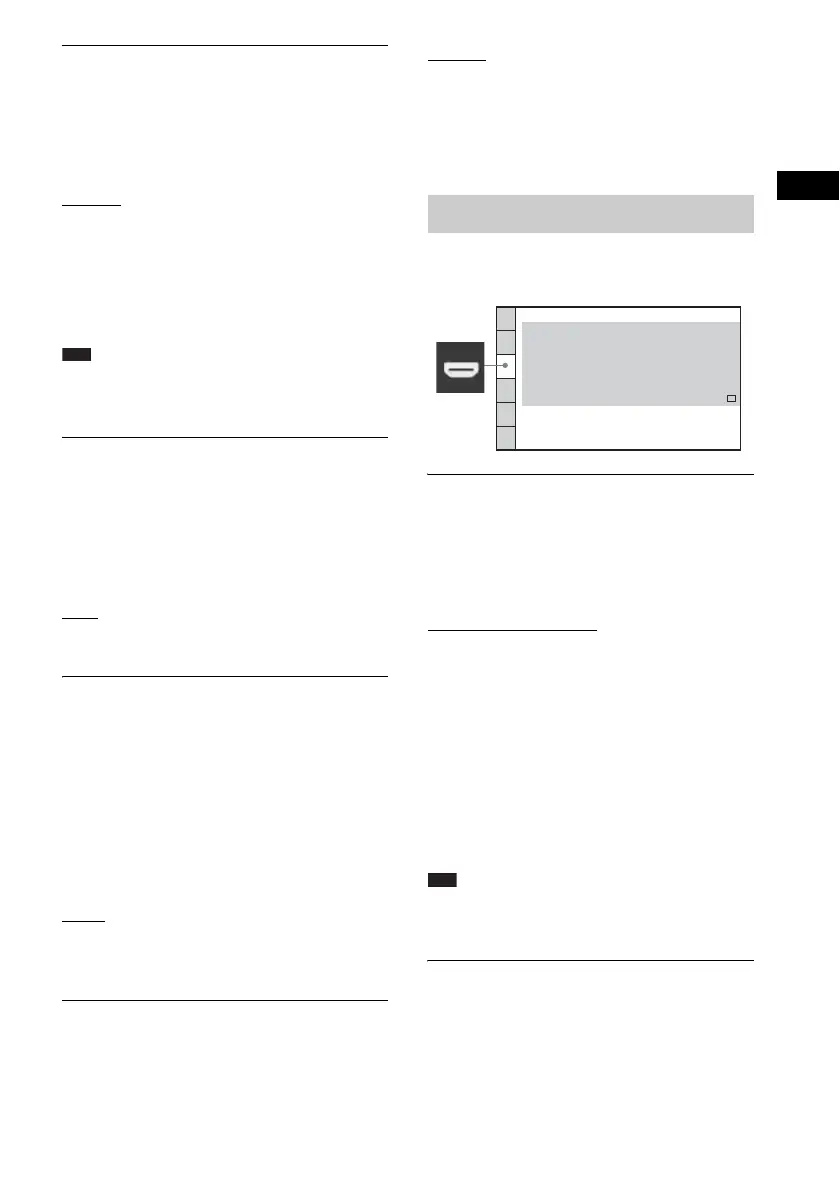
[HDMI SETUP]
HDMI SETUP
CONTROL FOR HDMI:
HDMI RESOLUTION:
VOLUME LIMIT:
AUTO
(1920x1080P)
OFF
LEVEL2
YC
BCR
OFF
HD
YCBCR/RGB(HDMI):
JPEG RESOLUTION:
AUDIO(HDMI):



 To Next Page