Playback
47
GB
Enjoying the Audio/Video
of the Connected
Component
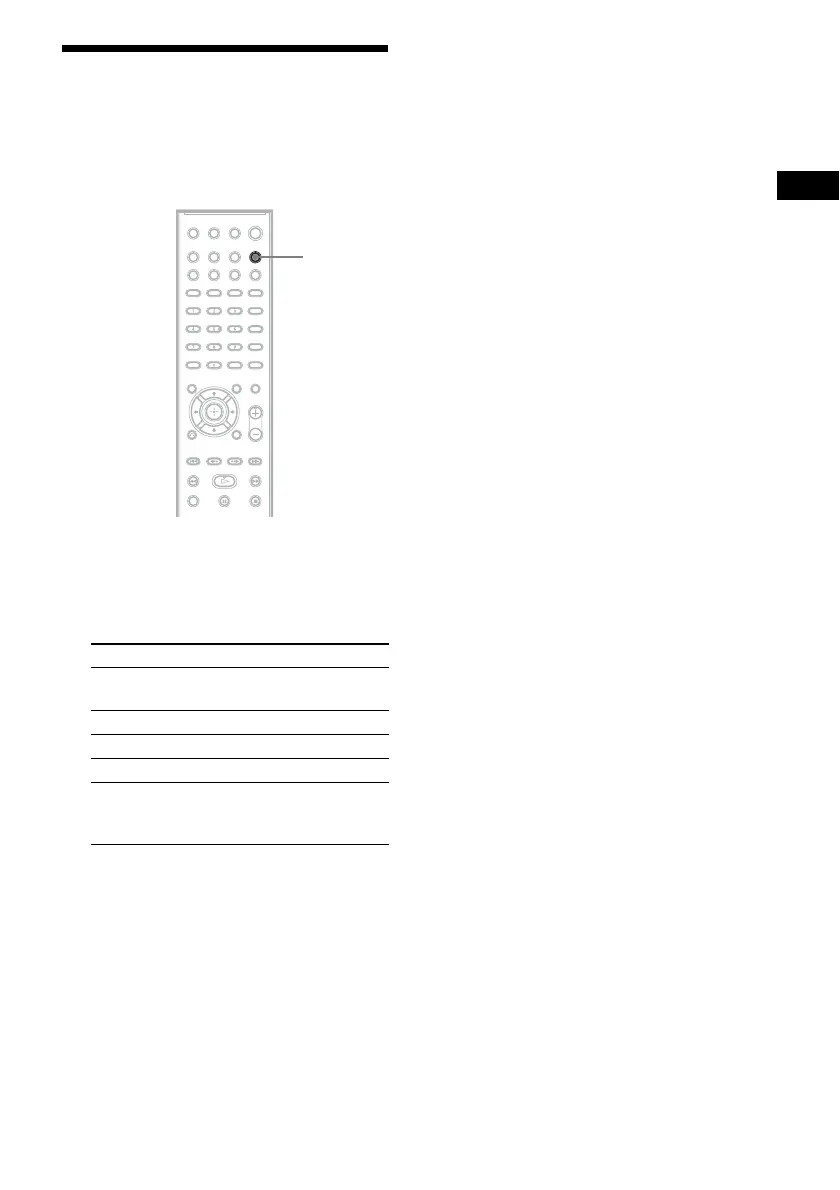
1 Press FUNCTION repeatedly to select
the desired function.
The selected item appears in the front panel
display.
2 Prepare the source.
• “DVD/CD”: Insert a disc into the unit
(page 34).
• “FM”: Select a radio program (page 48).
• “USB”: Connect a USB device directly
(page 34).
• “TV”: Select a channel on the TV or set-
top box.
• “AUDIO IN”: Connect a portable audio
source via an audio cord (stereo mini-plug
cord) (page 29).
3 Operate the connected component.
To enjoy a set-top box, select the input of
the set-top box via the TV to which it is
connected.
Function Source
“DVD/CD” Disc that is played by the
system
“FM” FM radio
“USB” USB device
“TV” TV or set-top box
“AUDIO IN” Portable audio source that
is connected to the AUDIO
IN jack on the front panel
FUNCTION



 To Next Page