74
GB
(When letters/numbers appear in the
display)
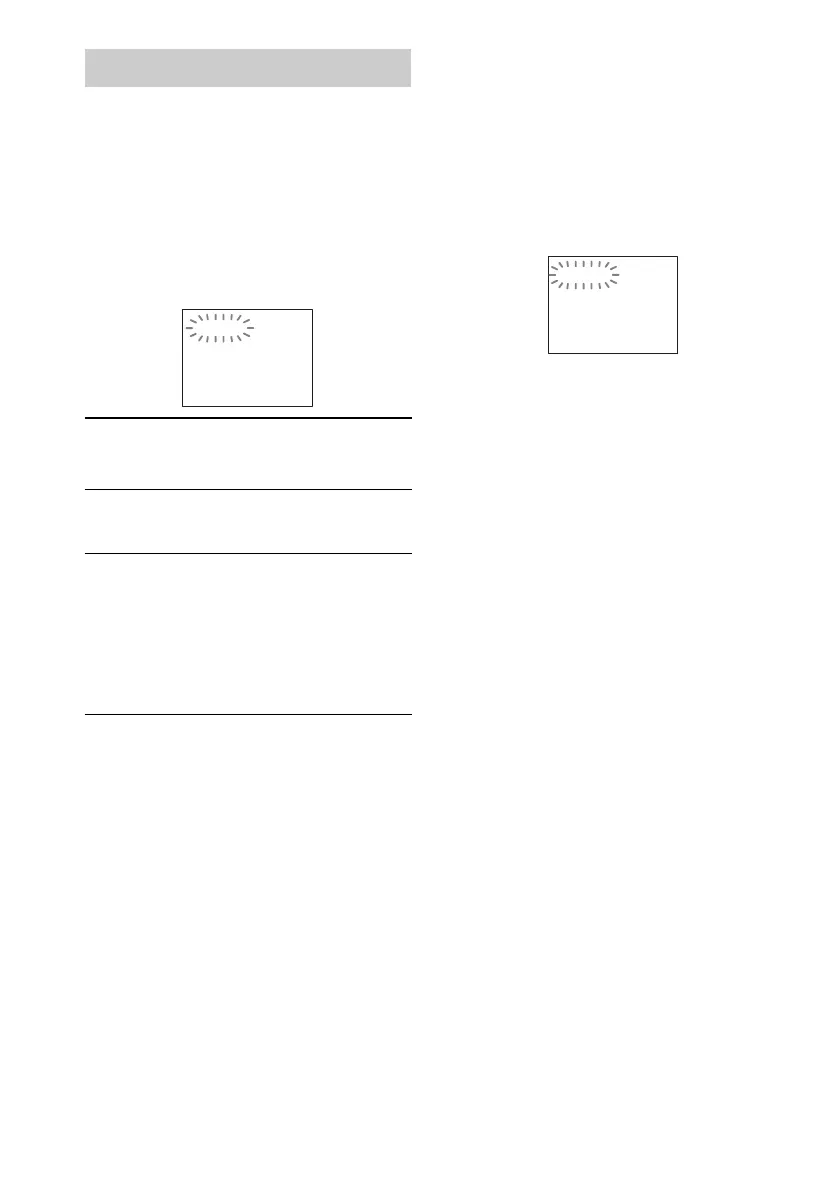
When the self-diagnosis function is activated to
prevent the system from malfunctioning, a 5-
character service number (e.g., C 13 50) with a
combination of a letter and 4 digits appears on
the TV screen or front panel display. In this case,
check the following table:
When the version number
appears on the TV screen
When you turn on the system, the version
number [VER.X.XX] (X is a number) may
appear on the TV screen. Although this is not a
malfunction and for Sony service use only,
normal system operation will not be possible.
Turn off the system, and then turn on the system
again to operate.
Self-diagnosis Function
First 3
characters of
the service
number
Cause and/or corrective action
C 13 The disc is dirty.
,Clean the disc with a soft cloth
(page 67).
E XX
(XX is a
number)
To prevent a malfunction, the
system has performed the self-
diagnosis function.
,Contact your nearest Sony
dealer or local authorized Sony
service facility and give the 5-
character service number.
Example: E 61 10
C:13:50
VER.X.XX



 To Next Page