56
GB
x [HDMI RESOLUTION]
You can select the type of video signal that is
output from the HDMI OUT jack. For details,
see “To select the type of video signal output
from the HDMI OUT jack” (page 28).
[AUTO (1920
× 1080p)]: The system outputs
the optimal video signal for the connected TV.
[1920
× 1080i]: The system outputs 1920 ×
1080i* video signals.
[1280
× 720p]: The system outputs 1280 ×
720p* video signals.
[720
× 480p]**: The system outputs 720 ×
480p* video signals.
* i: interlace, p: progressive
** Depending on the country model, [720 × 576p] may
appear.
x [CONTROL FOR HDMI]
You can set the [CONTROL FOR HDMI]
function to on/off. This function is available
when you connect the system and TV with an
HDMI cable. For details, see “Using the Control
for HDMI Function for “BRAVIA” Sync”
(page 65).
[OFF]
: Off.
[ON]: On. You can operate mutually between
components that are connected with an HDMI
cable.
Note
• When you set to [ON] without the HDMI connection
of the TV, [Please verify the HDMI connection.]
appears and you cannot set to [ON].
x [VOLUME LIMIT]
If you change the output method of the TV to the
system speaker on the TV menu or by pressing
THEATRE, the System Audio Control
(page 67) is activated and loud sound may be
output depending on the volume level of the
system. You can prevent this by limiting the
maximum level of the volume.
[LEVEL3]: Maximum volume level is set to 10.
[LEVEL2]
: Maximum volume level is set to 15.
[LEVEL1]: Maximum volume level is set to 20.
[OFF]: Off.
Note
• This function is available only when [CONTROL
FOR HDMI] is set to [ON].
x [YCBCR/RGB (HDMI)]
You can select the type of HDMI signal output
from HDMI OUT jack.
[
YCBCR]: The system outputs YCBCR signals.
[RGB]: The system outputs RGB signals.
Note
• If the playback picture becomes distorted, set
[YC
BCR] to [RGB].
• If the HDMI OUT jack is connected to a component
with a DVI jack, [RGB] signals will be automatically
output even when you select [YC
BCR].
x [AUDIO (HDMI)]
You can select the audio output status from the
HDMI OUT jack.
[OFF]
: The system does not output the sound
from the HDMI OUT jack.
[ON]: The system outputs audio signals by
converting Dolby Digital, DTS, or 96 kHz/24 bit
PCM signals to 48 kHz/16 bit PCM.
Note
• When you connect the unit and TV with an HDMI
cable and [ON] is selected, [AUDIO DRC], [A/V
SYNC], DYNAMIC BASS, “DEC. MODE,” and
sound mode are not applied to the sound that is output
from the TV.
• When you set the function to other than “DVD,” the
system does not output the sound from the HDMI
OUT jack even if you set [AUDIO (HDMI)] to [ON].
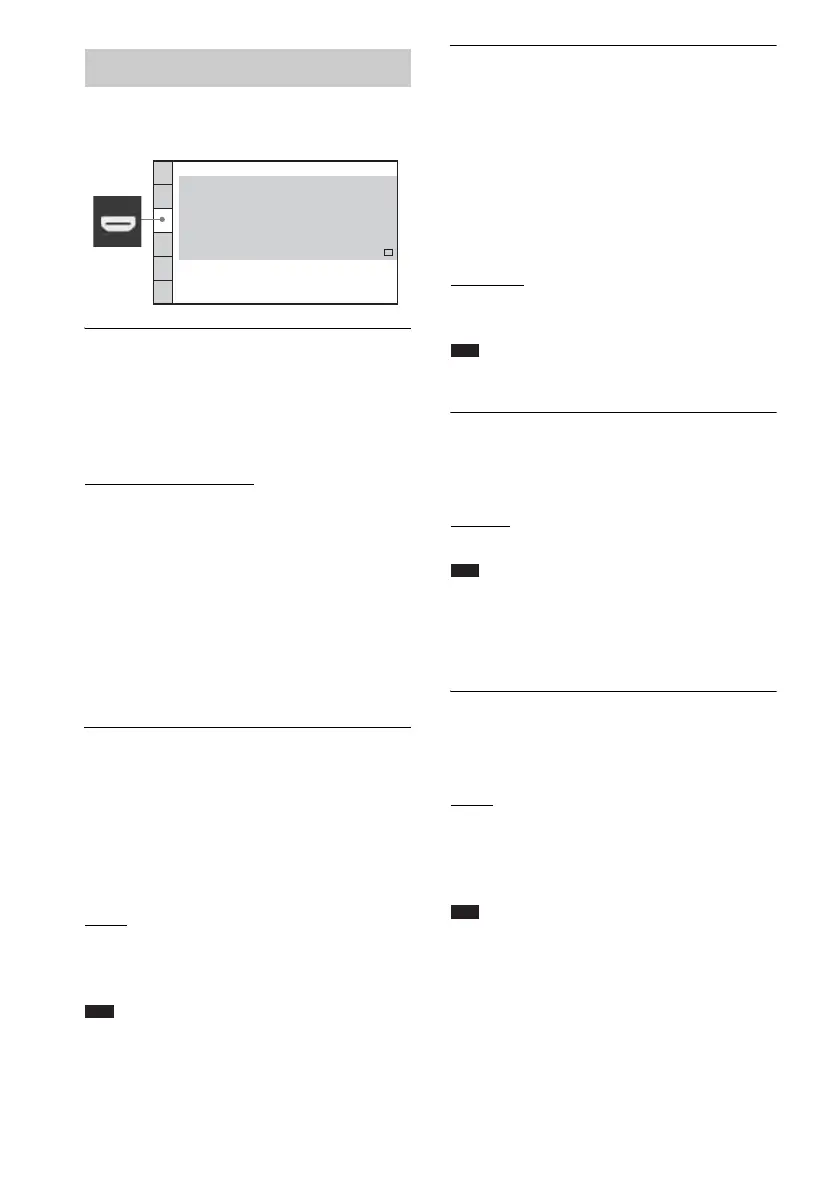
Settings for the HDMI
[HDMI SETUP]
HDMI SETUP
CONTROL FOR HDMI:
HDMI RESOLUTION:
VOLUME LIMIT:
AUTO
(1920x1080p)
OFF
LEVEL2
YC
BCR
OFF
SD
YCBCR/RGB(HDMI):
JPEG RESOLUTION:
AUDIO(HDMI):



 To Next Page