236
Icon/item
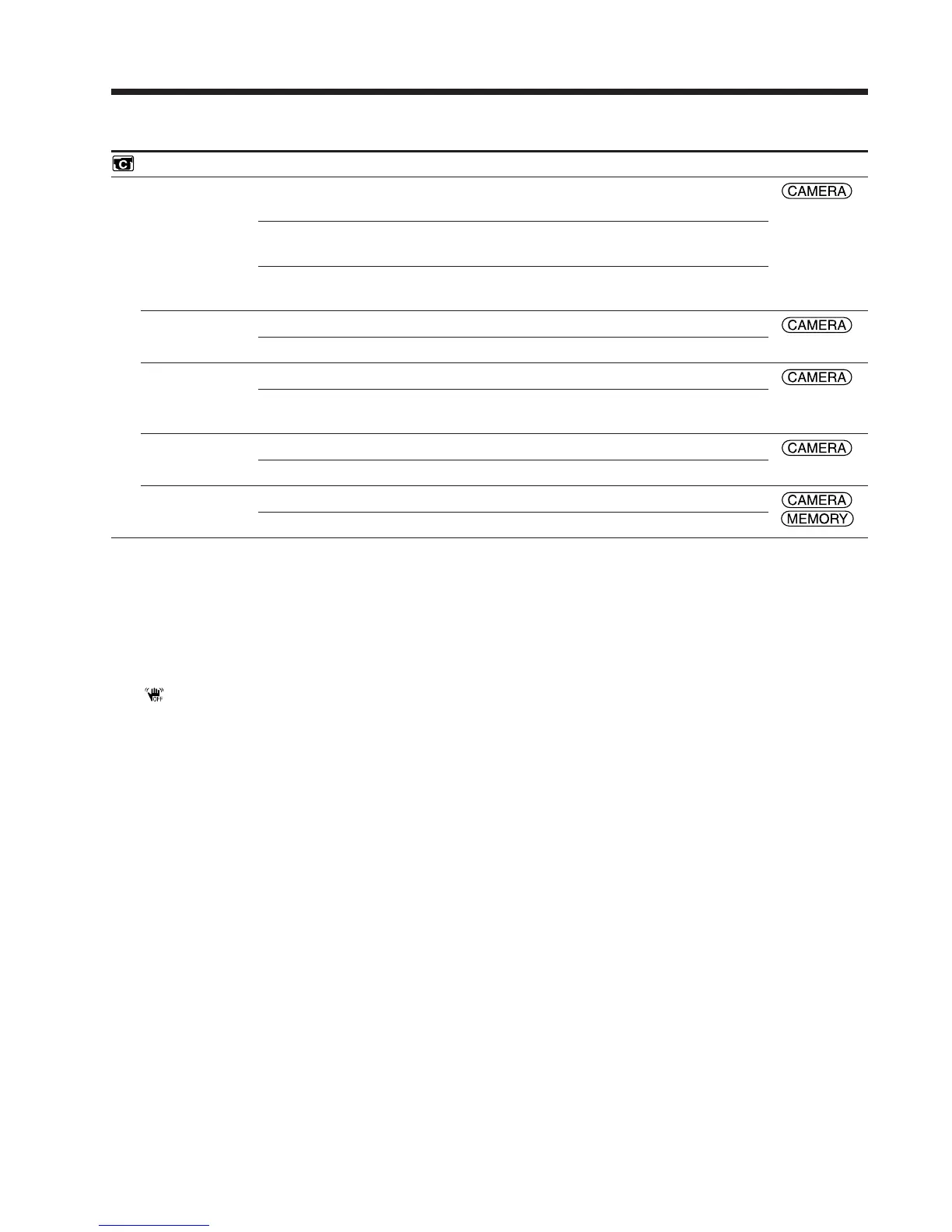
CAMERA SET
D ZOOM
16:9WIDE
STEADYSHOT
EDITSEARCH
N.S. LIGHT
Mode
z OFF
20×
120×
z OFF
ON
z ON
OFF
z OFF
ON
z ON
OFF
Meaning
To deactivate the digital zoom. Up to 10× zoom is
carried out.
To activate the digital zoom. More than 10× to 20×
zoom is performed digitally (p. 46).
To activate the digital zoom. More than 10× to 120×
zoom is performed digitally.
To not record a 16:9 wide picture
To record a 16:9 wide picture (p. 70)
To compensate for camera-shake
To cancel SteadyShot. Natural pictures are produced
when shooting a stationary subject with a tripod.
Not to display 7/– · + on the LCD screen
To display 7/– · + on the LCD screen (p. 52)
To use the NightShot Light (p. 49)
To cancel the NightShot Light
POWER
switch
*
1)
*
1)
DCR-PC105E only
Notes on SteadyShot
•SteadyShot may not correct excessive camera-shake.
•Attachment of a conversion lens (optional) may interfere with the SteadyShot function.
If you cancel SteadyShot
The (SteadyShot off) indicator appears. Your camcorder prevents excessive compensation for
camera-shake.
Changing the menu settings















 To Next Page