EasyManua.ls Logo

Sony DCX-930 - Page 35

Sony DCX-930
158 pages
Print Icon
To Next Page IconTo Next Page
To Previous Page IconTo Previous Page
Loading...
y-Vo}
(Ut)
d1are
Mm
dal=meale(sromylolali
cele
You
can
use
the
camera’s
color
bar
signal
output
to
adjust
the
video
monitor
for
optimal
color
reproduction.
Chapter
3
i
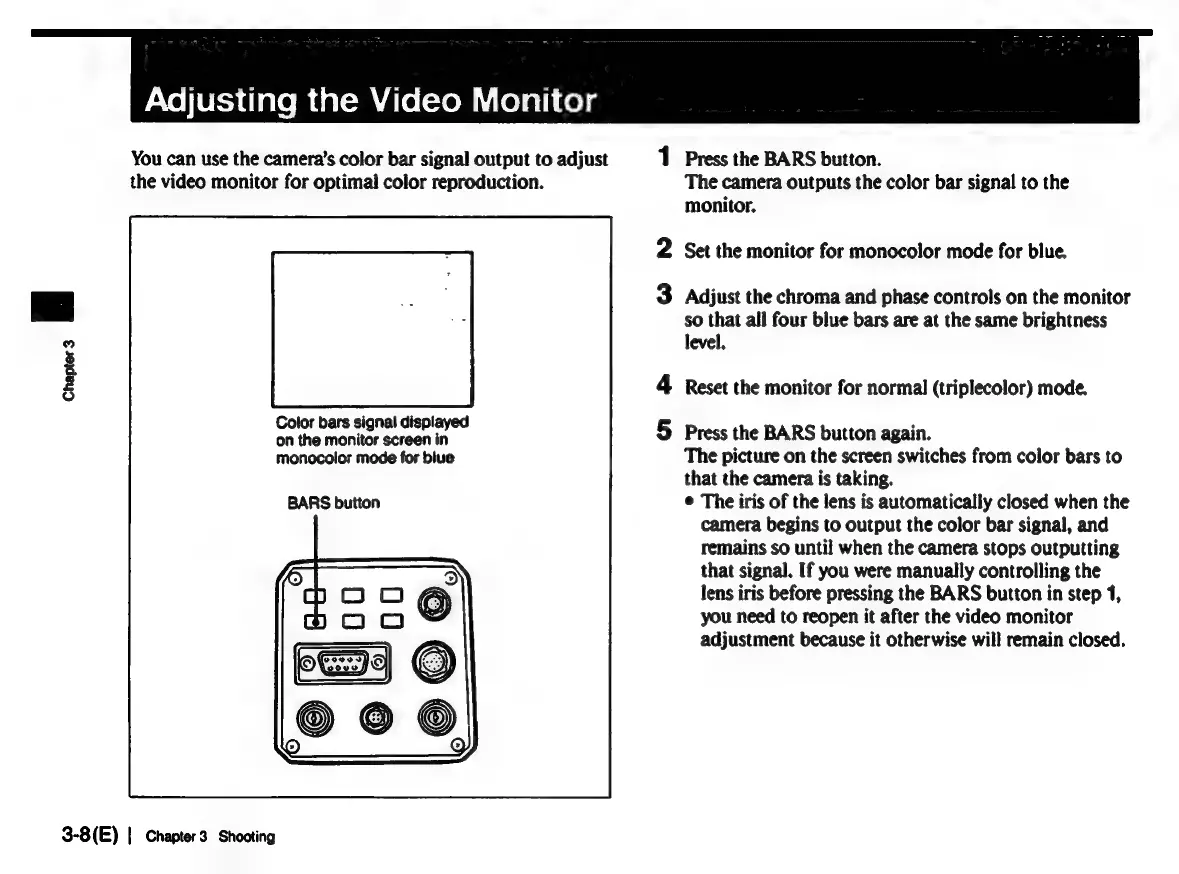
Color
bars
signal
displayed
on
the
monitor
screen
in
monocolor
mode
for
blue
BARS
button
3-8(E)
|
Chapter
3
Shooting
1
Press
the
BARS
button.
The
camera
outputs
the
color
bar
signal
to
the
monitor.
2
Set the
monitor
for
monocolor
mode
for
blue.
3
Adjust
the
chroma
and
phase
controls
on
the
monitor
so
that
all
four
blue
bars
are
at
the
same
brightness
level.
4
Reset
the
monitor
for
normal
(triplecolor)
mode.
5
Press
the
BARS
button
again.
The
picture
on
the
screen
switches
from
color
bars
to
that
the
camera
is
taking.
©
The
iris
of
the
lens
is
automatically
closed
when
the
camera
begins
to
output
the
color
bar
signal,
and
remains
so
until
when
the
camera
stops
outputting
that
signal.
If
you
were
manually
controlling
the
lens
iris
before
pressing
the
BARS
button
in
step
1,
you
need
to
reopen
it
after
the
video
monitor
adjustment
because
it
otherwise
will
remain
closed.

Related product manuals