EasyManua.ls Logo

Sony DCX-930 - Page 42

Sony DCX-930
158 pages
Print Icon
To Next Page IconTo Next Page
To Previous Page IconTo Previous Page
Loading...
Procedure
for
Changing
Setting
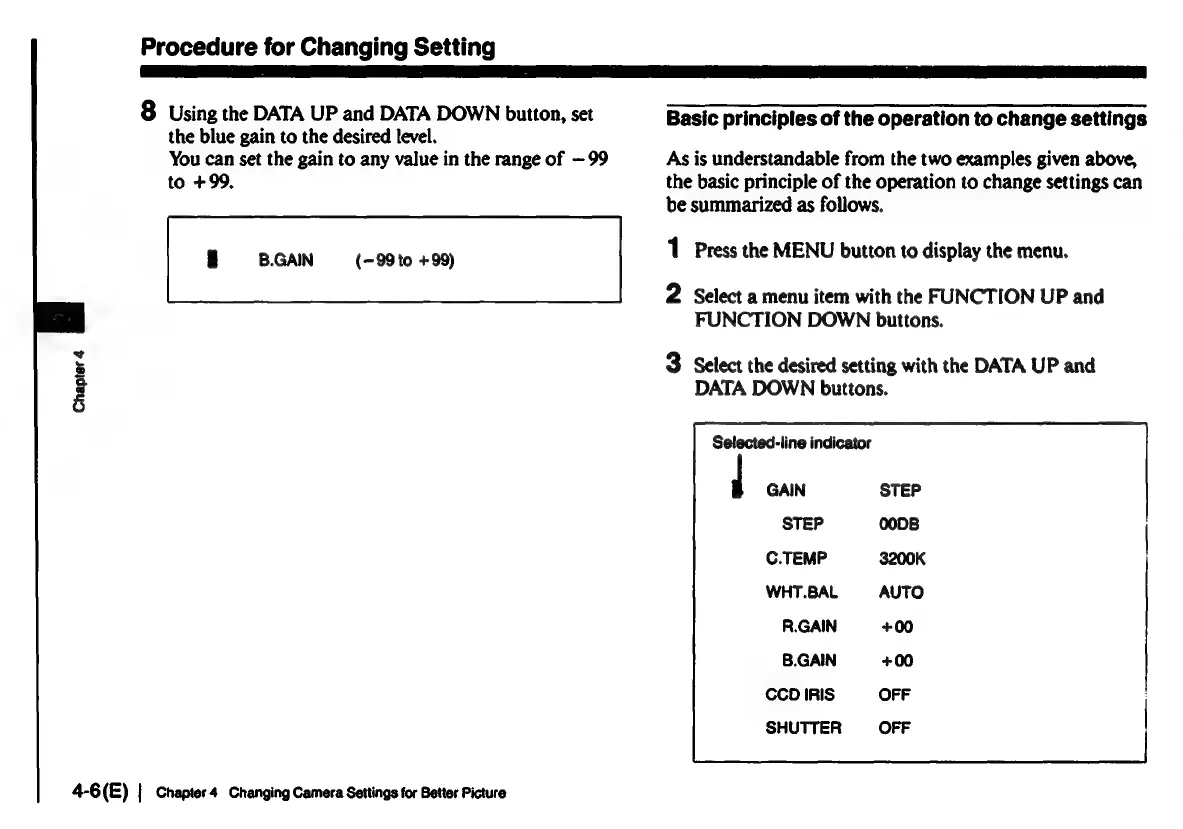
8
Using
the
DATA
UP
and
DATA
DOWN
button,
set
Basic
principles
of
the
operation
to
change
settings
the
blue
gain
to
the
desired
level.
You
can
set
the
gain
to
any
value
in
the
range
of
—99
As
is
understandable
from
the
two
examples
given
above,
to
+99,
the
basic
principle
of
the
operation
to
change
settings
can
be
summarized
as
follows.
rm
B.GAIN
(-99to
+99)
1
Press
the
MENU
button
to
display
the
menu.
2
Select
a
menu
item
with
the
FUNCTION
UP
and
FUNCTION
DOWN
buttons.
3
Select
the
desired
setting
with
the
DATA
UP
and
DATA
DOWN
buttons.
Chapter
4
Selected-line
indicator
GAIN
STEP
C.TEMP
3200K
WHT.BAL
AUTO
R.GAIN
+00
B.GAIN
+00
CCD
IRIS
OFF
SHUTTER
4-6(E)
|
Chapter
4
Changing
Camera
Settings
for
Better
Picture

Related product manuals