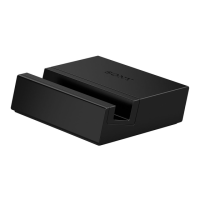
1 Plug the USB Type-C™ end of the charger cable into the charging dock, then
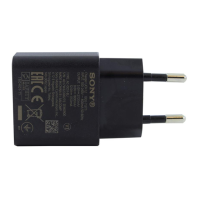
plug the other end into the USB port of a computer or a phone charger. If
you are using a phone charger, plug the charger into a power outlet.
2 Insert the required attachment into the charging dock.
3 Place your phone in the dock in such a way that the charging dock connector
on the phone makes contact with the connector in the dock.
If you aren't sure of the location of the charging dock connector on your phone, refer to the
relevant phone User guide.
6
This is an internet version of this publication. © Print only for private use.



 To Next Page