18
GB
Setting the clock
x
Setting the date and time again
Touch t (Settings) t (Clock Settings).
1
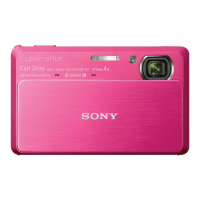
Lower the lens cover.
The camera is turned on.
• You can also turn on the camera
by pressing the ON/OFF (Power)
button.
• It may take time for the power to
turn on and allow operation.
2
Select the desired date display format, then touch
[OK].
3
Select Daylight Savings [On]/[Off], then touch [OK].
4
Select the item to be set, then set the value with
v/V and touch [OK].
• Midnight is indicated as 12:00 AM, and noon as 12:00 PM.
5
Select your desired area with b/B, then touch [OK]
t [OK].
ON/OFF (Power) button
Lens cover








 To Next Page