7GB
(back)
Return to the previous display.
MODE (page 11, 14, 18)
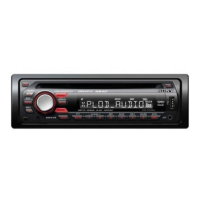
(front panel release)
SEEK +/–
Tune in radio stations automatically.
Press and hold to tune manually.
/ (prev/next), /
(reverse/fast-forward)
Receptor for the remote commander
AF (alternative frequencies)/TA (traffic
announcement)
Set AF and TA in RDS.
-PTY (program type)
Press and hold to select PTY in RDS.
Number buttons
Receive stored radio stations. Press and
hold to store stations.
Call a stored phone number. Press and
hold to store a phone number.
ALBUM /
Skip an album for audio device. Press and
hold to skip albums continuously.
PAUSE
SHUF (shuffle)
MIC (page 18)
DSPL (display)
Change display items.
-SCRL (scroll)
Press and hold to scroll a display item.
USB port
AUX input jack
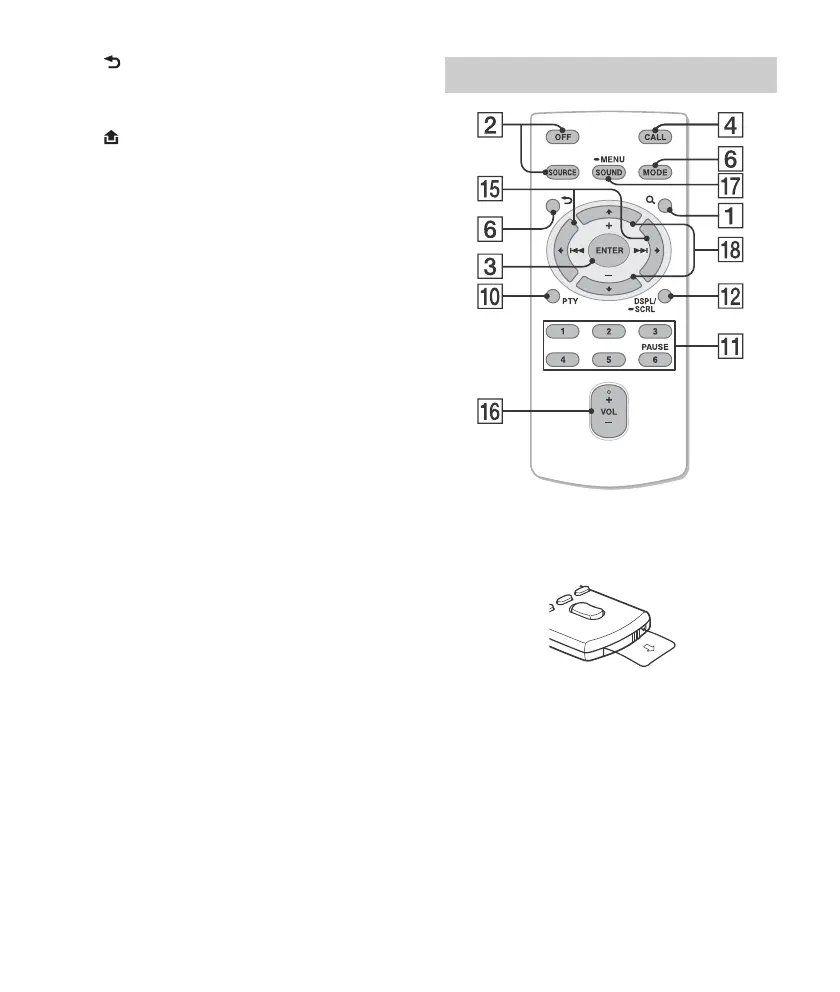
The VOL (volume) + button has a tactile dot.
Remove the insulation film before use.
()/ ()
VOL (volume) +/–
SOUND
Open the SOUND menu directly.
-MENU
Press and hold to open the general setup
menu.
(+)/ (–)
RM-X231 Remote












 To Next Page