EasyManua.ls Logo

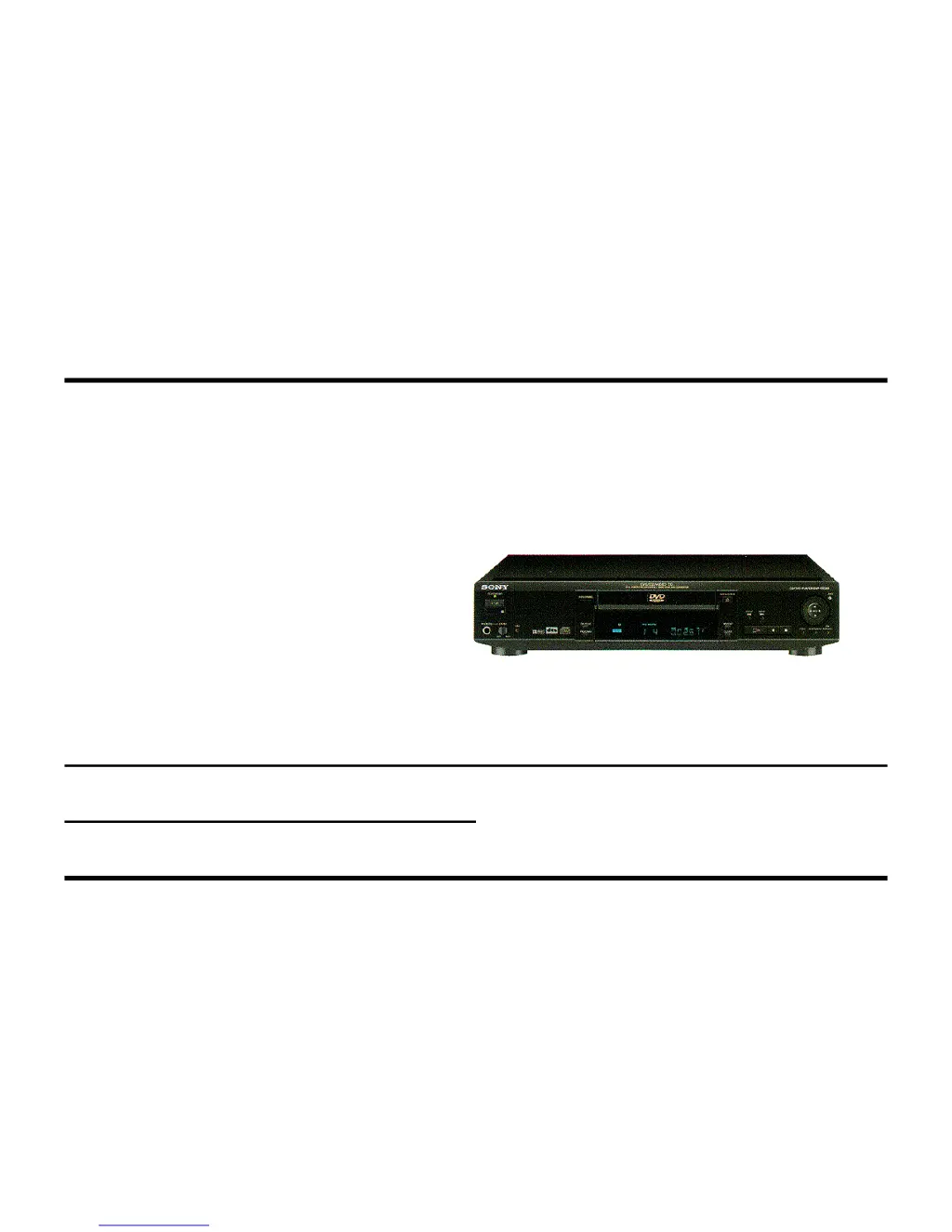
Sony DVP S530D - User Manual

Sony DVP S530D
92 pages
Print Icon
To Next Page IconTo Next Page
Loading...
S®
Training Manual
Digital Video
Player
Circuit Description and Troubleshooting
Course: DVD-02

Table of Contents

Questions and Answers

  • C
    christinahernandezJul 26, 2025
    Why is my Sony DVD Player not turning on?
    • D
      Daryl SaundersJul 27, 2025
      Your Sony DVD Player might not be powering on due to a loss of communication between Syscon IC202 and a slave IC, or the servo IC701 might have failed to reset the mechanism. To check, watch the front panel Dolby Digital indicator while plugging the unit into AC power. If there's serial communication between Interface IC201 and Syscon IC202, the blue indicator will light up briefly. Also, try unplugging the unit and pressing the POWER button to discharge the power supply and then press the power ON button. If no response is received within about 2 seconds after powering on, IC202 might be instructing Interface IC201 to power down.
  • A
    adam89Aug 4, 2025
    What to do if my Sony DVD Player has no disc playback?
    • B
      Brian BurkeAug 4, 2025
      If your Sony DVD Player isn't playing discs, try these steps using the test mode: perform the CD auto adjustments, examine the emergency code entry for failures, and manually play the CD disc by activating servos 1-6 individually to see if one is faulty. It may also be necessary to clean the lens or replace the laser.
  • M
    Mrs. Nicole UnderwoodAug 14, 2025
    What to do if my Sony DVD Player has no DVD playback but CD playback is OK?
    • T
      Taylor WillisAug 14, 2025
      If your Sony DVD Player plays CDs but not DVDs, use the test mode to perform the DVD auto adjustments using the DVD test disc. Also, use the test mode to examine the OSD emergency code entries for failures. You can also use the test mode to manually play the DVD disc by activating servos 1-6 individually. If the problem persists, clean the lens or replace the laser.

Summary

Introduction to the DTS Audio Format

What is DTS?

Explains the Digital Theater Systems audio format and its characteristics.

Requirements for DTS Playback

Details the necessary equipment for playing DTS surround sound formats.

DTS and AC-3 Compatibility

Discusses playing both AC-3 and DTS surround formats on the player.

DTS CD Playback in CD Players

Addresses compatibility of 5.1 channel DTS CDs with standard CD players.

DTS DVD Compatibility

Explains why older DVD players might not play DTS DVDs.

DTS and AC-3 Audio Tracks in DVDs

Covers whether DVD movies can contain both DTS and AC-3 audio.

How DTS Works

Provides an overview of the DTS compression system and its functionality.

Block Diagram and Power Supply

Block Diagram Overview

Outlines the four major stages in the DVD player's operation.

Power Supply Block

Details the standby and main power supply circuits and their functions.

Standby Oscillator

Explains the operation and regulation of the standby oscillator circuit.

Main Oscillator

Describes the operation and regulation of the main oscillator circuit.

Communications and Data Handling

Communications Block Overview

Introduces serial and parallel bus structures used for IC communication.

Serial Data Communications

Details the serial bus structure, including Serial Bus 0 and Serial Bus 1.

Parallel Data Communications

Explains the parallel bus structure, chip select lines, and data transfer.

Address Lines

Covers direct addressing, column/row addressing, and data/clock lines.

Mechanism Operations

Disc Tray and Laser Platform Position

Describes the mechanical movement of the disc tray and laser platform.

Tilt Motor Function

Explains the purpose and operation of the tilt motor for laser positioning.

Spindle Motor Operation

Details the kick mode, run mode, and CLV PB mode of the spindle motor.

Tracking Servo

Explains how the tracking servo keeps the laser centered on the disc data.

Sled Motor Drive - PB

Describes sled motor movement during playback using error signals.

Tilt Servo Operation

Details how the tilt servo adjusts the laser beam angle during playback.

Troubleshooting and Test Modes

Test Mode Overview

Introduces diagnosis and adjustment capabilities via the test mode.

Self-Diagnostic Function (Customer Error Codes)

Explains customer-facing error codes and their meanings.

General Troubleshooting Guide

Provides a systematic approach to diagnosing start-up and power issues.

No Power ON Issues

Guides troubleshooting steps when the unit does not power on.

Sony DVP S530D Specifications

General IconGeneral
TypeDVD Player
Built-in DecoderDolby Digital
Disc Capacity1
Disc FormatsDVD Video, CD Audio
Video OutputComposite, S-Video
Audio OutputDigital Coaxial

Related product manuals