Help Guide
Digital 4K Video Camera Recorder
FDR-AX43/AX43A/AX45/AX45A/AX60
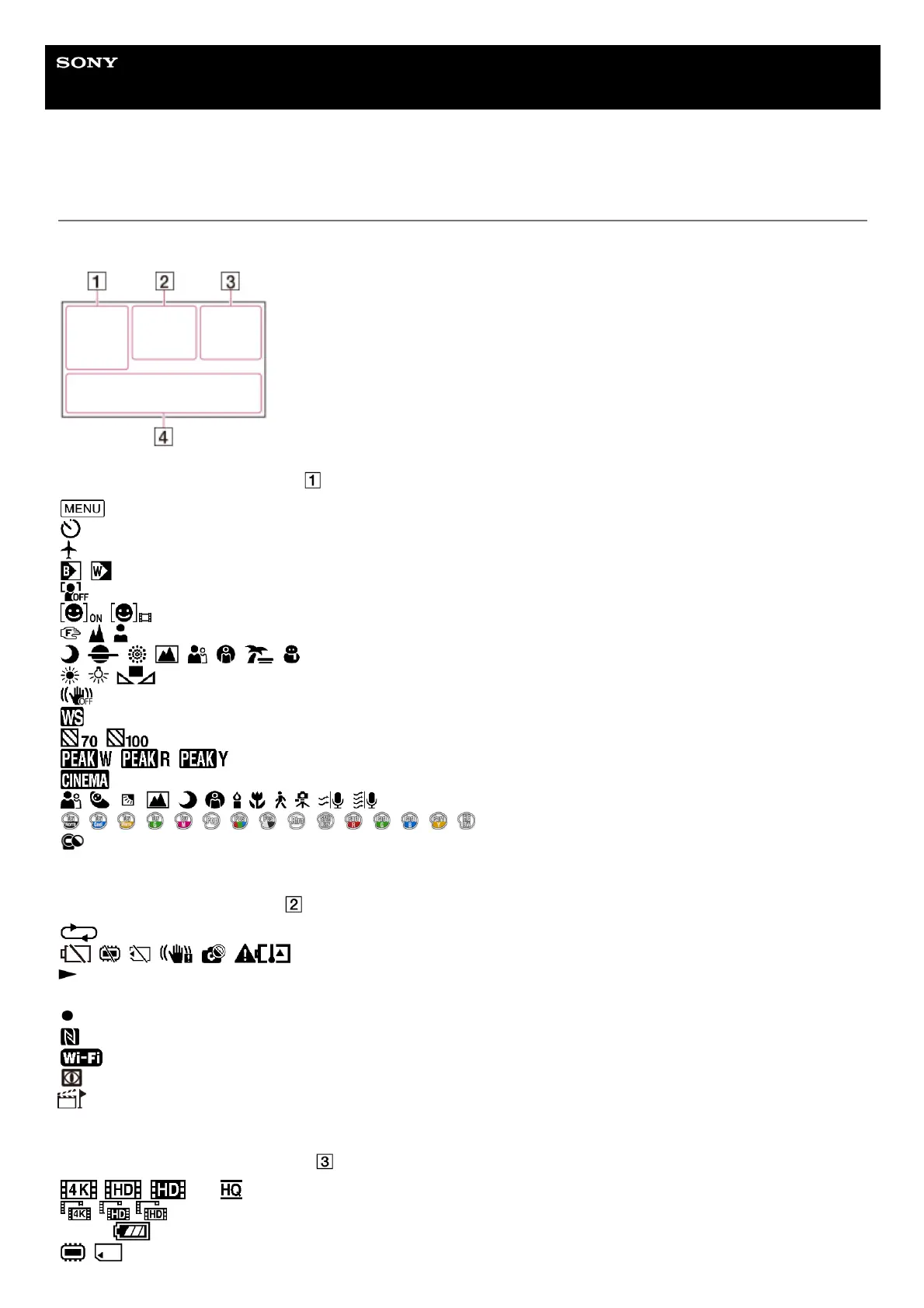
Screen indicators
The following indicators appear when you change the settings.
On the left side of the screen ( )
MENU button
Self-timer recording
[Airplane Mode] set to [On]
Fader
[Face Detection] set to [Off]
[Smile Shutter]
Manual focus
Scene Selection
White Balance
SteadyShot off
White Balance Shift
Zebra
Peaking
Cinematone
Intelligent Auto
Picture Effect
Filter/Protector
At the center of the screen (
)
Slideshow Set
Warning
Playback mode
REC /STBY Recording mode
AE/AF lock
NFC
Wi-Fi
NIGHTSHOT
Files for which highlight point is added are being marked for playback in the highlight setting screen.
On the right side of the screen (
)
60i File format/Frame rate (30p/60p/60i/24p) (25p/50p/50i)/Recording mode (PS/FX/FH/HQ/LP)
Dual Video REC set to On
60 min
Remaining battery
Recording/playback/editing media



 To Next Page