Help Guide
Digital 4K Video Camera Recorder
FDR-AX43/AX43A/AX45/AX45A/AX60
Shooting photos
Shoot photos.
Note
You cannot shoot photos in the following situation(s):
When [
File Format] is set to [ XAVC S 4K] and [ REC Mode] is set to [100Mbps ].
When [
SteadyShot] is set to [Intelligent Active].
When [Picture Effect] is set to other than [Off].
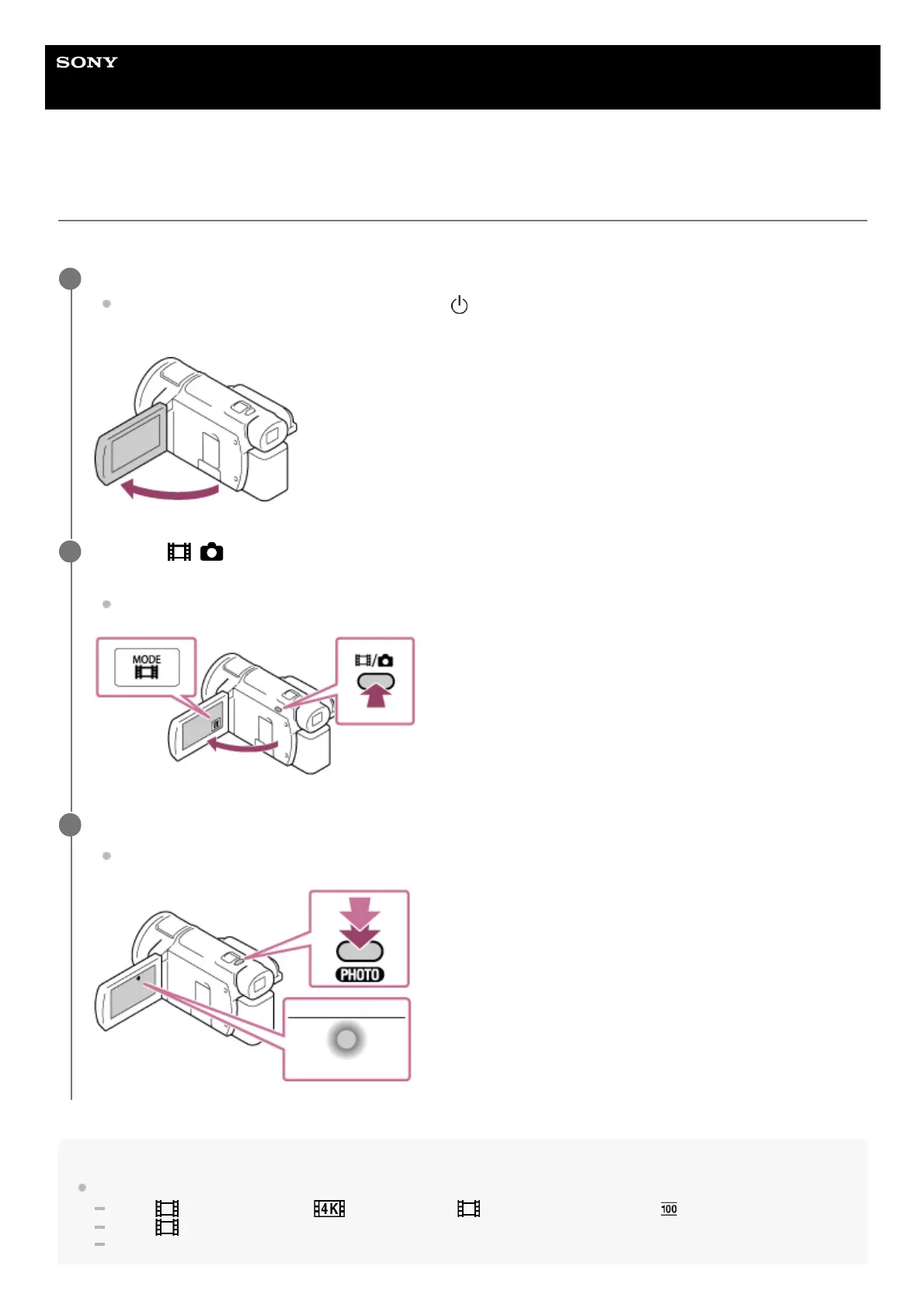
Open the LCD monitor of this product to turn the power on.
You can also turn on this product by pressing
(ON/STANDBY) button or by pulling out the viewfinder
(models with the viewfinder).
1
Press the / (Shooting Mode) button to select the photo recording mode (models with the
viewfinder).
You can also select the photo recording mode by selecting [MODE] on the LCD monitor.
2
Press PHOTO lightly to adjust the focus, then press it fully.
When the focus is adjusted properly, the AE/AF lock indicator appears on the LCD monitor.
3



 To Next Page